1
Meltwater
Media, social and AI intelligence suite with a dedicated agency plan
Best for: Agencies and enterprise comms teams that need every channel in one place
Pricing: Quote only (most contracts annual, 12-month minimum)
Free option: Demo only (no self-serve trial)
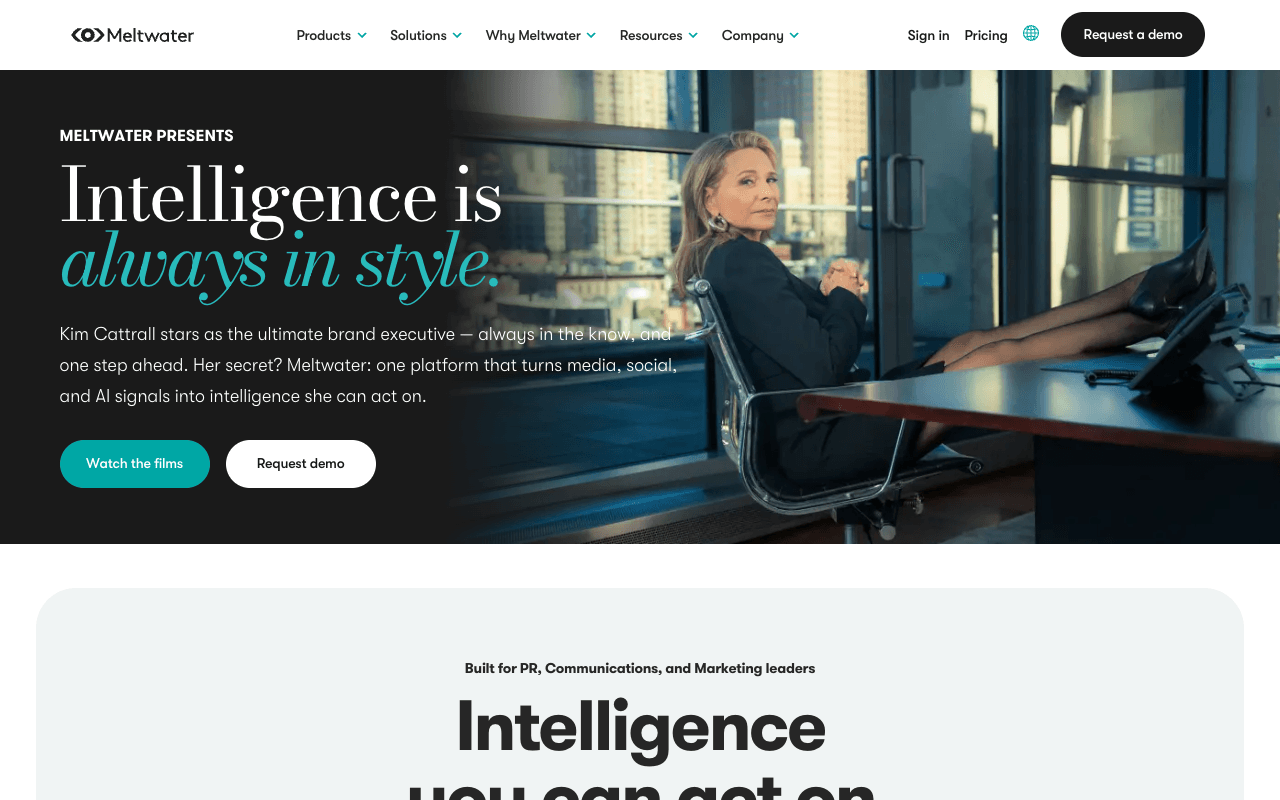
Meltwater is a media, social and AI intelligence suite built, in its words, for PR, communications and marketing leaders. Its stated coverage is the broadest here: 200M+ online publications, 400,000+ newspapers, magazines and trade publications, broadcast in all 210 US media markets plus thousands of TV and radio stations worldwide, and 20,000+ podcasts, with social on top. For PR reporting it offers customizable alerts and dashboards, share of voice per platform, AI-generated summaries and Mira, an AI assistant that summarizes what changed and why. The Agency plan is built for agencies managing multiple brands, clients and campaigns, with governance, permissions, API and MCP integrations. The tradeoff is buying friction: every plan is quote only, Meltwater says most agreements run annually with a 12-month minimum, enterprise deals may carry a one-time onboarding charge, and there is no self-serve trial. Check the renewal notice window before you sign.
For PR teamsRun each client's searches under the Agency plan, route alerts to the right account team, and pull share-of-voice charts and AI summaries into monthly client reports.
Pros
- Online, print, broadcast, podcasts and social in one suite
- Agency plan built for multiple brands and clients
- Share of voice per platform and AI summaries
- API and MCP integrations on the Agency plan
Cons
- Quote only; most contracts have a 12-month minimum
- No self-serve trial, demo only
- Enterprise may carry a one-time onboarding charge
2
Cision (CisionOne)
Monitoring, reporting, distribution and outreach in one platform
Best for: In-house comms teams that want monitoring, a journalist database and distribution together
Pricing: Quote only
Free option: Demo on request
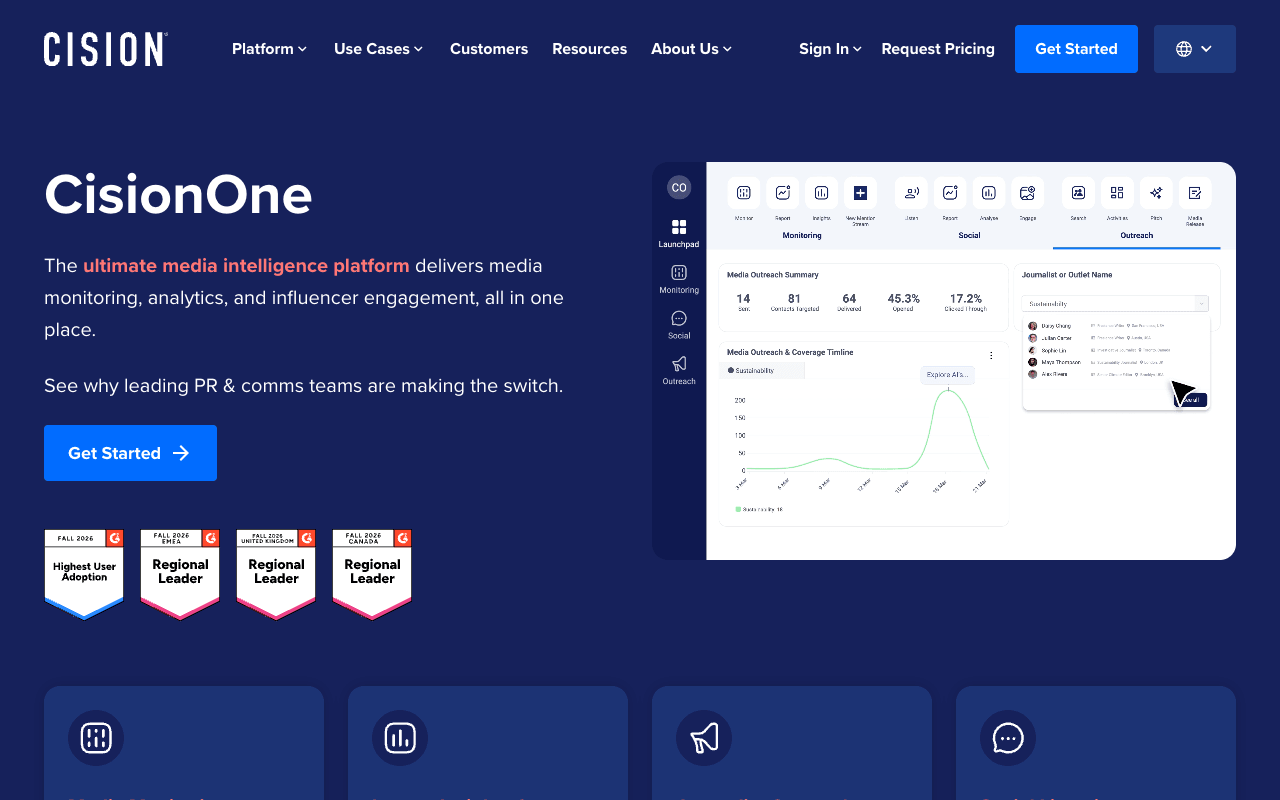
CisionOne calls itself an AI platform for real-time media intelligence, and it bundles more of the PR workflow than most tools here: monitoring, reporting, social listening, press release distribution and a curated database of journalists and media outlets. Its monitoring page lists hundreds of thousands of news sources, leading global print publications, 3,000+ TV and radio stations, 60,000+ podcasts and over 10,000 premium paywalled titles, across 190+ countries and 96 languages. Real-time alerts reach you through its iOS and Android apps, Slack or Teams, and React Score flags potentially harmful content during an issue. For reporting, you build branded, executive-ready reports with share of voice benchmarks in a few clicks. That combination suits an in-house team that wants to pitch, distribute and measure in one system. The tradeoff: pricing sits behind a request form, with no published figures or trial, so ask for a live demo on your own brand terms.
For PR teamsPitch from the journalist database, send the release through Cision distribution, then share a branded coverage report with leadership from the same platform.
Pros
- Online, print, TV, radio, podcasts and social
- Over 10,000 premium paywalled titles
- Journalist database and distribution in the same suite
- Branded, executive-ready reports
Cons
- Quote only, behind a request form
- No trial advertised; access starts with an expert call
3
Critical Mention
Broadcast-first earned media suite with paywalled content
Best for: Agencies and brands whose spokespeople and clients appear on TV and radio
Pricing: Quote only
Free option: Demo on request
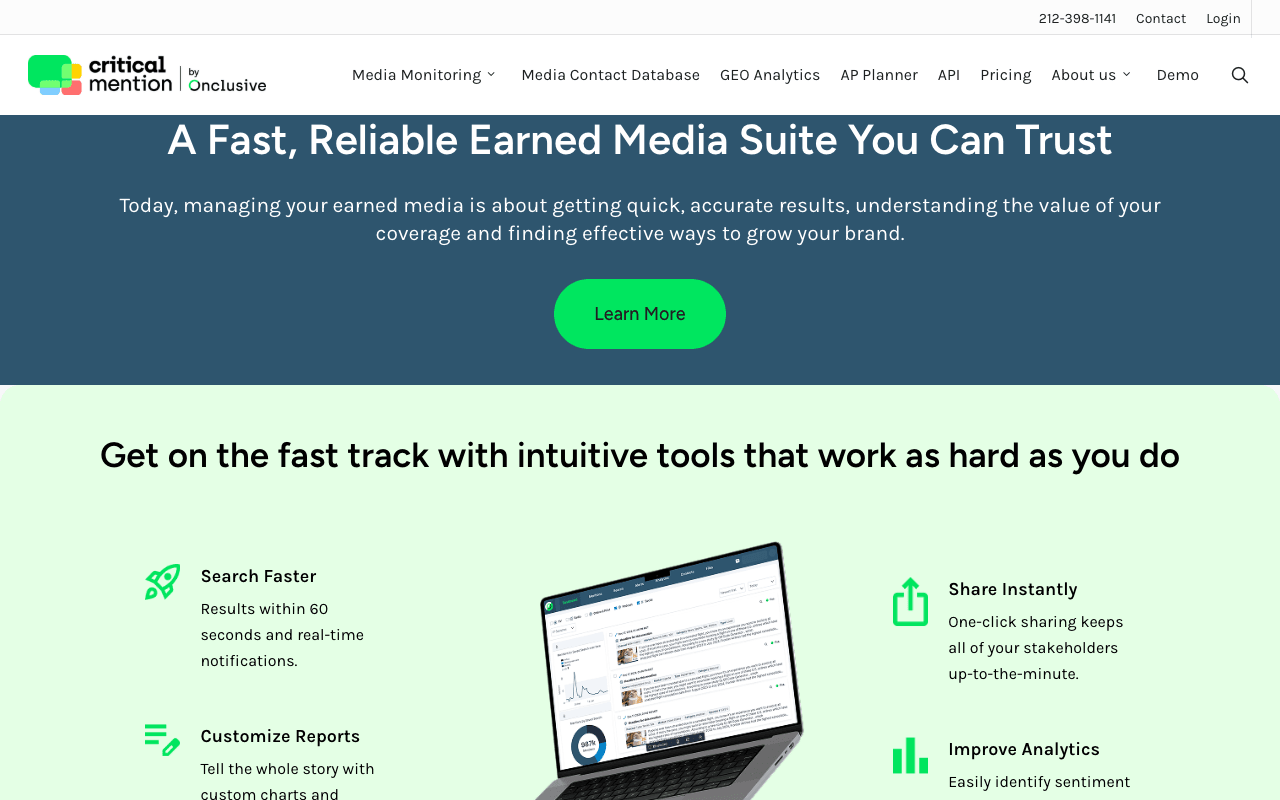
Critical Mention, which brands itself an Onclusive company, is the pick when broadcast hits matter. It says it monitors more than 2,500 TV and radio stations worldwide and every Nielsen Designated Market Area in the US, with coverage in Europe and the Middle East, and it states results within 60 seconds with real-time notifications. You can trim HD broadcast clips precisely, keep them in unlimited cloud storage and share them with one click, which is what an account lead needs when a client's segment airs at 7am. It also covers online news, podcasts and social, plus licensed content that includes paywalled publications and print-only stories, with share of voice, sentiment and publicity value metrics for reports. The tradeoff is price visibility: every package is custom (it lists packages for large agencies, growing firms, brands, nonprofits and API partners), and access starts with a demo.
For PR teamsSet alerts on a client's spokesperson and key messages, trim the clip when the segment airs, and send the client a one-click link the same morning.
Pros
- 2,500+ TV and radio stations, every US DMA
- Results within 60 seconds
- One-click clip sharing with stakeholders
- Licensed paywalled and print-only content
Cons
- Quote only: every package is custom
- Access starts with a demo request
4
Agility PR Solutions
All-in-one PR platform with monitoring and managed reporting
Best for: Mid-size comms teams and agencies that want managed, executive-ready reports
Pricing: Quote only (annual billing standard)
Free option: Walkthrough with an expert
Agility PR Solutions, a subsidiary of Innodata, sells monitoring inside an all-in-one PR platform that also includes a media contact database. It says online, broadcast and social monitoring are included for all monitoring clients, with podcasts and radio listed, and print available subject to licensing fees. The alerts are built for PR moments: Recent Coverage Alerts and Coverage Surge Alerts, plus AI-powered takeaways on sentiment and how you're mentioned, and Agility Agent to distill themes and talking points. Share of voice sits in a library of pre-built coverage charts, Canvas builds AI-powered reports, and managed services produce executive-ready reports when your team is short on hours. Each plan on its pricing page lists unlimited user onboarding training and a dedicated account manager. The tradeoffs: pricing is quote only, the standard billing cycle is annual (other frequencies on request), and print costs extra.
For PR teamsWatch Coverage Surge Alerts during a launch week, then hand the managed services team the month's coverage for an executive-ready report.
Pros
- Broadcast and social included in monitoring
- Coverage Surge Alerts for sudden spikes
- Managed services with executive-ready reports
- Dedicated account manager listed on every plan
Cons
- Quote only
- Print monitoring carries licensing fees
- Annual billing is the standard cycle
5
Onclusive
Global media intelligence, managed or self-service
Best for: Global and European programs that want print coverage and managed press reviews
Pricing: Quote only
Free option: Demo on request
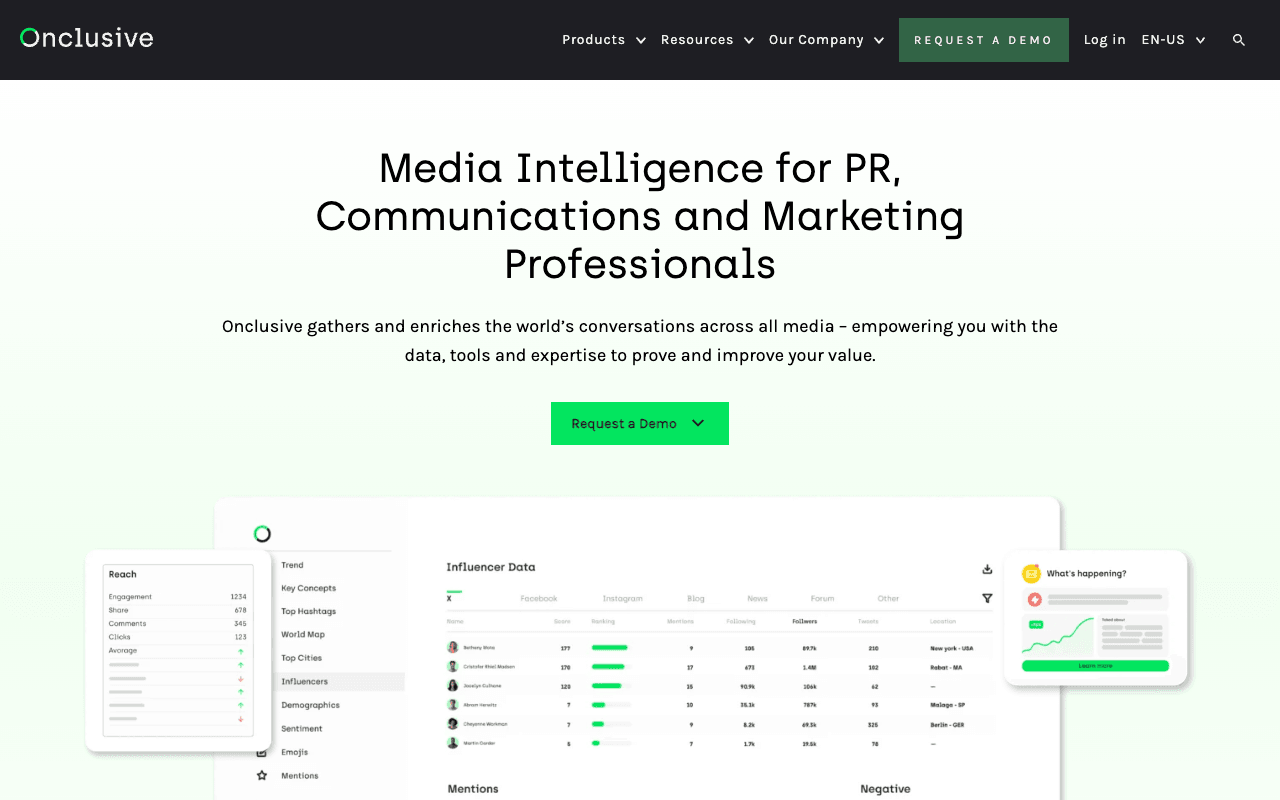
Onclusive gathers coverage across print, online, broadcast and social, and sells it two ways: self-service monitoring, or a managed service with tailored searches and daily press reviews. That choice matters for teams that want a curated morning briefing for executives rather than another dashboard. On the PR side it offers threshold-based alerts for critical coverage, instant notifications for breaking news, daily email digests, competitor benchmarking, one-click PowerPoint reports and AI Sense for rapid summarisation across languages. Its media monitoring page highlights print titles across Europe, which suits UK and European programs. Critical Mention, third on this list, also brands itself an Onclusive company. The tradeoffs: it publishes no pricing, only a demo request, and the source counts differ across Onclusive's own pages, so ask for coverage confirmed against your own outlet list.
For PR teamsHave the managed service send leadership a daily press review, and use competitor benchmarks in the quarterly comms report.
Pros
- Managed daily press reviews or self-service
- Threshold alerts and daily email digests
- One-click PowerPoint reports
- Competitor benchmarking
Cons
- Quote only, no published pricing
- Source counts differ across its own pages
6
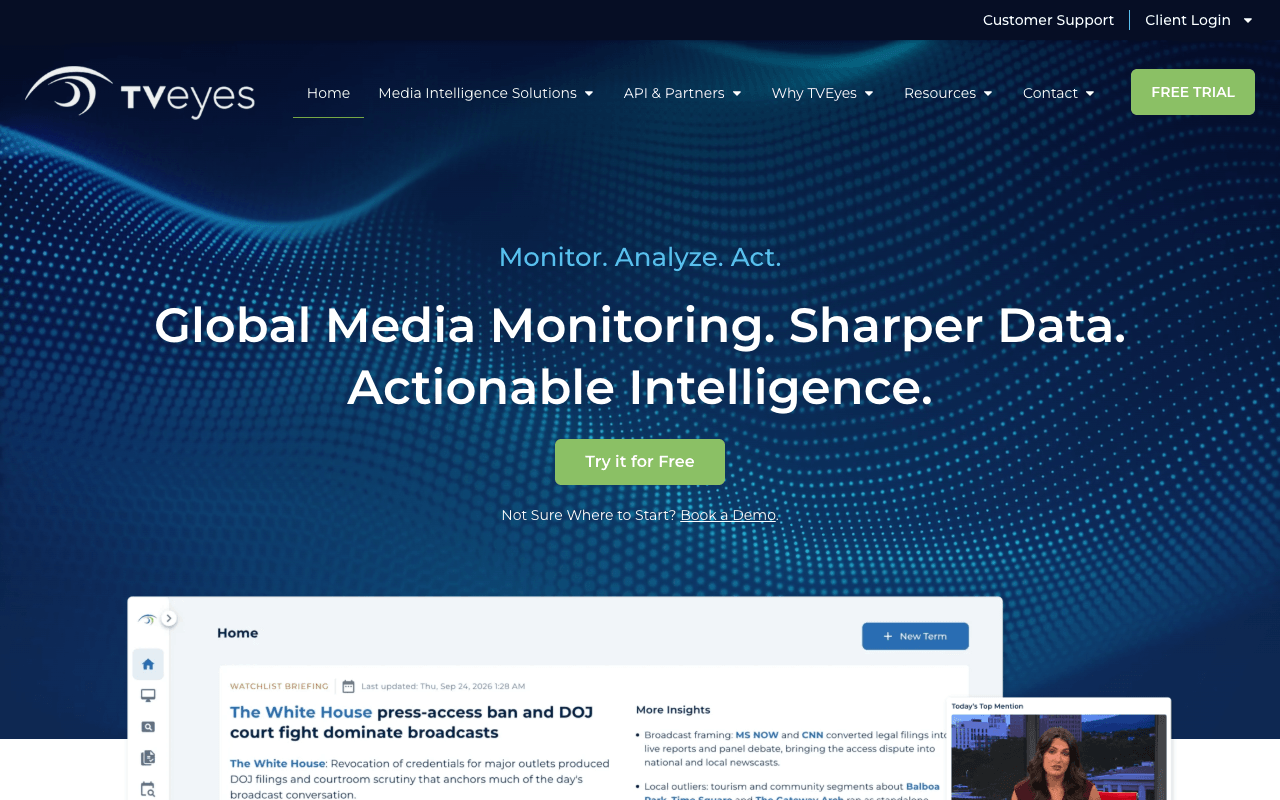
TVEyes
Broadcast, podcast and online video monitoring with a free trial
Best for: In-house teams tracking TV, radio and podcast mentions for internal reporting
Pricing: Quote only
Free option: Free trial (length not stated)
TVEyes is a broadcast specialist. It says it captures 2.5MM hours of broadcast, podcast and online video content a month from over 60 countries in 43+ languages, covers 90,000+ podcasts, and delivers mentions directly to your inbox in seconds. You can edit, save and export clips, keep an unlimited clip archive on its Insight product, and report share of voice and audience demographics. It also offers a free trial with no commitment, so you can test recall on your own spokespeople and shows before talking price. The important tradeoff for agencies: TVEyes' site footer says its clips are for internal review, analysis and research only, while its FAQ mentions exporting clips for client sharing, so confirm what your license allows before a clip goes in a client deck. Pricing is quote only and depends on users, regions and data volume.
For PR teamsAlert the comms lead the moment the CEO is mentioned on TV or a podcast, so they can review the clip before anyone asks about it.
Pros
- Broadcast, podcasts and online video in 60+ countries
- Mentions delivered in seconds
- Free trial before you buy
- Share of voice and audience demographics
Cons
- Site footer limits clips to internal review and research
- Quote only, priced by users, regions and data volume
7
Determ
AI media intelligence for PR teams, with prices on the page
Best for: Small in-house teams and boutique agencies that want a published price
Pricing: From $99/mo (billed monthly) or $990/yr
Free option: 5-day free trial, no credit card
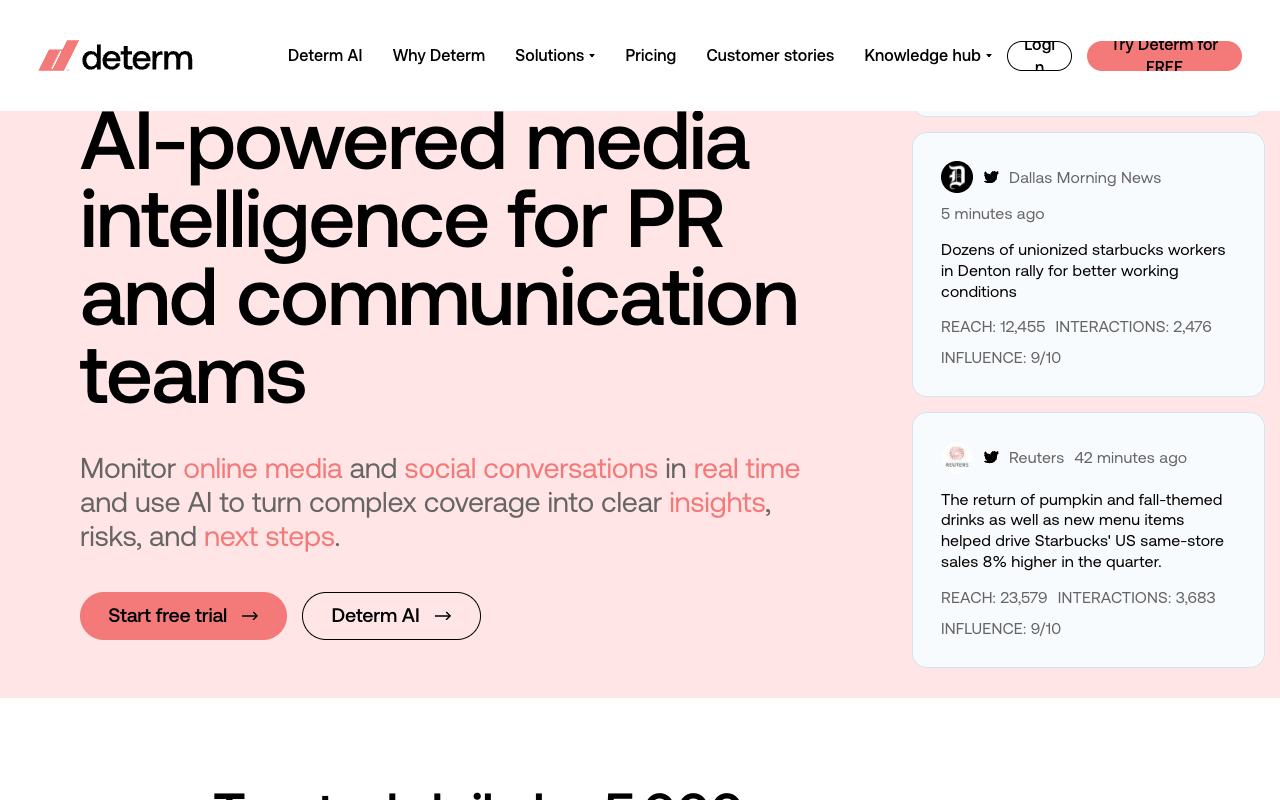
Determ describes itself as AI-powered media intelligence for PR and communication teams, and it is the most transparent buy on this list. Focus is $99 a month billed monthly or $990 billed annually, for 1 topic and 1,000 mentions. Expand is $299 a month (yearly commitment) or $2,990 a year for 5 topics and 5,000 mentions, and Command is $499 a month (yearly commitment) or $4,990 a year for 10 topics and 10,000 mentions. Every plan has unlimited users and keywords. Sources include news across 100M websites, social platforms, blogs, forums and YouTube, plus traditional print, TV and radio with regional availability. AI alerts flag spikes and sentiment shifts, and reports export to Excel, PDF and PowerPoint. The tradeoffs: mentions are capped per plan, the two larger plans need a yearly commitment even when billed monthly, and print and broadcast depend on your region, so check them during the trial.
For PR teamsGive each client its own topic, get spike alerts on the phone app, and export a PowerPoint report at month end.
Pros
- Published prices and a no-card trial
- Unlimited users and keywords on every plan
- Spike and sentiment-shift alerts
- Exports to Excel, PDF and PowerPoint
Cons
- Mentions capped per plan (1,000 to 10,000)
- Expand and Command need a yearly commitment
- Print, TV and radio have regional availability
8
Semrush AI PR Toolkit (formerly Prowly)
Prowly's PR suite, now part of Semrush
Best for: Startups and lean in-house teams that pitch and track online coverage in one place
Pricing: Monitoring from $279/mo (Pro, billed annually)
Free option: Free trial on monthly billing (length not stated)
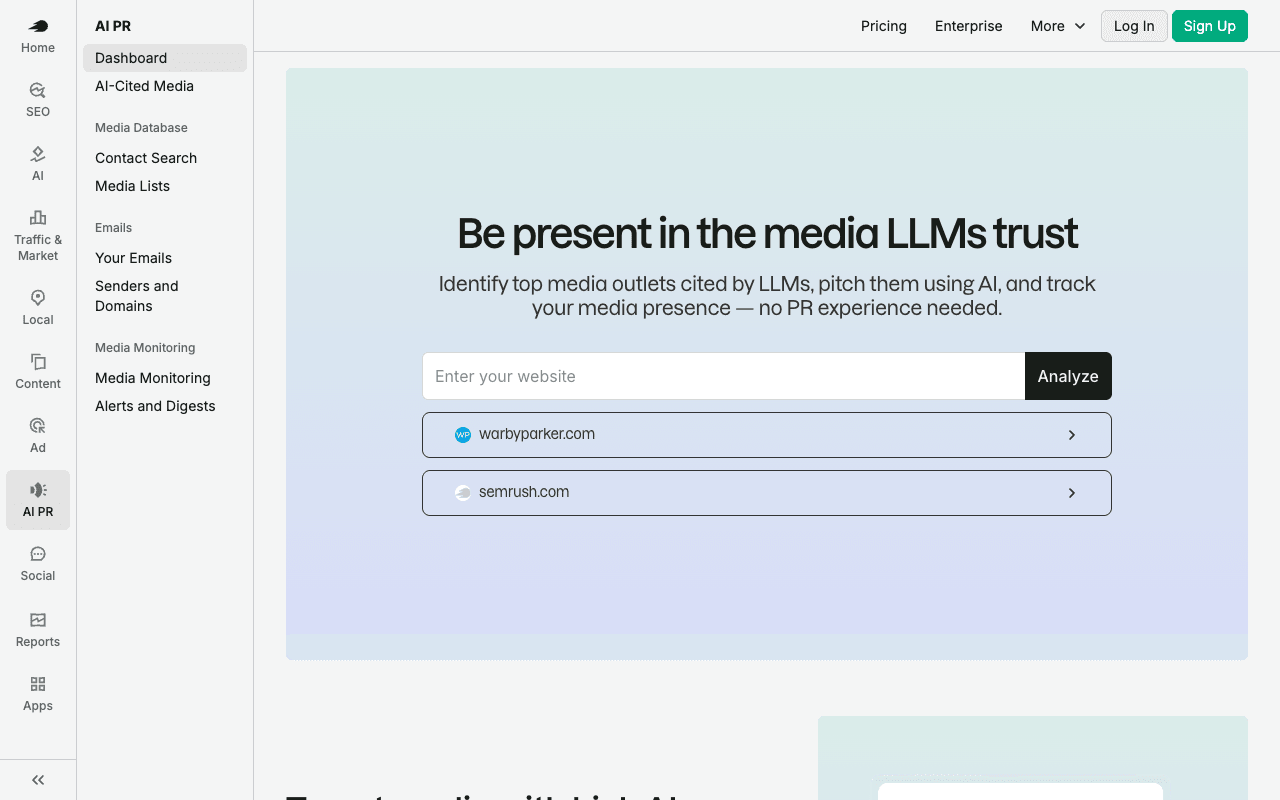
Prowly is now the Semrush AI PR Toolkit, a PR suite with a media database, AI pitching and online media monitoring. Monitoring starts on the Pro plan at $279 a month billed annually, which adds online media monitoring with AI support and tracking of which pitches led to earned coverage. That link between outreach and results is the useful part for a lean team proving PR is working. You get unlimited monitoring queries, real-time alerts and recurring news scans with AI summaries across news sites, blogs, forums and AI engines. Business ($499 a month billed annually) adds competitor benchmarking and 50,000 media mentions a month. The tradeoffs: the $149 Base plan doesn't include monitoring, each plan comes with one user (extra users are $20 a month), and Semrush describes its monitoring as online, so print and broadcast need another tool.
For PR teamsPitch a launch from the media database, then check which of those pitches turned into coverage when you report results.
Pros
- Ties earned coverage back to specific pitches
- Unlimited monitoring queries with AI summaries
- Media database and pitching in the same suite
- Published prices; cancel any time on standard terms
Cons
- Monitoring starts on Pro, not the $149 Base plan
- Monitoring described as online: news, blogs, forums
- One user per plan; extra users $20/mo
9
Medialyst RadarWe make this
Flags the stories you have a real reason to jump into
Best for: Agencies and brands spotting stories to jump into while they're still hot
Pricing: Included in paid plans from $97/mo (billed annually)
Free option: Try free at sign-up, no credit card
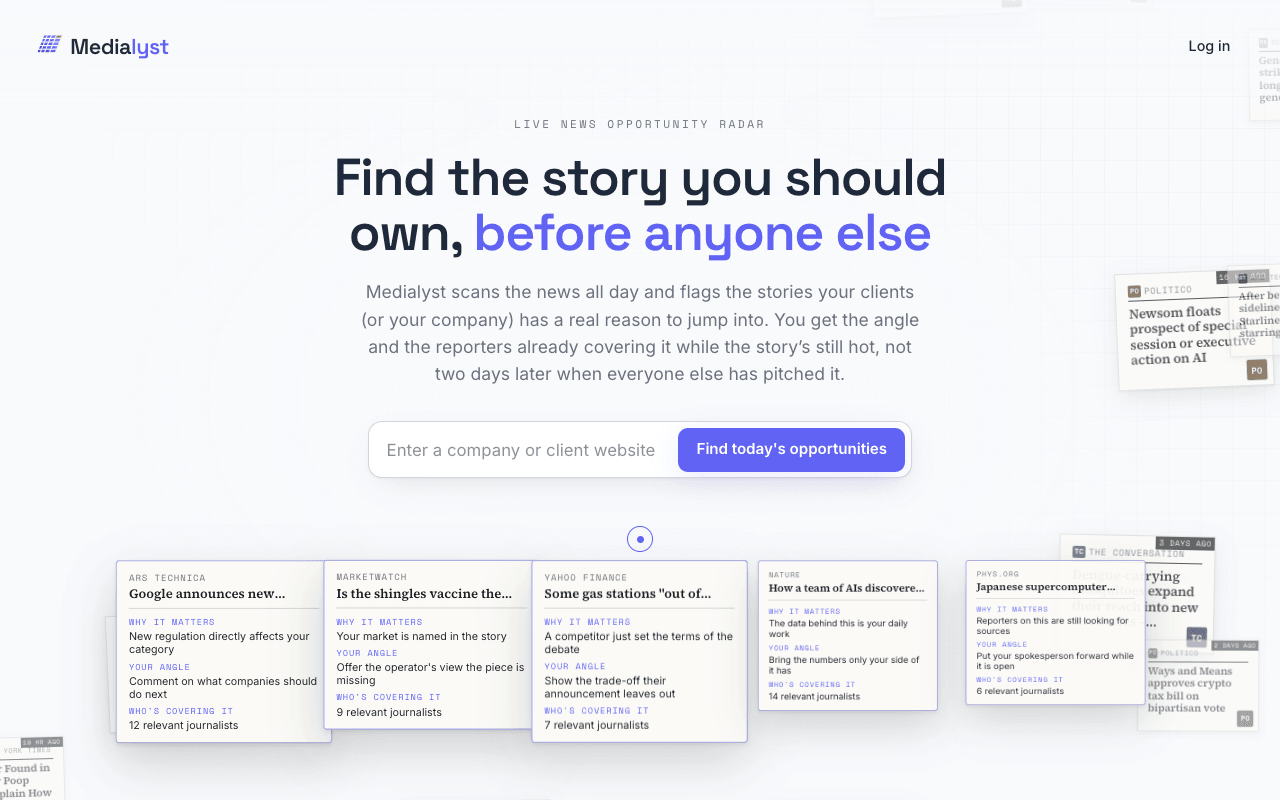
We make Medialyst, so weigh this entry accordingly. Radar does a different job from the trackers above. It scans the news all day and flags the stories your company or clients have a real reason to jump into, with a suggested angle and the reporters already covering the story, while it is still hot. That is the newsjacking and rapid-response half of monitoring: deciding what to pitch next rather than logging what already ran. Agencies can monitor every client from one radar instead of running dozens of searches. Be clear on scope: Radar is not a clip tracker. It doesn't track your coverage, monitor TV, radio or print, or build coverage reports, so pair it with one of the tools above for that. It's included in Medialyst paid plans from $97 a month billed annually ($149 billed monthly), with no contract and a 14-day money-back guarantee.
For PR teamsCheck Radar each morning for stories a client can credibly comment on, take the suggested angle, and pitch the reporters already on the story the same day.
Pros
- Suggested angle with every flagged story
- Shows the reporters already covering it
- One radar for every client
- No contract, 14-day money-back guarantee
Cons
- Not a clip tracker: no coverage tracking or reports
- No TV, radio or print monitoring
10
Google Alerts
Free keyword alerts by email from news, blogs and the web
Best for: Founders and solo consultants tracking online mentions with no budget
Pricing: Free to use
Free option: Free to use
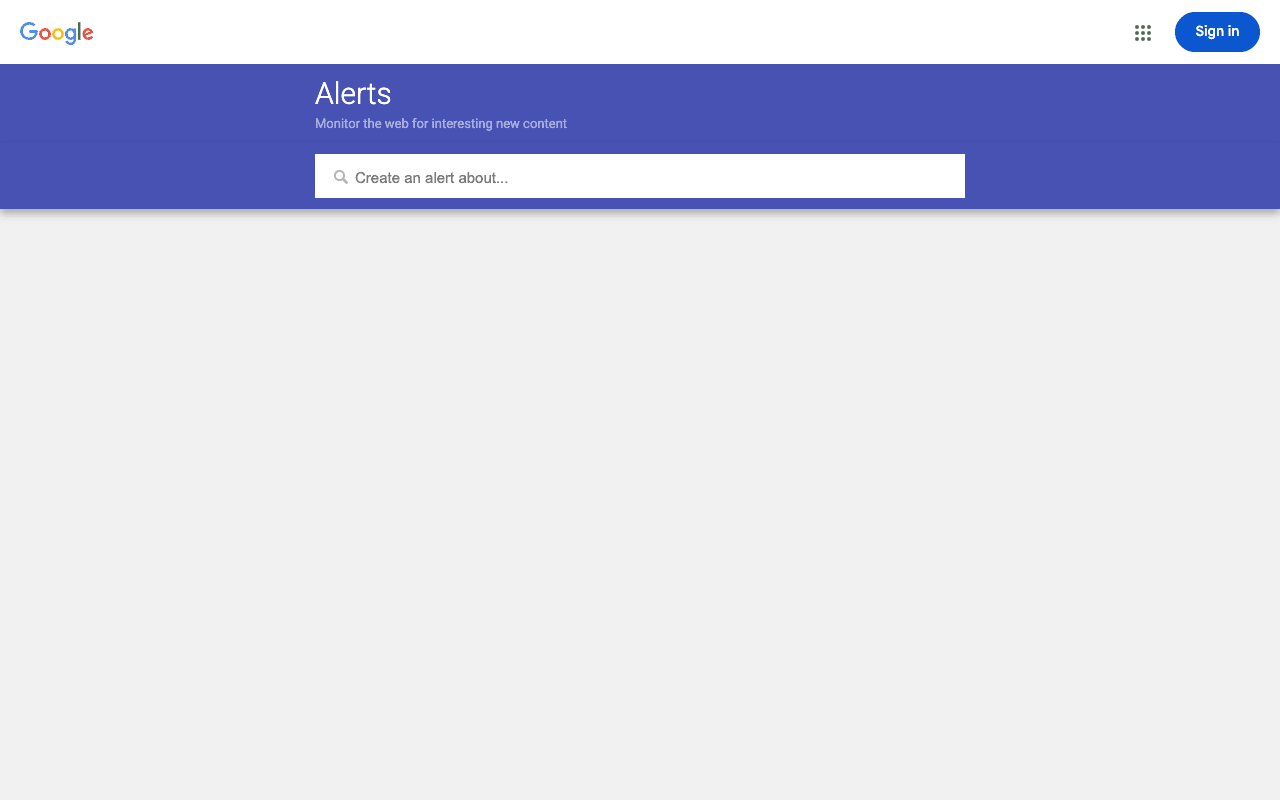
Google Alerts is where most PR people start, and it is still a sensible free backstop. You set a keyword and get emails whenever Google finds matching results, as it happens, at most once a day or at most once a week. You can choose sources (news, blogs, web, video, books, discussions, finance or automatic), language, region, and whether you see only the best results or all results. For a founder or a one-client consultant tracking online mentions, that is often enough to begin with. It stops being enough when clients expect print and broadcast hits, paywalled outlets or a clip report, since the options cover web sources and results arrive as emails rather than reports. Talkwalker Alerts is the other free option: it calls itself a free, easy alternative to Google Alerts and covers news, blogs, forums and X in 22 languages.
For PR teamsKeep an as-it-happens alert on each client's name as a free backstop next to a paid tool, or as the whole setup for a solo founder.
Pros
- Free to use
- As-it-happens, daily or weekly delivery
- Source, language and region filters
Cons
- Source options are online only, no print or broadcast
- Results arrive as emails, not reports