1
Supergrow
Exec voice profiles, AI interviews and approvals in one board
Best for: In-house comms teams ghostwriting for up to five executives
Pricing: Pro $39/mo or $31/mo billed annually (1 account); Teams $199/mo or $189/mo billed annually (5 accounts)
Free option: 7-day free trial on every plan
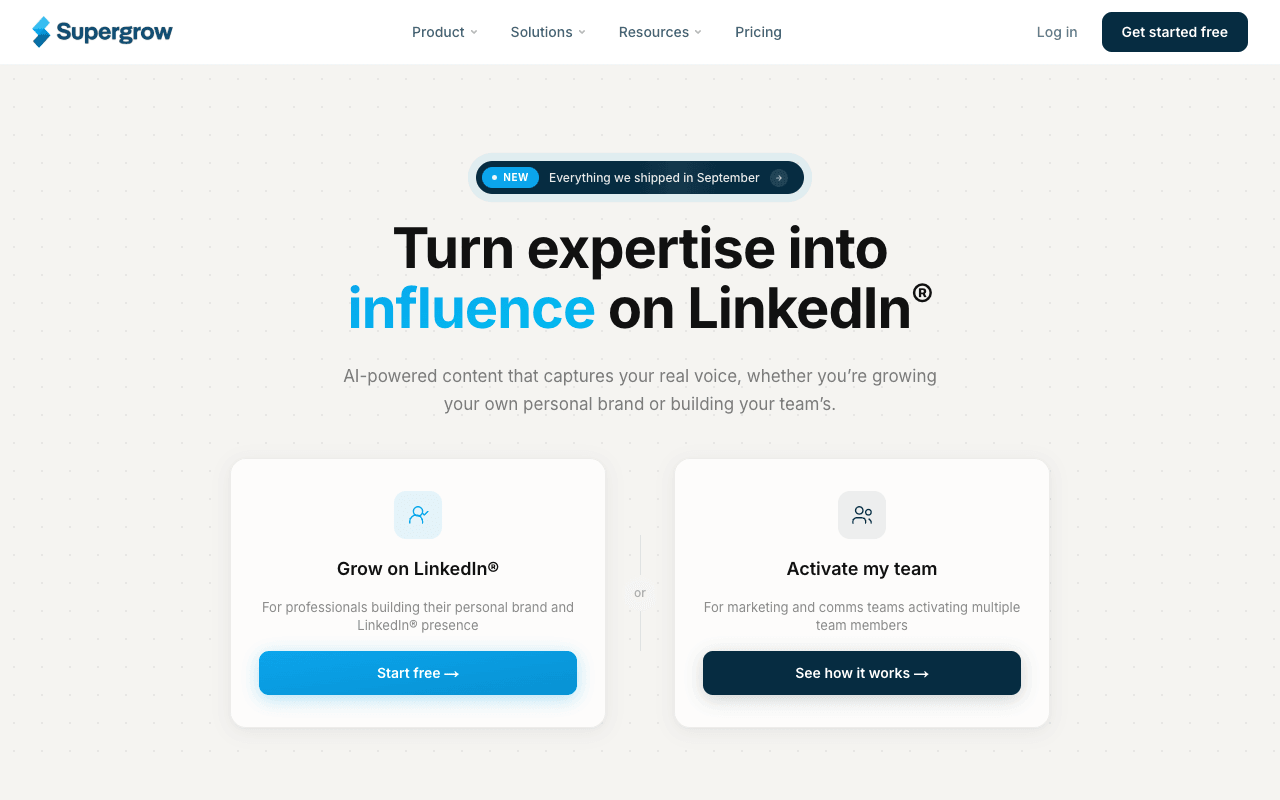
Supergrow is a LinkedIn content platform for individuals and for the marketing or comms team running several executives' profiles. Each person gets a "Content DNA" voice profile covering their vocabulary, tone and opinions, and Postcast runs a 10-15 minute AI interview that becomes several drafts, which suits executives who will talk but won't write. The Teams plan adds feedback and approval workflows, a board that moves posts from draft to review to scheduled, publishing on behalf of team members, a shared content calendar, and weekly reports per person. It also repurposes YouTube videos, articles and PDFs into posts, handy for turning a keynote or a coverage hit into exec posts. Supergrow says it connects through LinkedIn's official API and shows a LinkedIn Verified Partner badge. The tradeoff is the ceiling: Teams covers five accounts, and more executives means custom Enterprise pricing. There is an agency page with client workspaces, but no public agency price.
For PR teamsThe comms lead interviews the CEO through Postcast each week, edits the drafts against the CEO's voice profile, and routes them for approval before they publish to the CEO's own profile.
Pros
- A voice profile and AI interviews for each executive
- Approval workflows and publishing on behalf of team members (Teams)
- Drafts from videos, articles and PDFs you already have
- Says it connects through LinkedIn's official API
Cons
- Teams covers 5 accounts; more executives means Enterprise pricing
- No public price for its agency setup
- After the 7-day trial, the account pauses until you pick a plan
2
MagicPost
Per-client LinkedIn workspaces with share-link approvals
Best for: PR agencies and ghostwriters billing exec LinkedIn per client
Pricing: Agency $59 per client seat/mo or $47 billed yearly (from 2 seats); individuals from $29/mo billed yearly
Free option: Free trial, no card (length depends on your country)

MagicPost is a LinkedIn writing, scheduling and analytics tool with an Agency plan built around clients. Each client gets a workspace with its own calendar, posts and AI settings. Clients approve drafts from a share link without creating a MagicPost account, and connect LinkedIn through a secure link, so, in MagicPost's words, "No password changes hands." It says it uses the official LinkedIn API and is a LinkedIn-verified partner. White-label reports cover the monthly client update. Agency pricing is per client seat, $59 a month or $47 billed yearly, with free admin seats, which maps neatly onto client retainers. For individuals, Growth is $49 a month ($29 billed yearly) but covers manual writing and scheduling; unlimited AI generation, carousels and the idea generator need Creator at $69 ($39 billed yearly). Generation works from a topic, URL or file, and you can import a writing style. The free trial needs no card, but its length depends on your country.
For PR teamsAn agency gives each client executive a workspace, drafts a month of posts in their style, sends the share link for approval, and attaches the white-label report to the client's monthly update.
Pros
- A workspace per client with its own calendar and AI settings
- Client approval from a share link, no client login
- Per-client seat pricing that passes through to retainers
- White-label reports for client updates
Cons
- Agency and Team plans start at 2 seats
- On individual plans, unlimited AI generation and carousels need Creator
- Trial length varies by country
3
Ordinal
Approvals, scheduling and analytics for executive LinkedIn programs
Best for: In-house comms teams running a structured exec advocacy program
Pricing: Starter $95/mo or $85/mo billed annually; Pro $265/mo or $235/mo billed annually
Free option: 14-day free trial, no credit card
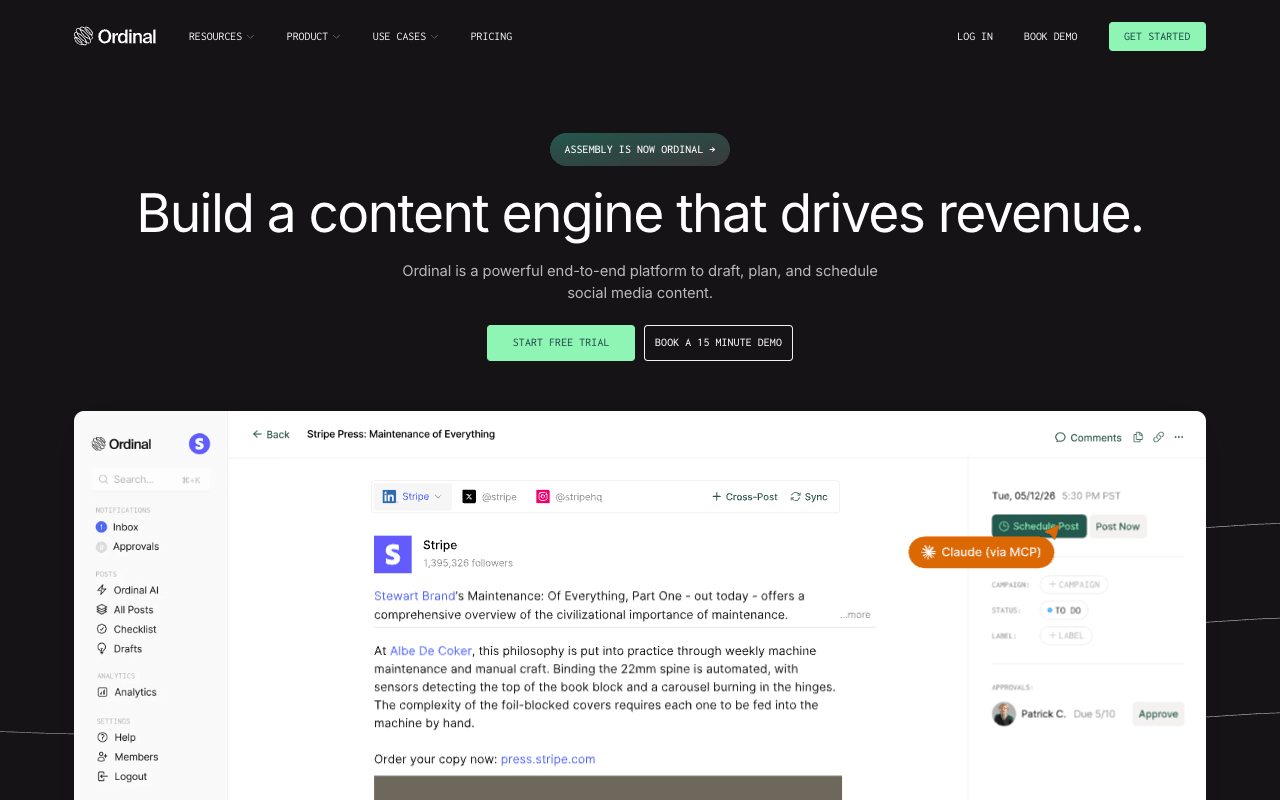
Ordinal, formerly Assembly, is a social scheduling and approvals platform for B2B teams, with its deepest features on LinkedIn. Its exec advocacy page sums up the pitch: run an executive program "without ever logging into a leader's account." Approvals come on every plan, with blocking approvals by default on Growth and up. Pro adds unlimited users and posts, all-time analytics, and API and MCP access. Agencies get client workspaces with optional or blocking client approval, by Slack or email. It includes AI drafting on a monthly quota, but its pages lead with workflow and reporting rather than voice capture, so it pairs well with a writer. Its "Team engagements" feature, in Ordinal's words, "adds likes and comments the moment a leader posts" from teammates' accounts; LinkedIn's Community Policies ask members not to agree ahead of time to like or re-share each other's content, so check that feature against your policy. Starter is $95 a month for 3 seats and 4 profiles; extra profiles are $20 a month each.
For PR teamsThe comms team drafts posts for the CEO, CFO and CTO, routes each for the leader's approval with Slack notifications, and reports reach per leader every month.
Pros
- Approvals on every plan, blocking approvals from Growth up
- Publishes for leaders without logging into their accounts
- All-time analytics, API and MCP access on Pro
- 14-day trial with no card
Cons
- Highest entry price here: Starter is $95/mo ($85 billed annually)
- Starter caps at 3 seats, 4 profiles and 50 scheduled posts a month
- Scheduled team engagements need checking against LinkedIn's policies
4
Oiti
AI voice clone with a newsjacking agent for trending news
Best for: Founders who want timely posts drafted from news and their own material
Pricing: Creator $49/mo; Pro $79/mo (billed monthly)
Free option: 7-day free trial, no usage limits
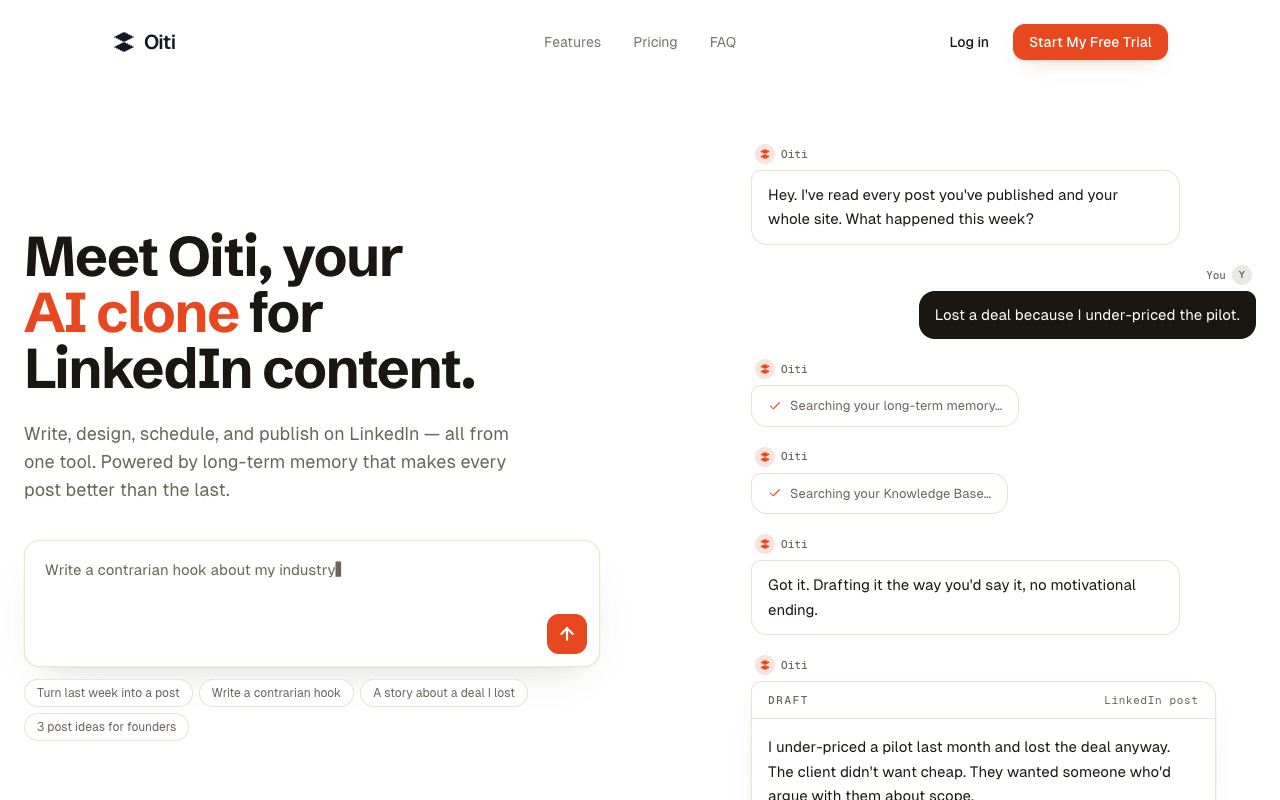
Oiti, at ghostwriting-ai.com, calls itself an AI clone for LinkedIn content. It builds a voice profile and brand pillars from your LinkedIn URL and website, keeps long-term memory of your edits, and drafts from a knowledge base of your videos, articles, meetings and PDFs, with citations. For founder-led PR the distinctive piece is a "newsjacking agent for trending viral news + ideas" on the Creator plan, plus a research agent that finds supporting data. That is the closest any tool here gets to timely commentary, though someone still has to judge whether a story is one the founder has standing to comment on. Oiti says it uses only LinkedIn's official APIs and doesn't automate likes, comments or connections. Creator is $49 a month for one persona; Pro is $79 for up to three personas and three personal LinkedIn accounts, which fits a founder plus a co-founder. Oiti also advertises a limited-time yearly discount for early supporters.
For PR teamsA founder loads recent interviews and coverage into the knowledge base, reviews the newsjacking agent's ideas each morning, and posts on the one story where they have something specific to add.
Pros
- Newsjacking agent for trending news (Creator plan)
- Knowledge base with cited sources and long-term memory
- Scheduling and analytics for personal and company pages
- Says it uses only LinkedIn's official APIs
Cons
- Creator covers one persona; Pro caps at 3 personal accounts
- Doesn't advertise an approval workflow on its homepage
- Yearly discount is described as limited-time
5
ContentIn
AI ghostwriter that learns from your posts and plans your week
Best for: Founders who already post and want their week drafted in their voice
Pricing: Growth $39/mo or $31/mo billed annually; Pro $59/mo or $48/mo billed annually
Free option: 7-day trial (card required); free no-login post generator
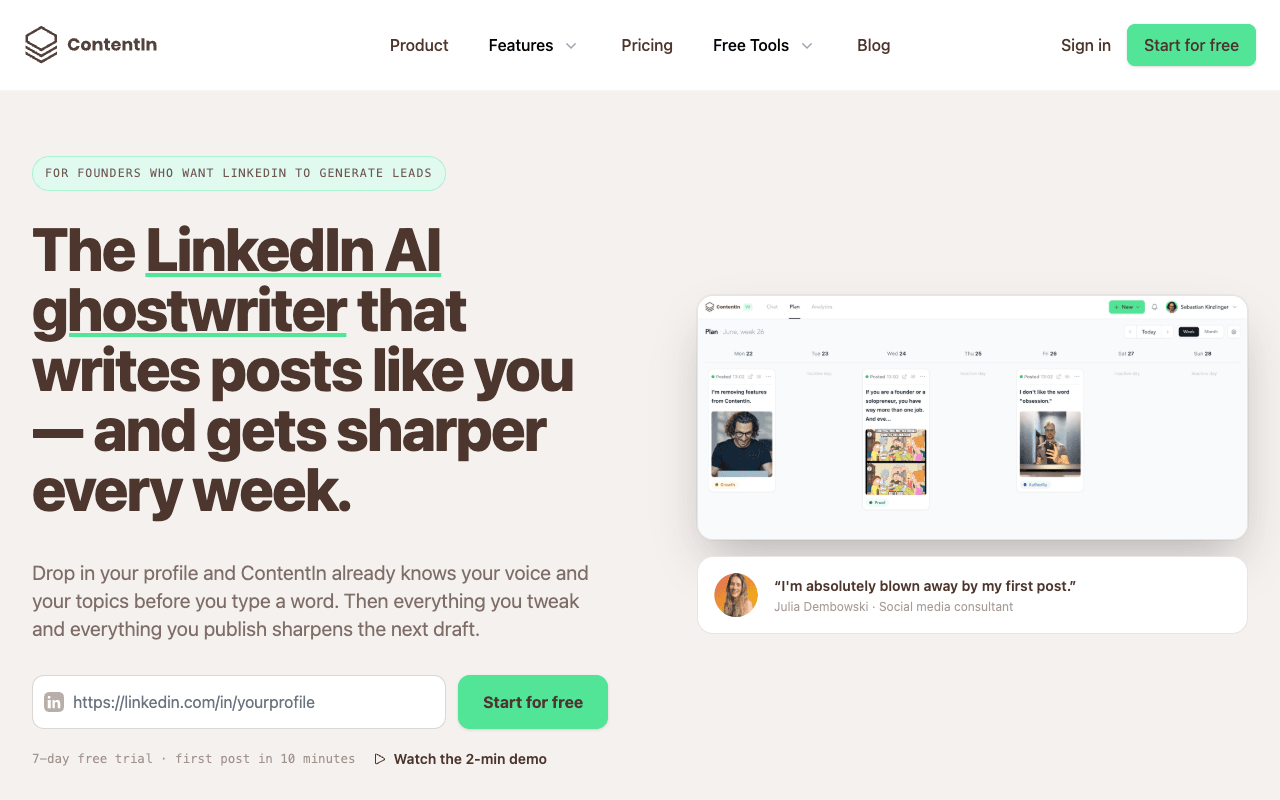
ContentIn is an AI LinkedIn ghostwriter aimed at founders. It builds a voice model "from at least 20 of your existing LinkedIn posts", fills a knowledge base from a 10-minute interview, and lets you add docs, links and voice notes. Every Sunday it plans your week: two posts on Growth, three on Pro. Drop in a URL, such as an article you were quoted in or a competitor's announcement, and it suggests several angles. Your edits and published posts feed back into the model. It says it publishes through LinkedIn's official API as a verified LinkedIn app and never asks for your password. The tradeoffs: a founder with fewer than 20 posts gives the voice model less to learn from, Growth covers one personal profile (company pages need Pro), and multiple profiles with approval and review flows sit on a custom Ghostwriter/Agency plan. The site also has a free LinkedIn post generator that needs no login, a quick way to test the output.
For PR teamsA founder records voice notes during the week, drops in links to news they have a view on, and edits Sunday's planned drafts before scheduling them.
Pros
- Voice model trained on your own posts plus an interview
- Turns any URL into several post angles
- A planned week of drafts every Sunday
- Free no-login post generator to test first
Cons
- Voice model needs at least 20 existing posts
- Multiple profiles and approval flows only on a custom plan
- Trial asks for a card
6
AuthoredUp
LinkedIn editor, scheduler and analytics with per-profile pricing
Best for: Ghostwriters and small teams who write every word and want analytics
Pricing: Individual $19.95/mo or $16.63/mo billed annually; Business $14.95 per profile/mo (min 3 profiles)
Free option: Free trial, no credit card
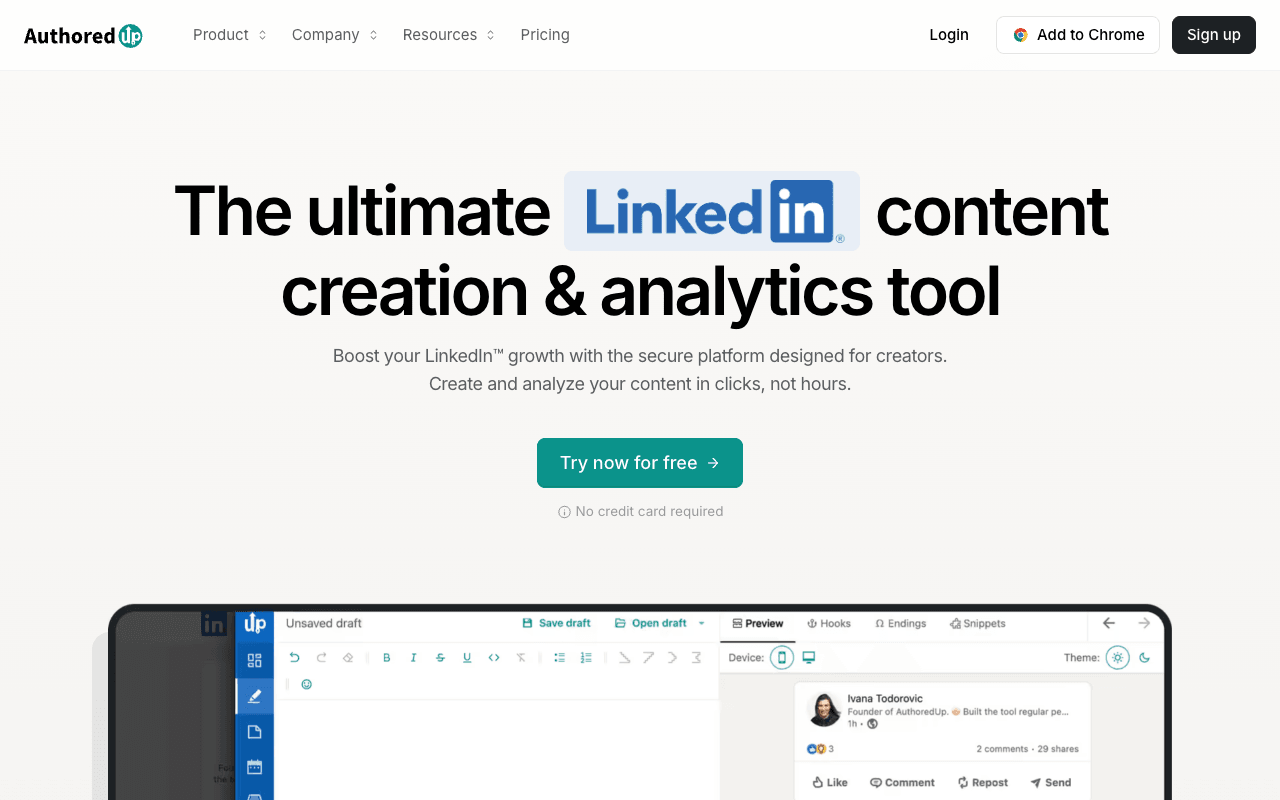
AuthoredUp is for people who write their own posts, or their executive's, and want a better editor and better numbers. It has a formatting editor with multi-device preview, hook and CTA templates, a content calendar for profiles, company pages and groups, and analytics covering saves, sends, reach, profile views and followers gained, with post comparison and CSV export. On the Business plan, priced per profile, managers and ghostwriters join free, drafts can be shared for review and moved through stages, and team analytics cover every profile. That makes it a lean option for a small comms team handling three or more executives. It runs as a web app and a Chrome extension, and says it is "100% secure. No automation. No cookies." Its AI writing in your voice, Coauthor, is labeled Beta, so treat it as a drafting aid rather than the core of the tool. Business costs $14.95 per profile a month, or $12.46 billed annually, with a three-profile minimum.
For PR teamsA comms manager drafts each executive's posts, shares them for review, schedules them, and exports per-profile analytics for the monthly report.
Pros
- Per-profile pricing with free manager and ghostwriter seats
- Detailed post analytics with CSV export
- Says it runs with "No automation. No cookies."
- Free trial with no card
Cons
- AI voice writing (Coauthor) is in Beta
- Business plan needs at least 3 profiles
7
Taplio
All-in-one LinkedIn tool: AI writing, scheduling and outreach
Best for: Founders who want writing, analytics and lead outreach in one tool
Pricing: Starter $39/mo or $32/mo billed annually; Growth $69/mo or $49/mo; Pro $199/mo or $149/mo
Free option: 7-day trial with Pro access; money-back guarantee within 30 days
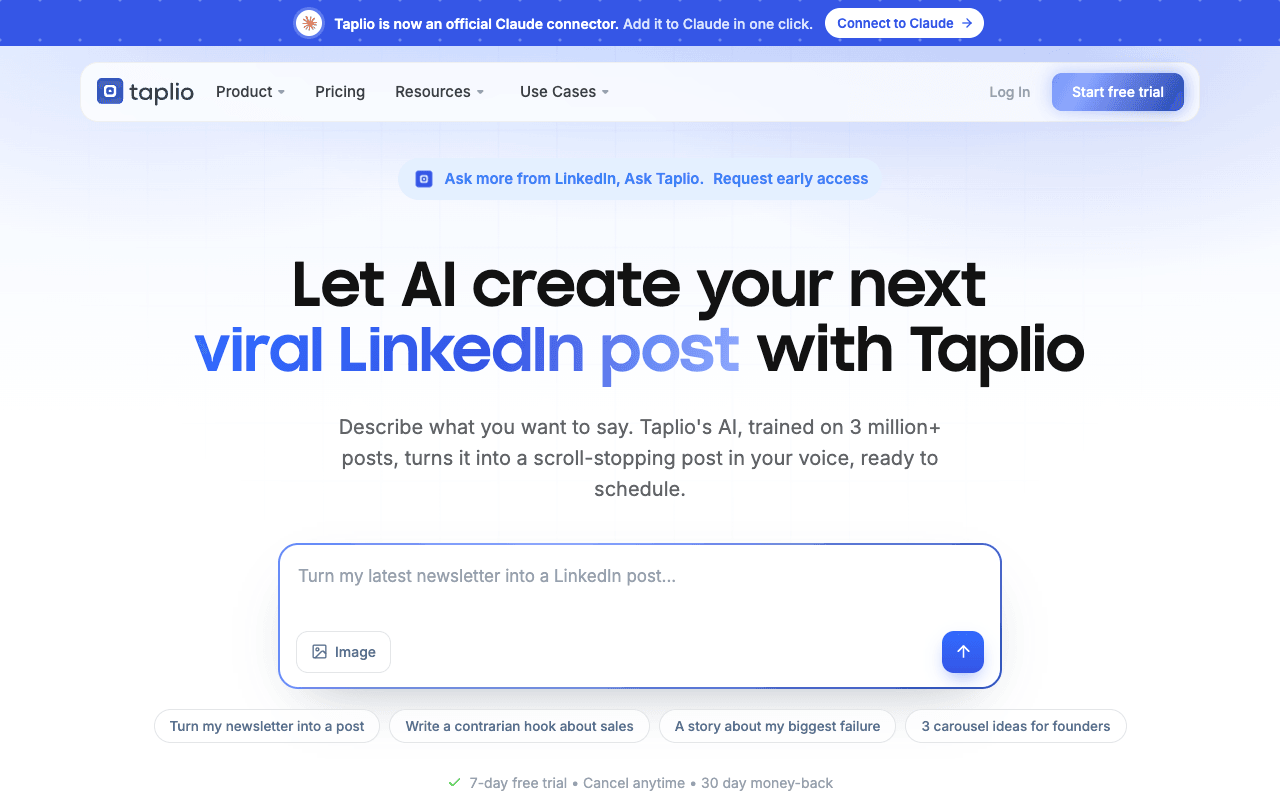
Taplio, by lempire, is an all-in-one LinkedIn growth tool. It drafts with AI trained on your past posts, turns voice memos and meeting transcripts into drafts, repurposes newsletters, and handles scheduling, carousels and analytics. For founder-led PR the useful feature is delegation: a marketer or assistant drafts and schedules in your workspace and, in Taplio's words, "Nothing publishes without your sign-off", approved from your phone. Team and agency setups add client roles and shared analytics, and it offers an API, a LinkedIn MCP and an official Claude connector. Taplio also sells lead outreach: its pricing table lists Auto-DM, Bulk DMs and Auto-connection requests, and its homepage offers to "Auto-send connection requests, then DM on accept" in what it calls "Safe, human-paced sequences that protect your account." LinkedIn's User Agreement bars "bots or other unauthorized automated methods" to add contacts or send messages, so a comms team that only needs writing and scheduling can leave those features off. Writer collaboration starts on Growth, and team or agency pricing isn't published.
For PR teamsThe founder's marketer drafts posts from meeting transcripts, the founder approves from their phone, and the team reviews analytics each week.
Pros
- AI trained on your past posts, plus voice memo and transcript input
- Nothing publishes without the founder's sign-off
- API, LinkedIn MCP and an official Claude connector
Cons
- Outreach automation features need checking against your account-risk policy
- Writer collaboration starts on Growth ($69/mo)
- Team and agency pricing isn't published
8
Typefully
Clean writing and scheduling for LinkedIn, X and more
Best for: Founders posting on LinkedIn and X who want a free start
Pricing: Free; Creator $99/year (annual only); Business $18/mo per social set, billed yearly
Free option: Free plan: 10 posts/month, 1 social set
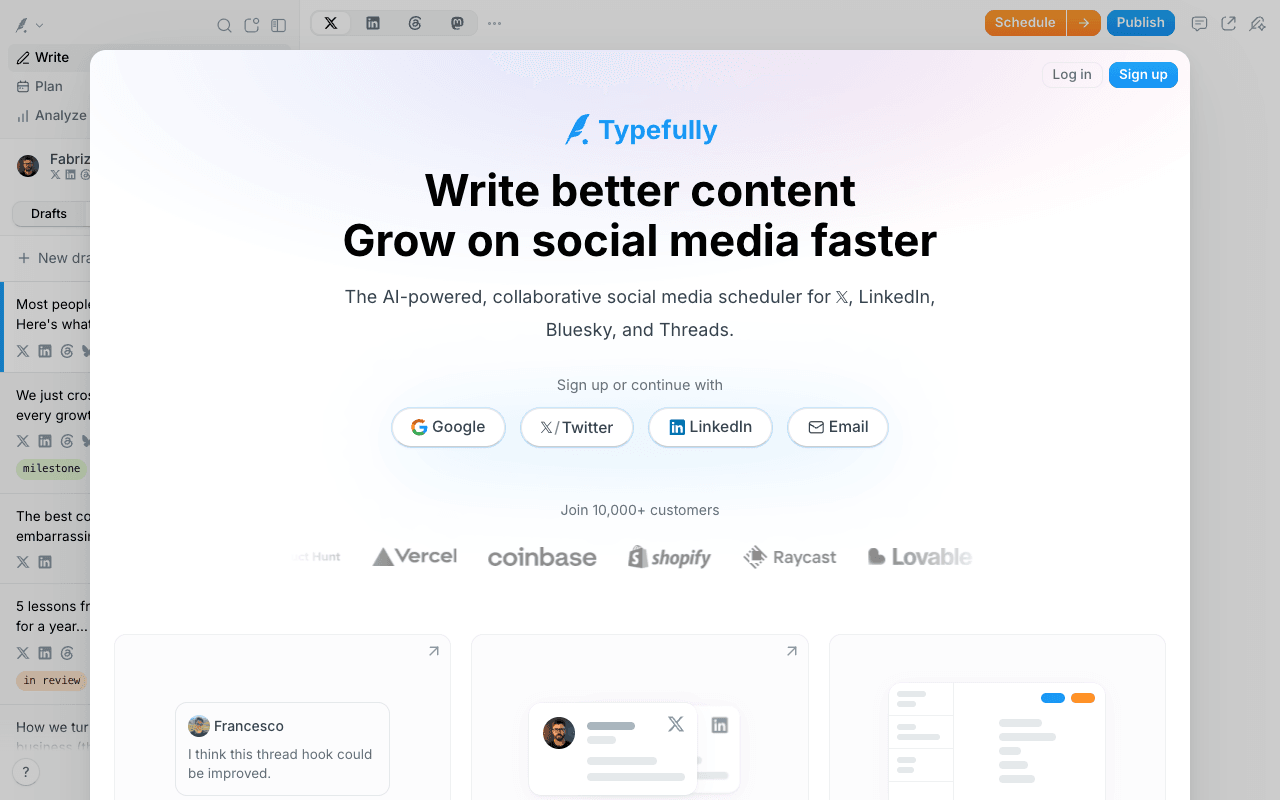
Typefully is a clean writing and scheduling app for X, LinkedIn, Threads, Bluesky and Mastodon. It suits the founder whose takes run on both LinkedIn and X: write once, adjust, and cross-post. Its writing assistant says it "learns how you actually write" and offers rewrites, and on LinkedIn it handles first comments and PDF carousels. The Business plan adds what a small comms team needs: shared drafts with comments, roles and permissions, Slack notifications, and a calendar that shows what is "scheduled, in review, and ready to ship", with unlimited users across up to 50 social sets. The free plan allows 10 posts a month on one social set, enough to test a weekly cadence, and Creator is $99 a year. Analytics on its pricing table are labeled for X, so check LinkedIn reporting during a trial. It also has an API, an MCP server and agent skills for Claude and ChatGPT.
For PR teamsA founder drafts a take on the week's news, shares it with the comms lead for comments, then cross-posts it to LinkedIn and X.
Pros
- A real free plan (10 posts a month)
- Cross-posts to LinkedIn, X, Threads, Bluesky and Mastodon
- Shared drafts, roles and review states on Business
- Creator costs $99 a year
Cons
- Analytics on its pricing table are labeled for X
- Collaboration features need Business
- Creator is annual billing only
9
Buffer
Per-channel scheduler with a free plan and approvals on Team
Best for: Small comms teams that need low-cost approvals for a few exec profiles
Pricing: Free (3 channels); Essentials $6/channel/mo or $5 billed yearly; Team $12/channel/mo or $10 billed yearly
Free option: Free plan: 3 channels, 10 scheduled posts each; 14-day trial of paid plans
Buffer is a long-running social scheduler priced per channel, and each executive's LinkedIn profile counts as one channel. It schedules text, image, carousel, PDF, video and link posts to LinkedIn profiles and pages, with first-comment scheduling from Essentials and LinkedIn analytics for posts and pages. The Team plan adds content approval workflows, access levels and unlimited team members at $12 per channel a month, or $10 billed yearly, which makes it the cheapest route here to a real approval step for a comms team covering two or three executives. The tradeoff is depth: Buffer's AI Assistant helps with ideas and drafts, but Buffer doesn't advertise voice training, so the ghostwriting itself happens elsewhere, in a shared doc, with a human writer, or in Claude or ChatGPT with a written voice guide. The free plan covers three channels with ten scheduled posts each, enough for a founder testing a cadence.
For PR teamsThe comms team writes exec posts in a shared doc, then schedules them in Buffer, where drafts wait in the approval queue until the comms lead signs off.
Pros
- Cheapest approval workflow in this list (Team plan)
- Free plan for three channels
- Unlimited team members on Team
- API access on every plan
Cons
- Priced per channel, so each executive adds cost
- Doesn't advertise voice training on its pricing or LinkedIn pages
- Free plan is for one user