1
Slite
AI knowledge base built around verified docs and cited answers
Best for: Small PR teams and agencies that need approved answers kept current
Pricing: Basic $10/user/mo, Pro $20/user/mo, billed yearly
Free option: 14-day free trial, no credit card
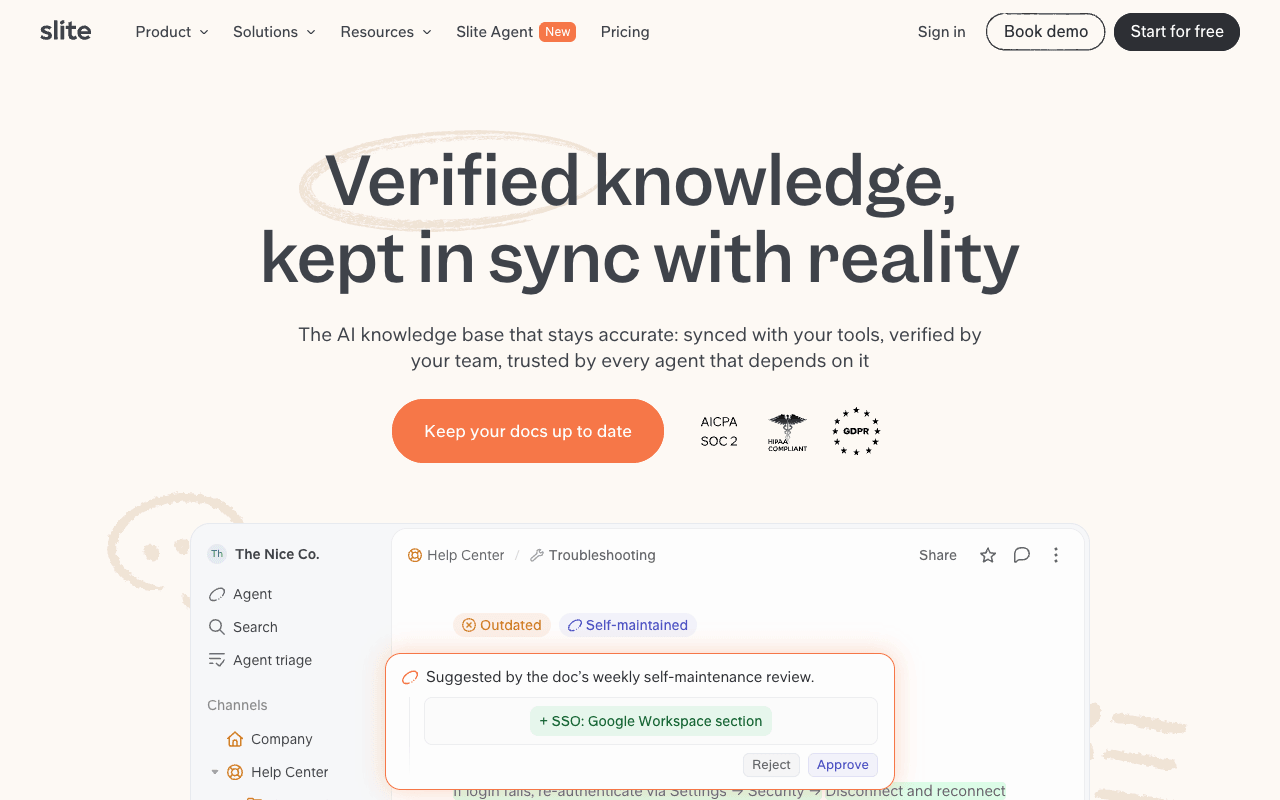
Slite describes itself as "the self-maintaining knowledge base". For a PR team, the relevant part is that the freshness tools and the AI are in the entry plan. Doc verification, doc ownership and a Knowledge Management Panel are on every plan, so boilerplate, exec bios and holding statements can each carry an owner and a verification status. Ask, its AI search, answers questions from your docs, ranks verified docs first and, per Slite, "Every response cites the exact sources that shaped it", in the app and in Slack. Guest collaborators, public sharing, doc permissions and user groups are on all plans. Pro adds doc fact-checking with suggested fixes and an agent that drafts fixes when connected tools drift. The tradeoffs: Basic limits AI answers to Slite docs at 30 questions per seat a month, reader-only seats are Enterprise only, the monthly-billing price isn't published, and since June 2026 there is no free plan, only a 14-day trial.
For PR teamsGive each client's boilerplate, bios and approved messaging an owner and a verification date, then let account staff ask Slite in Slack for the approved line and check the cited source before using it.
Pros
- Verification, doc owners and cited AI answers on the entry plan
- AI answers in Slack, plus a Chrome extension
- Imports from Notion, Confluence and Google Drive
- Says your data is never used to train AI models
Cons
- No free plan since June 2026, only a 14-day trial
- Basic caps AI at 30 questions per seat a month
- Reader-only seats are Enterprise only
2
Notion
All-in-one workspace where the wiki sits next to projects and data
Best for: Teams that want client wikis, briefs and project tracking in one tool
Pricing: Free; Plus $10/member/mo yearly ($12 monthly); Business $20 ($24)
Free option: Free plan (up to 10 guests)
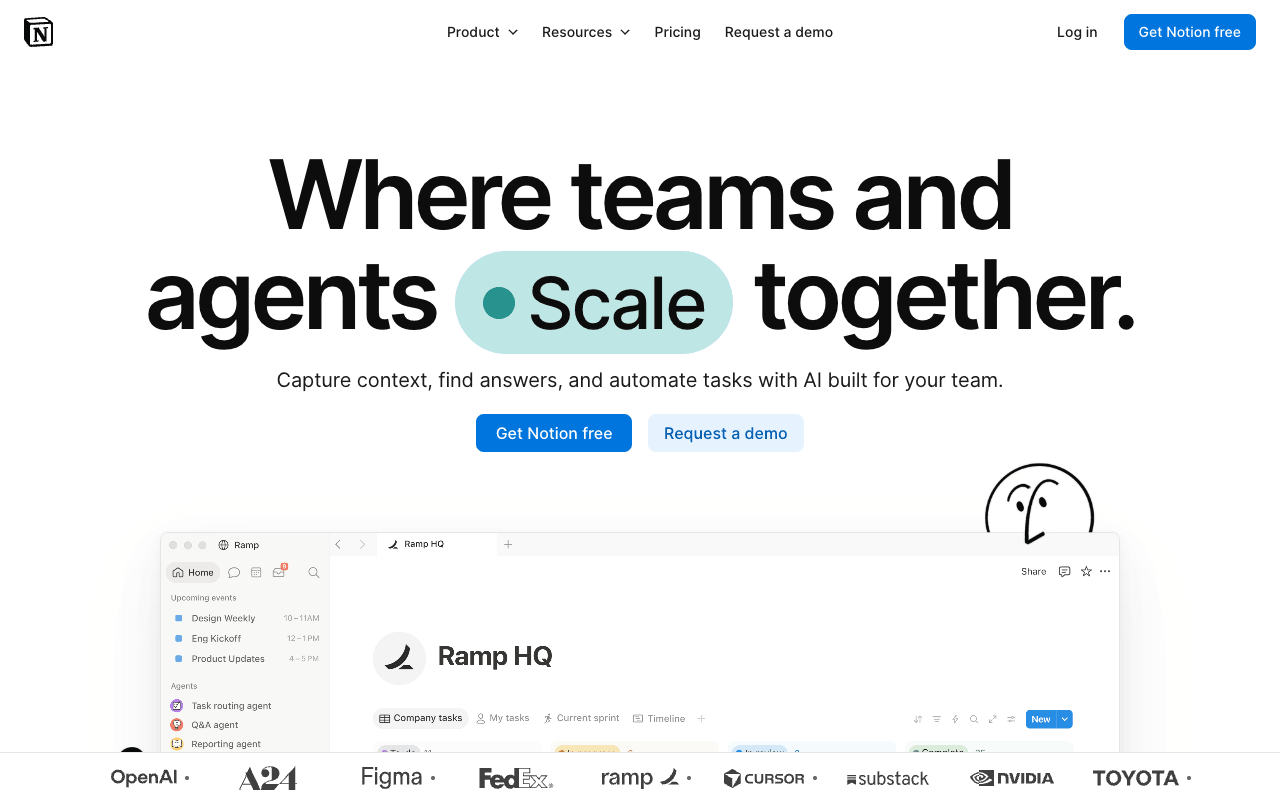
Notion is the flexible default: wiki pages, databases and projects in one workspace, so a client's brief, messaging, coverage tracker and launch plan can sit side by side. Its own agency guide suggests a top-level page per client that acts as that client's wiki, with clients invited as guests who can view and comment without editing. Plus and above allow unlimited guests, and pages can be published as sites. Synced blocks let you edit boilerplate once and update it everywhere it appears. Wiki pages can be verified with an expiry date, and the owner is notified when it lapses; verifying any page needs Business. The main tradeoff is packaging: Notion AI, including Enterprise Search ("Every answer includes verified content and citations"), private teamspaces and SAML SSO are on Business ($20 per member a month billed yearly, $24 monthly), while Free and Plus get only a trial of Notion AI.
For PR teamsAn agency gives each client a top-level wiki page, invites the client as a guest with comment access, and keeps boilerplate in a synced block so one edit updates every page that uses it.
Pros
- Free plan, and unlimited guests from Plus
- Synced blocks update boilerplate everywhere at once
- Verified pages with expiry and owner alerts
- Imports Google Docs, Word and Confluence
Cons
- AI, Enterprise Search and private teamspaces need Business
- Enterprise Search is labeled Beta on the pricing page
- Free plan keeps 7 days of page history
3
Tettra
Internal knowledge base with Slack answers and an agency use case
Best for: Agencies that must keep each client's pages walled off
Pricing: $8/user/mo billed yearly ($10 monthly), 10-user minimum
Free option: 30-day free trial, no credit card
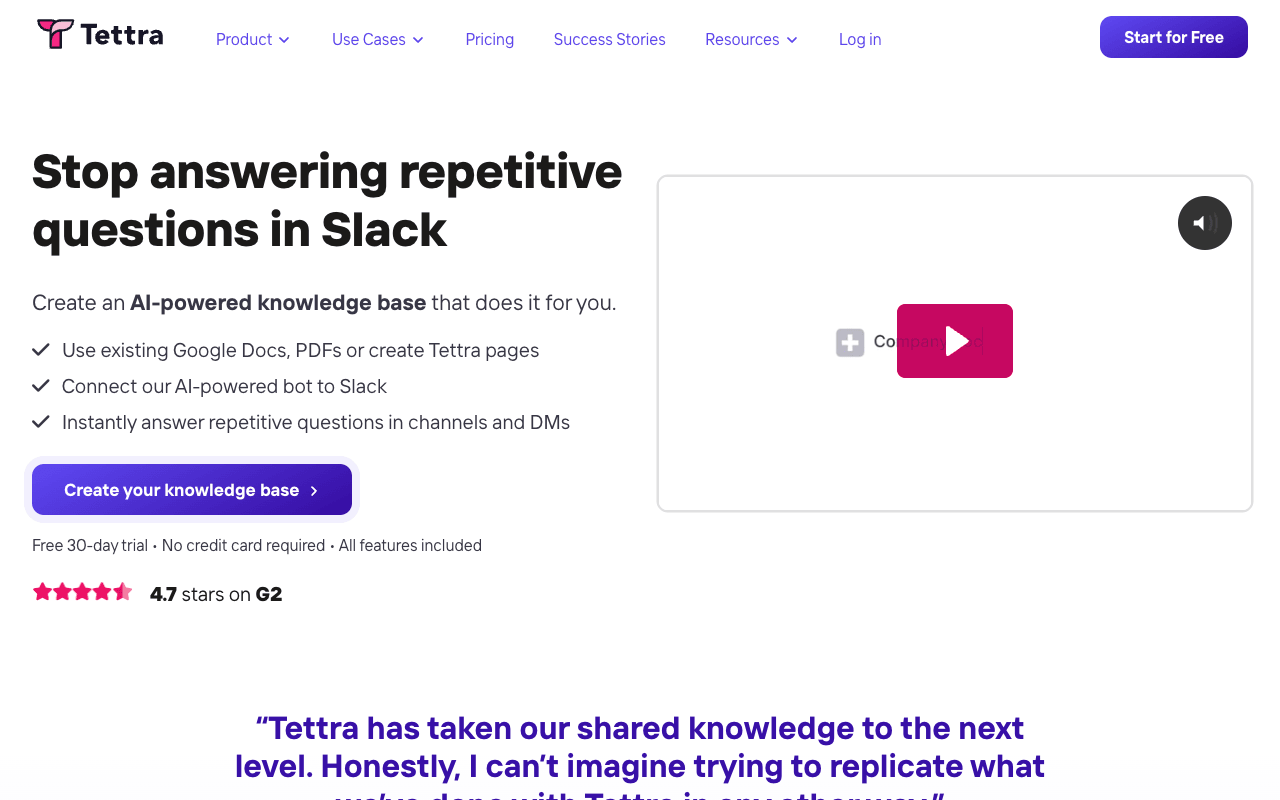
Tettra is an internal knowledge base built around answering repeat questions, and it publishes a page on how agencies use it. That page says its "advanced permissions and user roles ensure clients are only able to see their pages", which is the requirement most knowledge base lists skip. Invite-only categories, read-only users, guest users and page locking cover the rest of the client-separation job. Kai, its AI, answers questions from your content in Tettra and in Slack DMs and channels, so account staff can ask where they already work. For freshness, Tettra has verification, a stale pages report, an unowned content report and page requests, which suits boilerplate and crisis contacts that need regular review. The tradeoffs are price shape and admin extras: the Scaling plan has a 10-user minimum ($80 a month billed yearly), SSO and SCIM are paid add-ons, and group permissions need the SCIM add-on.
For PR teamsPut each client in an invite-only category, invite the client as a guest who sees only their pages, and let Kai answer the team's repeat questions in Slack.
Pros
- Permissions built so clients see only their pages
- Verification plus stale and unowned content reports
- Kai answers in Slack DMs and channels
- Unlimited version history and storage
Cons
- 10-user minimum on the Scaling plan
- SSO and SCIM are paid add-ons; group permissions need SCIM
- Content import help is Enterprise only
4
Slab
Simple knowledge base with verification on every plan, even Free
Best for: Small agencies and comms teams starting on a free plan
Pricing: Free up to 10 users; Startup $6.67/user/mo billed annually ($8 monthly)
Free option: Free plan for up to 10 users
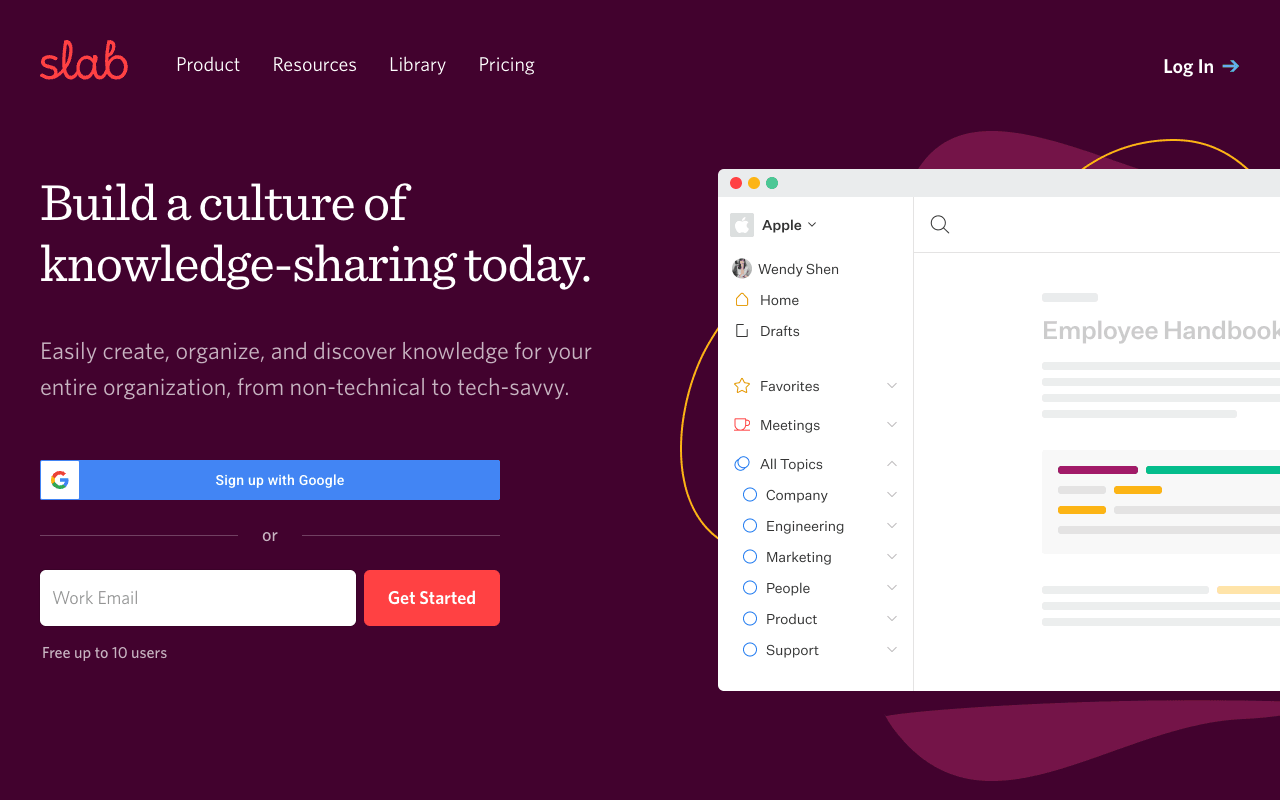
Slab is a clean, simple knowledge base that says it works for teams "from non-technical to tech-savvy". For a small PR shop the draw is the free plan: up to 10 users, with verification and templates included, so even a free workspace can flag when boilerplate or a bio needs re-checking. Unified Search across Slab and connected tools is on every plan. Startup ($6.67 per user a month billed annually, $8 monthly) adds private topics, and guests only see the topics they are members of, which is a workable model for per-client separation. The tradeoffs: AI Ask needs Business ($12.50 per user a month billed annually, $15 monthly); guests are capped at 3 per user on Startup and 5 on Business; and Slab says it "does not have a user account that inherently cannot edit anything", so there is no true read-only seat. The free plan also caps attachments at 10MB.
For PR teamsA five-person agency runs its SOPs, pitch templates and client briefs on the free plan, then moves to Startup when it needs private topics per client.
Pros
- Free for up to 10 users
- Verification and templates on every plan
- Guests see only the topics they're members of
- Offers migration help when you switch
Cons
- AI Ask only on Business
- Guests capped at 3 or 5 per user on paid plans
- No read-only user type
5
Confluence
Atlassian's team wiki with granular spaces and Rovo AI
Best for: Comms teams in companies that already run on Atlassian
Pricing: Free up to 10 users; Standard $6.70/user/mo billed monthly (5-25 users)
Free option: Free plan for up to 10 users
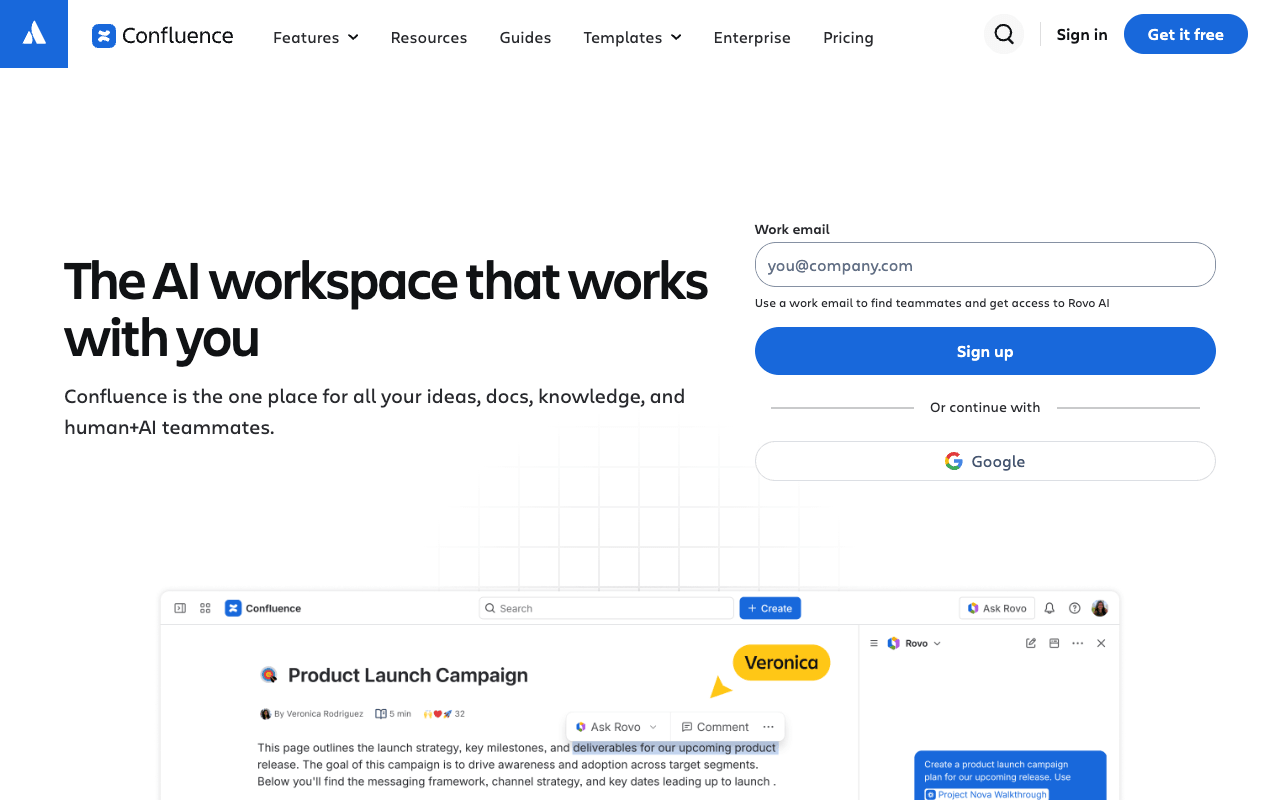
Confluence is Atlassian's team wiki, which makes it the path of least resistance for an in-house comms team in a company that already runs Jira. Knowledge is organized into spaces with space and page permissions, and Standard adds advanced permissions and free guest access, so a comms space, a crisis space and an agency partner can each be scoped separately. Rovo Search, Chat and Agents on Standard and above answer questions across Confluence, Jira, Slack and other apps, capped by Rovo credits (25 per user a month on Standard). The free plan covers 10 users with 2 GB of storage. Pricing depends on team size: for 5-25 users, Standard is $6.70 per user a month billed monthly, or $680 a year for up to 10 users billed annually. The tradeoffs: Rovo use is credit-capped, unlimited storage and admin insights need Premium ($13.20 per user a month billed monthly at that size), and page verification isn't advertised on the pricing page.
For PR teamsAn in-house comms team keeps messaging, the crisis plan and the launch calendar in its own space, with the agency partner added as a guest on Standard.
Pros
- Free plan for up to 10 users
- Space and page permissions, advanced on Standard
- Free guest access from Standard
- Rovo AI searches across Confluence, Jira and Slack
Cons
- Rovo AI is capped by monthly credits
- Free plan limited to 2 GB of storage
- Page verification isn't advertised on the pricing page
6
Outline
Open-source team wiki with AI answers and flat team pricing
Best for: Boutique agencies of up to 10 people that want a flat price
Pricing: $10/mo for 1-10 members; $79/mo for 11-100
Free option: 30-day free trial
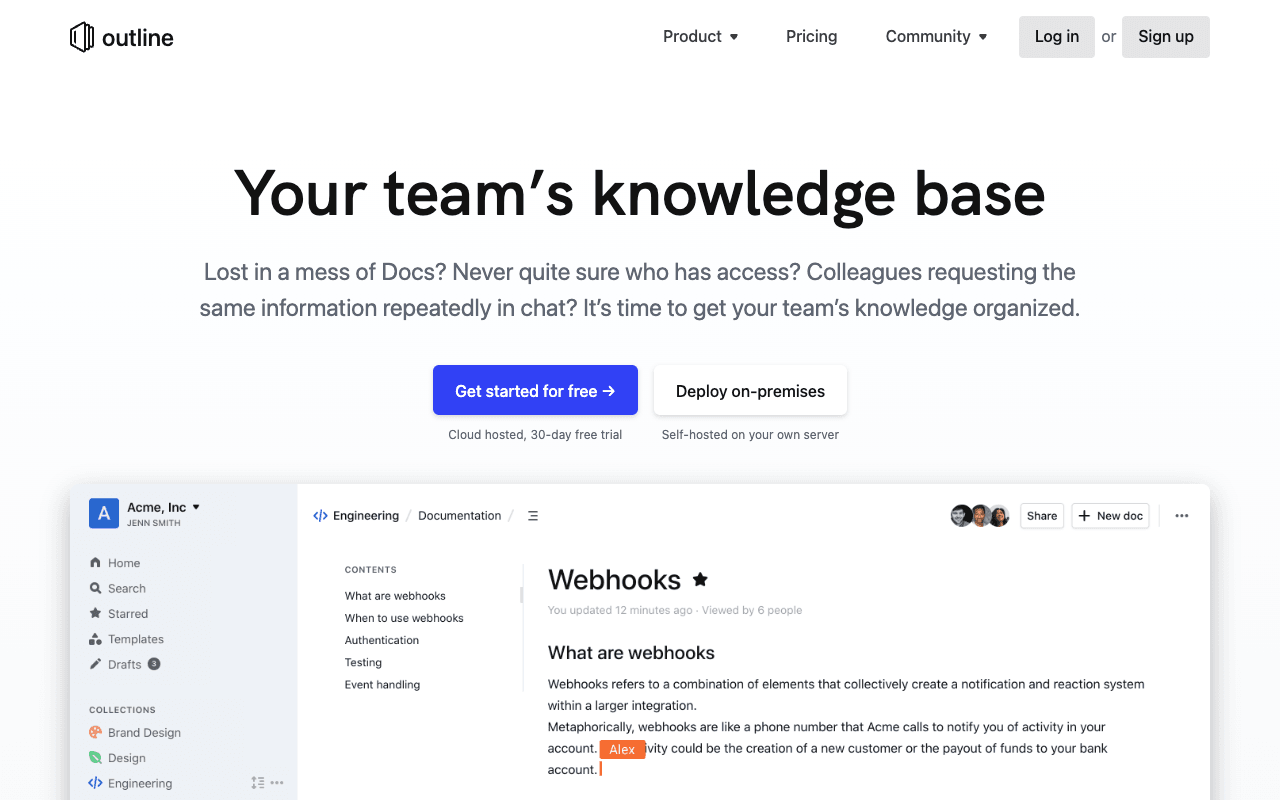
Outline is a fast, open-source team knowledge base priced by team-size tier rather than per seat. For a boutique agency that is the attraction: the cloud plan is $10 a month in total for 1-10 team members, with AI question answering ("Ask questions and get direct answers from your workspace content") on every tier. Groups, user permissions, guest users and read and write permissions handle client separation, and public sharing can carry your own brand colors, logo and domain, which works for a client-facing messaging guide. A Slack integration lets the team search, share and ask questions from chat, and SSO is on all tiers. It imports from Notion and Slab and can be self-hosted. The tradeoffs: the price jumps from $10 to $79 a month at 11 members, plans move up automatically as the team grows, Outline doesn't advertise page verification, and after the 30-day trial the workspace turns read-only until you add a payment method.
For PR teamsA small agency keeps SOPs, client briefs and pitch templates in Outline, shares a branded public page of approved messaging with each client, and asks questions from Slack.
Pros
- Flat $10 a month for up to 10 members
- AI question answering on every tier
- Branded public sharing on your own domain
- Open source, with a self-hosted option
Cons
- Price jumps to $79 a month at 11 members
- Doesn't advertise page verification
- Turns read-only after the trial until you add payment
7
Guru
Enterprise AI knowledge layer with verified, permission-aware answers
Best for: Large in-house comms teams that need governed, cited answers
Pricing: Quote only
Free option: None advertised; starts with a call
Guru is an AI knowledge layer for larger organizations. Its Knowledge Agents give "cited, permission-aware answers", and Guru says every AI answer cites its sources, enforced at the platform level. Permissions are inherited from source systems, which matters when one knowledge base holds embargoed news next to general policy. Verification workflows, scheduled expert review cycles and auto-archiving of stale content suit a comms team that has to keep messaging, media policy and crisis procedures approved across departments. It connects to 100+ tools including Slack, Microsoft Teams, Confluence and SharePoint, and says "Your data never trains our AI models". The tradeoff is buying: Guru now describes itself as "a platform and expertise solution", prices each deal to the organization, and starts with a call with its team; the pricing page doesn't advertise a free trial. That fits an organization-wide rollout; small agencies will find faster starts higher on this list.
For PR teamsA corporate comms team keeps approved messaging and media policy as verified content on expert review cycles, and staff across the company get cited answers in Slack or Teams.
Pros
- Cited, permission-aware AI answers
- Verification, review cycles and stale-content archiving
- Works in Slack, Teams and 100+ other tools
- Says your data never trains its AI models
Cons
- Quote only; no published price
- No free plan or trial advertised on the pricing page
- Sold as a package with solution engineering
8
Nuclino
Lightweight, fast team wiki with a free plan
Best for: Small teams that want the simplest possible shared wiki
Pricing: Starter $6/user/mo billed yearly ($8 monthly)
Free option: Free plan (50 items); 14-day Starter trial, no card
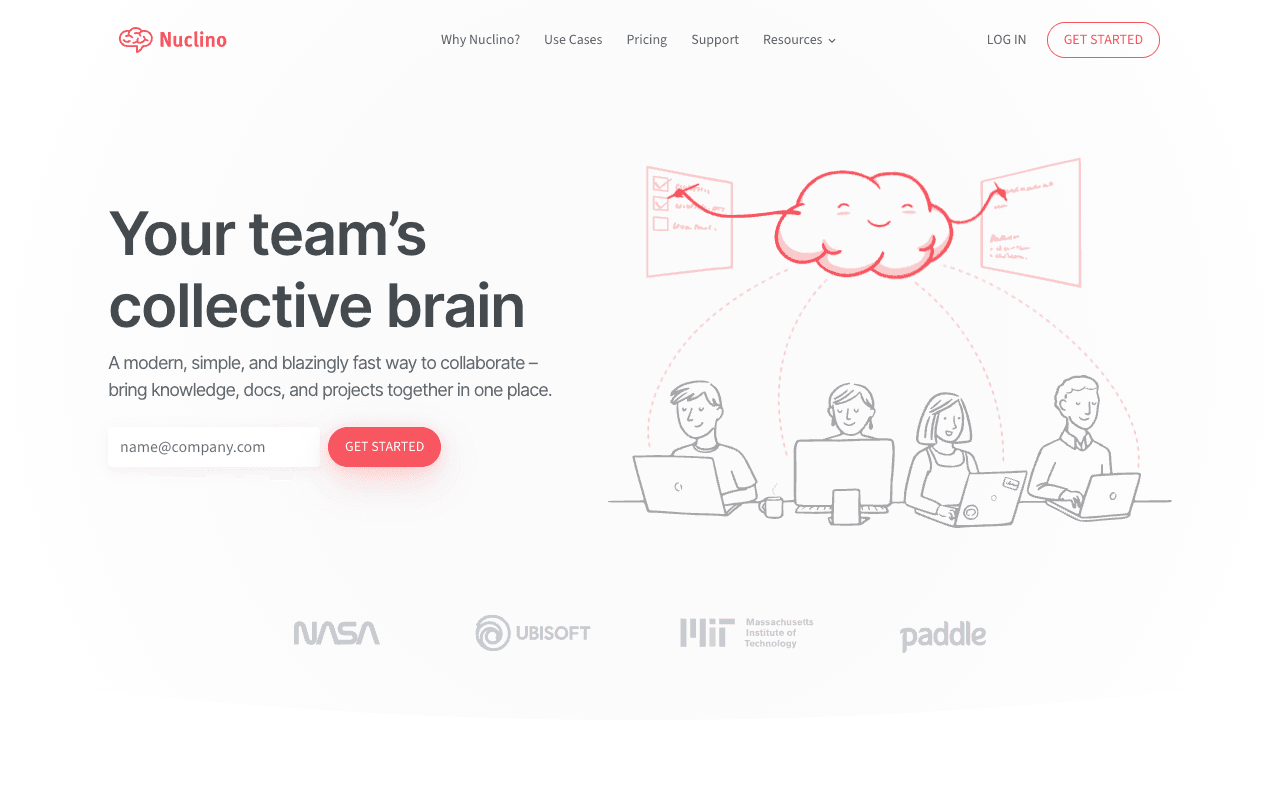
Nuclino is a lightweight team wiki with list, board, table and graph views of the same content, and web, desktop and mobile apps. For a small PR team that wants a shared home for SOPs, pitch templates and client notes without a setup project, it is one of the simplest options here. Private workspaces, groups and access and editing restrictions allow some separation between clients, and content can be published as a website, with a custom domain on Business. Sidekick, on Business, "can instantly answer any question based on your team's content". The free plan is capped at 50 items, which suits a trial more than a working agency wiki. The tradeoffs for agencies: guests and read-only members count as billable users, so client access adds cost; Sidekick is Business only ($10 per user a month billed yearly, $12 monthly); and Nuclino doesn't advertise page verification.
For PR teamsA small in-house team keeps SOPs, pitch templates and the launch board in one Nuclino workspace and asks Sidekick for answers once it moves to Business.
Pros
- Free plan and a 14-day Starter trial, no card
- Simple editor with list, board, table and graph views
- Publish pages as a website
- Slack, Microsoft Teams and MCP integrations
Cons
- Guests and read-only members are billable users
- Sidekick AI only on Business
- Free plan capped at 50 items
9
Microsoft SharePoint
Team sites and document libraries inside Microsoft 365
Best for: In-house comms teams in companies that run on Microsoft 365
Pricing: In Microsoft 365 Business Basic, $7.00/user/mo paid yearly
Free option: Free trial
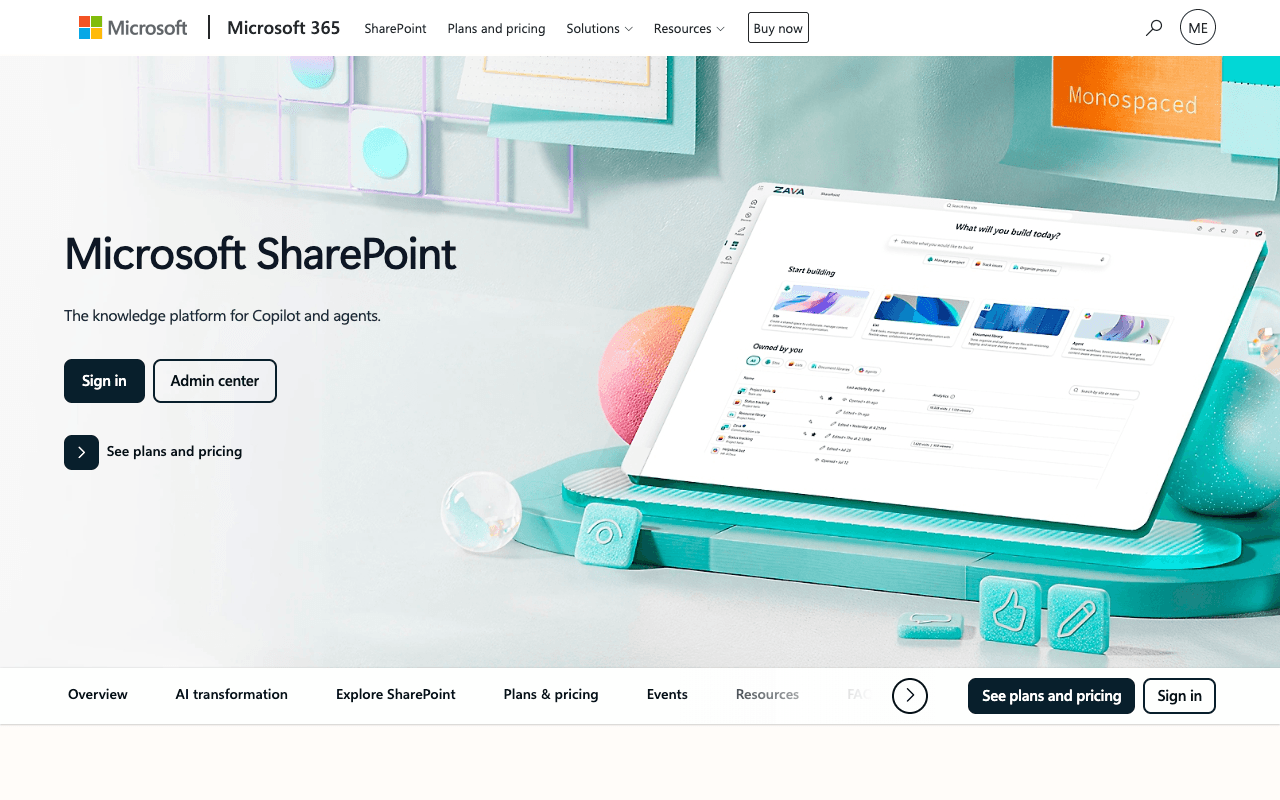
If your company or agency already pays for Microsoft 365, you may already own a knowledge base. SharePoint provides communication and team sites plus document libraries with version history and access control, and it comes with Microsoft 365 business plans starting at Business Basic ($7.00 per user a month, paid yearly). For a comms team that can mean a team site for messaging and bios, a restricted site for crisis material, and file-sharing policies set by IT. The Template Gallery covers pages and news posts, which helps for an internal comms hub. Copilot Chat is included at no extra cost for eligible users, and Microsoft 365 Copilot in the apps comes with the "with Copilot" plans ($23.50 and $32.00 per user a month, paid yearly) or as an add-on. The tradeoff: it is built as sites and document libraries rather than a page-first wiki, and page verification isn't advertised on the plans page.
For PR teamsAn in-house team in a Microsoft 365 company runs a comms team site for messaging and bios and a restricted site for crisis material, with access managed by IT.
Pros
- Included with Microsoft 365 business plans
- Access control and version history on document libraries
- Copilot Chat included at no extra cost
Cons
- Full Microsoft 365 Copilot needs a pricier plan or add-on
- Business Basic includes web and mobile apps only
- Page verification isn't advertised on the plans page