1
Prezly
Self-serve newsroom with a PR CRM and email campaigns built in
Best for: In-house teams and small agencies that want a newsroom live quickly
Pricing: From $120/mo billed annually ($175 monthly), excl. VAT
Free option: 14-day free trial, no credit card
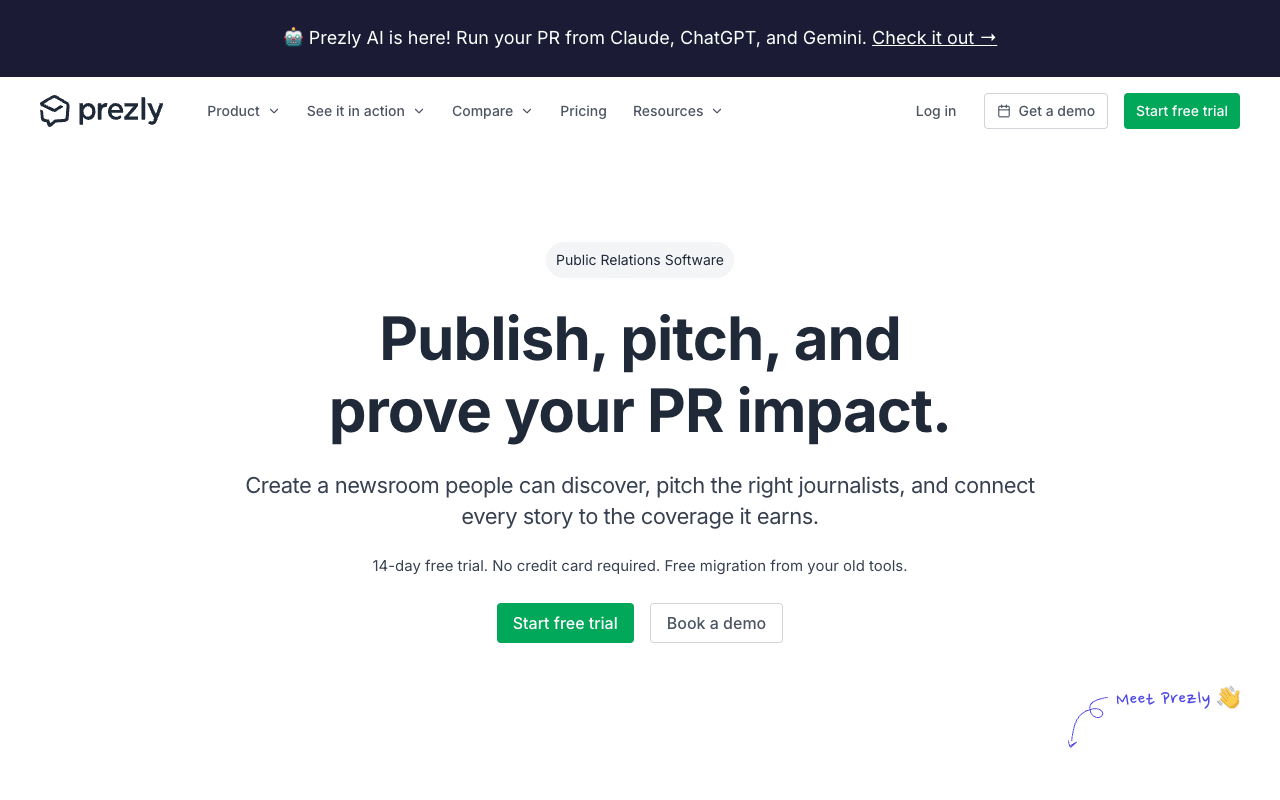
Prezly combines an online newsroom, a PR CRM and email campaigns, so a release can be published, sent to journalists and tracked from one place. The newsroom is hosted on your domain and, by Prezly's account, can go live in minutes with your theme and branding. Journalists can download media kits and subscribe for updates, and analytics show page views and engagement. Standard adds sending from your own domain, white-label sites and localisation with auto-translations, and Prezly says content can be translated into 60+ languages. Teams that work in AI assistants can connect Claude, ChatGPT or Gemini through MCP with read-only or scoped permissions. The tradeoff sits in the plan limits: Essential covers 1 site, 1 user, 5,000 contacts and 7-day version history with Prezly branding, so most teams will look at Standard ($300/mo billed annually, 2 users). Agencies get separate plans from $350/mo billed annually for 10 client sites and 3 users.
For PR teamsPublish the release to the newsroom, send it to a segmented contact list from the same tool, and watch opens, clicks, replies and newsroom views. Agencies run client newsrooms on the agency plans, which include 10 or 20 sites.
Pros
- Public pricing and a 14-day trial with no card
- Hosted on your domain; Prezly says it goes live in minutes
- CRM and email campaigns with open, click and reply tracking
- MCP connection for Claude, ChatGPT and Gemini
Cons
- Essential is 1 user, 7-day version history and Prezly branding
- White-label and sending from your own domain start on Standard
- Agency plans cover 10 or 20 sites; more is a custom quote
2
pr.co
Newsroom-first PR platform for multi-market, multi-brand teams
Best for: Comms teams running newsrooms across several markets, languages or brands
Pricing: Not published (plan limits are public)
Free option: Demo; no trial listed
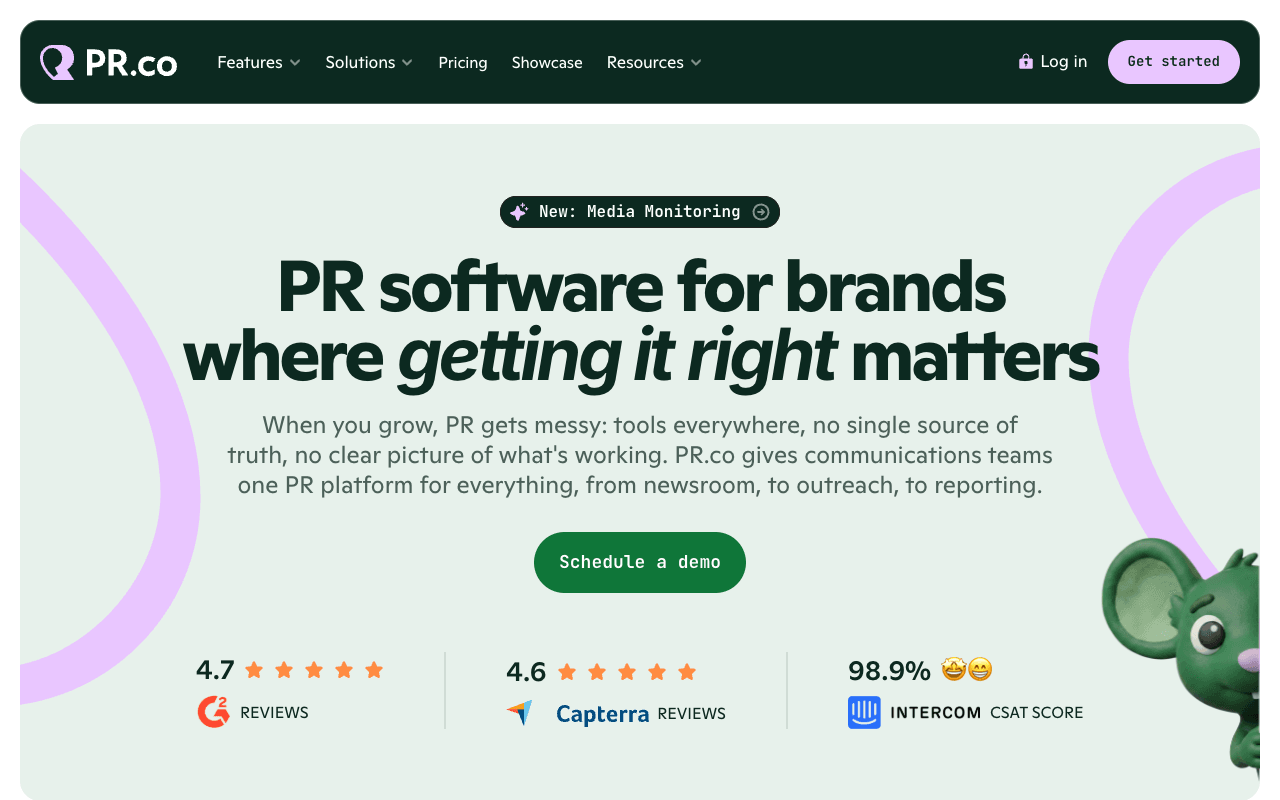
pr.co is built around the newsroom, with outreach and reporting attached. Every newsroom gets press kits, downloadable media, contact info and digital asset management, and the plans scale by market and brand: Start covers 1 market, 1 user and up to 2 languages, Scale 3 users and up to 5 languages or markets, and Enterprise unlimited languages, markets and brands. Its SEO setup is the most specific on this list, with automatic sitemaps, structured data, Google News feeds, redirects and hreflang and canonical tags, and its FAQ says newsrooms are discoverable by large language models. Enterprise adds subdirectory hosting, password-protected and crisis newsrooms, SSO and an API. The tradeoff is budgeting: pr.co publishes plan limits but not prices, so you need a demo before you can compare it with Prezly or Mynewsdesk. Start is a monthly subscription; Scale and Enterprise are annual, with an option to pay monthly.
For PR teamsA multi-market brand runs a newsroom per language with localized releases and shared assets, and on Enterprise keeps a crisis newsroom ready to publish when something breaks.
Pros
- Clear plan ladder for markets, languages and brands
- Sitemaps, structured data, Google News feeds and redirects
- Subdirectory hosting and crisis newsrooms on Enterprise
- Collaboration and approvals from the Scale plan up
Cons
- No published prices; you need a demo to budget
- Start is limited to 1 user, 1,000 contacts and 1,000 emails/mo
- Crisis newsroom and subdirectory hosting sit on Enterprise
3
Presspage
Corporate newsroom and comms platform for regulated enterprises
Best for: Corporate comms in finance, pharma, government and other governance-heavy sectors
Pricing: From €20,000/yr (Business); Enterprise from €35,000/yr
Free option: Demo; no trial listed
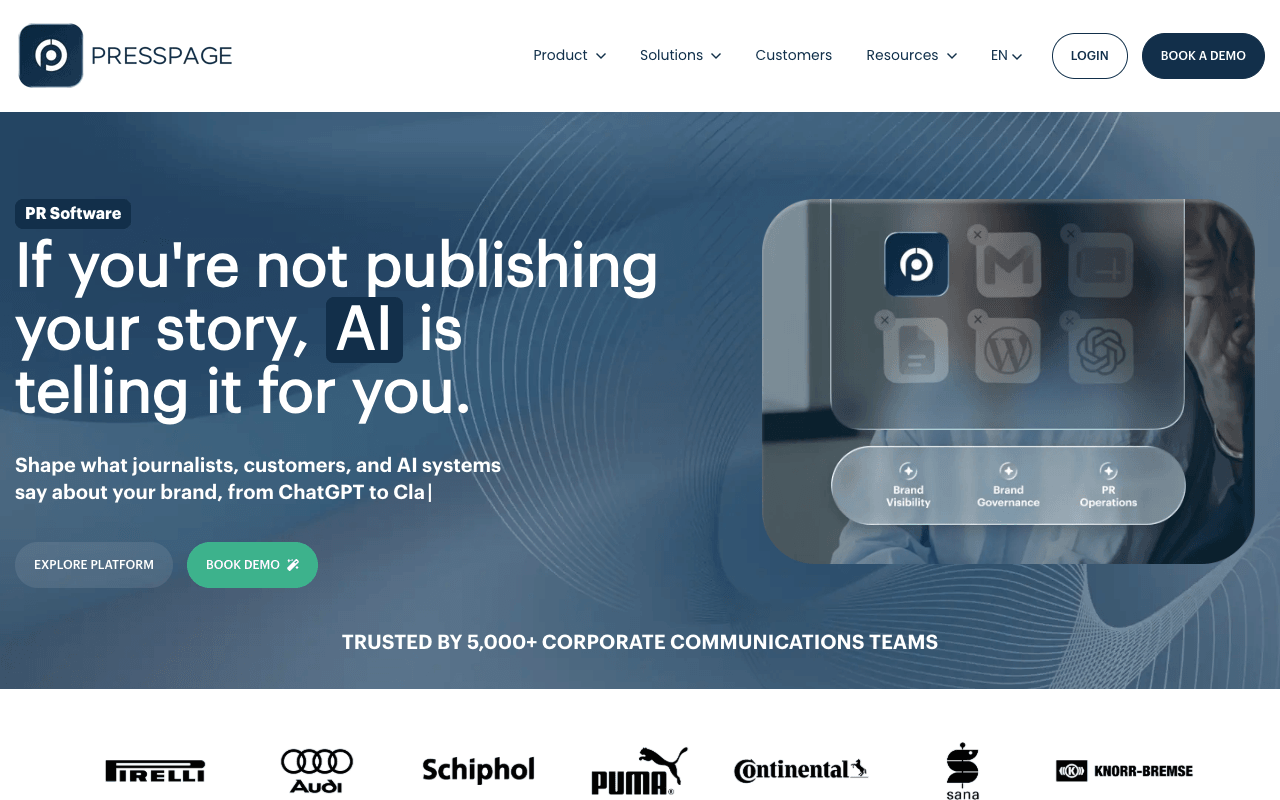
Presspage describes itself as a corporate communications platform for brand visibility, brand governance and PR operations, and names financial, pharma, government and defense organizations among its buyers. The newsroom hosts press releases, press kits and brand assets on a custom domain, integrates with your existing website, and publishes in multiple languages, with structured metadata on releases for search. Larger groups can manage multiple newsrooms from a single dashboard, and security covers IP restrictions, SSO and MFA. Around the newsroom sit an unlimited-storage media library, email campaigns, media inquiry management, AI visibility reporting (AI share of voice and a citation accuracy score) and an optional media database. The tradeoff is the price floor: Business starts at €20,000 a year for 1 newsroom, 3 custom pages and 1,000 email recipients a month, and Enterprise at €35,000, so it fits organizations where governance justifies that spend. Presspage says more than 5,000 corporate comms professionals use it.
For PR teamsGroup comms publishes results, statements and brand assets to newsrooms for each market from one dashboard, with sign-on and access controls the security team will approve.
Pros
- Publishes its price floors before you book a demo
- Multiple newsrooms and languages from one dashboard
- IP restrictions, SSO and MFA for regulated teams
- AI visibility reporting alongside the newsroom
Cons
- €20,000/yr minimum on the Business plan
- Business caps email at 1,000 recipients/mo and 3 custom pages
4
Mynewsdesk
Newsroom, journalist database and distribution in one tool
Best for: Teams that want a newsroom plus a journalist database and monitoring
Pricing: Essential from €220/mo (monthly, cancel anytime)
Free option: 10-day free trial
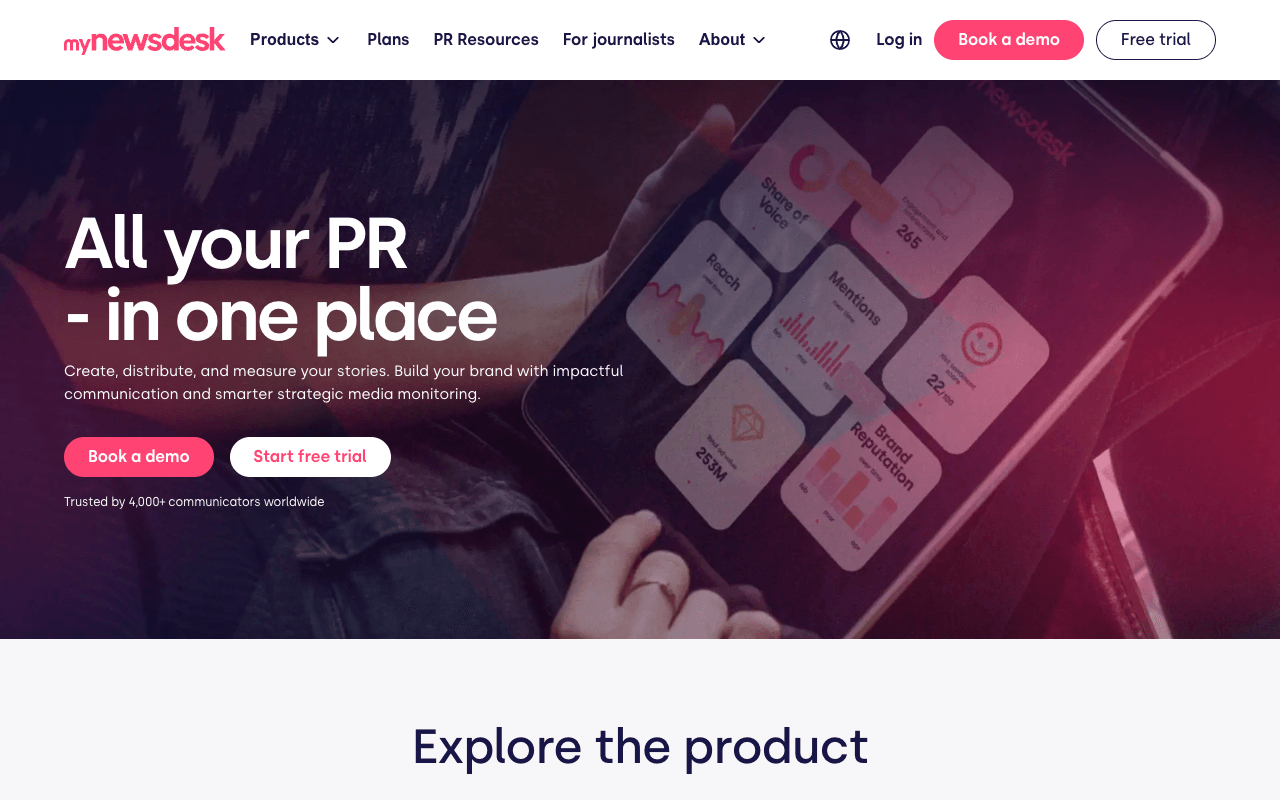
Mynewsdesk pairs a branded newsroom with distribution: a story is published to the newsroom, sent by email and posted to social in one click, with videos, images and files embedded, and Mynewsdesk calls it an SEO-optimized newsroom. The entry plan, Essential, starts at €220 a month, is bought monthly inside the tool and can be cancelled anytime, and includes a newsroom for 1 market and media monitoring for 1 brand. The PR Distribution plan adds the full journalist database with journalist matching, unlimited releases, multi-market newsrooms, a newsroom on your own website and advanced analytics, and a Media Monitoring plan covers sources including podcasts, radio, TV, YouTube and TikTok. The tradeoff: Essential allows 4 press releases a year, which suits a company that announces quarterly but not an active PR team, and both larger plans are priced on request.
For PR teamsOn PR Distribution, publish the release and send it to matched journalists and your own lists in one step, then report opens, clicks and reach to the client.
Pros
- Public entry price, monthly, cancel anytime
- One-click publish to newsroom, email and social
- Journalist database and matching on PR Distribution
- Media monitoring available in the same tool
Cons
- Essential is capped at 4 press releases a year
- PR Distribution and Monitoring plans are price on request
5
Press Loft
Online press office and image library for product brands
Best for: Product brands and their agencies whose coverage depends on images
Pricing: Starter from $50/mo monthly or $40/mo billed annually (25 images)
Free option: 60-day free trial, no card required
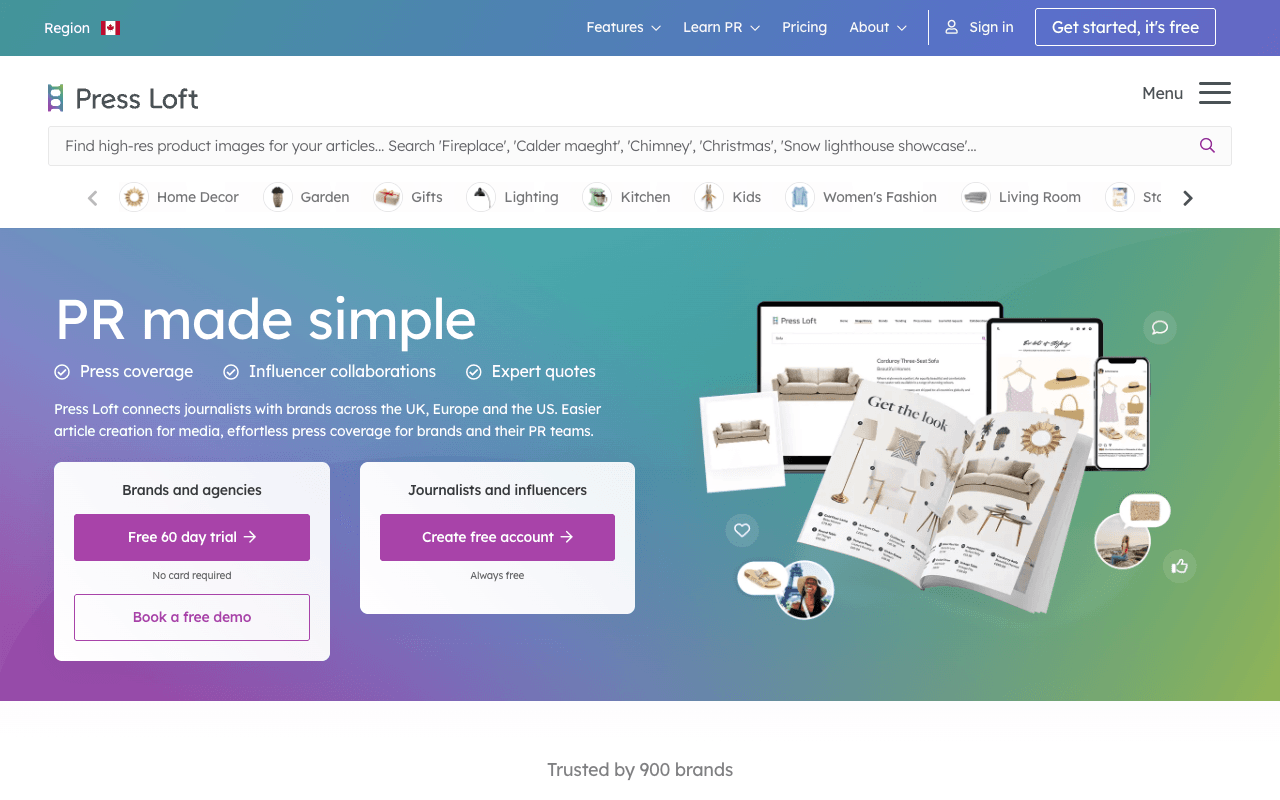
Press Loft is an online press office built around product imagery. Brands and agencies load product images, collections and press releases into a branded press room, journalists browse and download them, and you can track where and when your images appear in the press. Press Loft says it has over 26,000 media members on its network; depending on the plan you can send releases to that network and respond to media requests, with coverage alerts on every plan. Pricing scales with the number of hosted images: Starter runs from $50 a month (or $40 billed annually) for 25 images up to $300 a month for 250, PR Pro starts at $215 a month for 100 images, and Enterprise is by demo. Agencies can run a personalised press office for each client. The tradeoff is scope: the product is organized around images, so it fits product brands better than a corporate newsroom for financial news, exec bios or crisis statements.
For PR teamsA product brand or its agency uploads each season's product shots, and journalists working on product features download hi-res files directly instead of emailing for them.
Pros
- Published prices with monthly and annual options
- 60-day free trial with no card required
- Says it has over 26,000 media members on its network
- Personalised press offices for agency clients
Cons
- Price rises with the number of hosted images
- Built around product imagery rather than corporate news
6
ePressPack
Newsroom, asset library, mailer and CRM built into your site
Best for: European and global brands managing large, rights-sensitive media libraries
Pricing: Quote only
Free option: Demo; no trial listed
ePressPack is a newsroom suite from a company founded in 2011 that says it has nearly 350 clients across 26 countries and shows client logos including LVMH, Orange, Accor and Renault Group. Its Publisher module puts press releases in a dedicated newsroom built into your own website, and the Asset Library holds images, video, PDFs and audio organized by album, category, language and usage rights, with permission levels and an API to connect internal asset databases. A mailer, CRM, media-request handling and analytics complete the suite, and ePressPack says it helps newsrooms stay visible in search engines and AI assistants. It suits brands where getting the right licensed image to the right market matters as much as the release itself. The tradeoff is budgeting: no prices or plan limits are published, so every evaluation starts with a demo.
For PR teamsA multi-market brand publishes releases into a newsroom on its own site and keeps images filed by language and usage rights, so each market sends journalists the right licensed assets.
Pros
- Newsroom built into your own website
- Assets filed by album, category, language and usage rights
- API to connect internal asset databases
- Mailer, CRM and media requests in the same suite
Cons
- No published pricing or plan limits
- Evaluation starts with a demo rather than a self-serve trial
7
TheNewsMarket
Brand newsroom built around video and multimedia assets
Best for: Global brands whose news relies on video and multimedia
Pricing: Quote only
Free option: Demo

TheNewsMarket sells ContentBase, which it calls an AI-powered, next-generation digital newsroom for news, multimedia, social content and live events. The strength is video and assets: an enhanced video player, media database management with image editing and drag-and-drop upload, and journalist downloads in multiple resolutions (up to HD 1080p on thenewsmarket.com), with a media cart for collecting files. Content can also be distributed on thenewsmarket.com, its content distribution platform, with browser and email notifications. The newsroom supports multi-language posting, analytics on views, downloads and sessions, and an AI research assistant for journalists. The company also offers agency services such as content production and media relations. The tradeoff is pricing: it sells standard, enhanced or bespoke tiers with flexible pricing but publishes no figures, so it's a quote-led purchase.
For PR teamsAhead of a launch or event, the team uploads B-roll, product video and stills so broadcast and online journalists can download the resolution they need.
Pros
- Video player and multi-resolution downloads for journalists
- Distribution on thenewsmarket.com with email notifications
- Multi-language posting and download analytics
Cons
- No published prices; standard, enhanced and bespoke tiers are quoted
- Built around video, which text-first newsrooms may not need
8
PR Newswire MediaRoom
Hosted newsroom that auto-posts every PR Newswire release
Best for: Teams that already distribute releases on PR Newswire
Pricing: Quote only
Free option: None listed
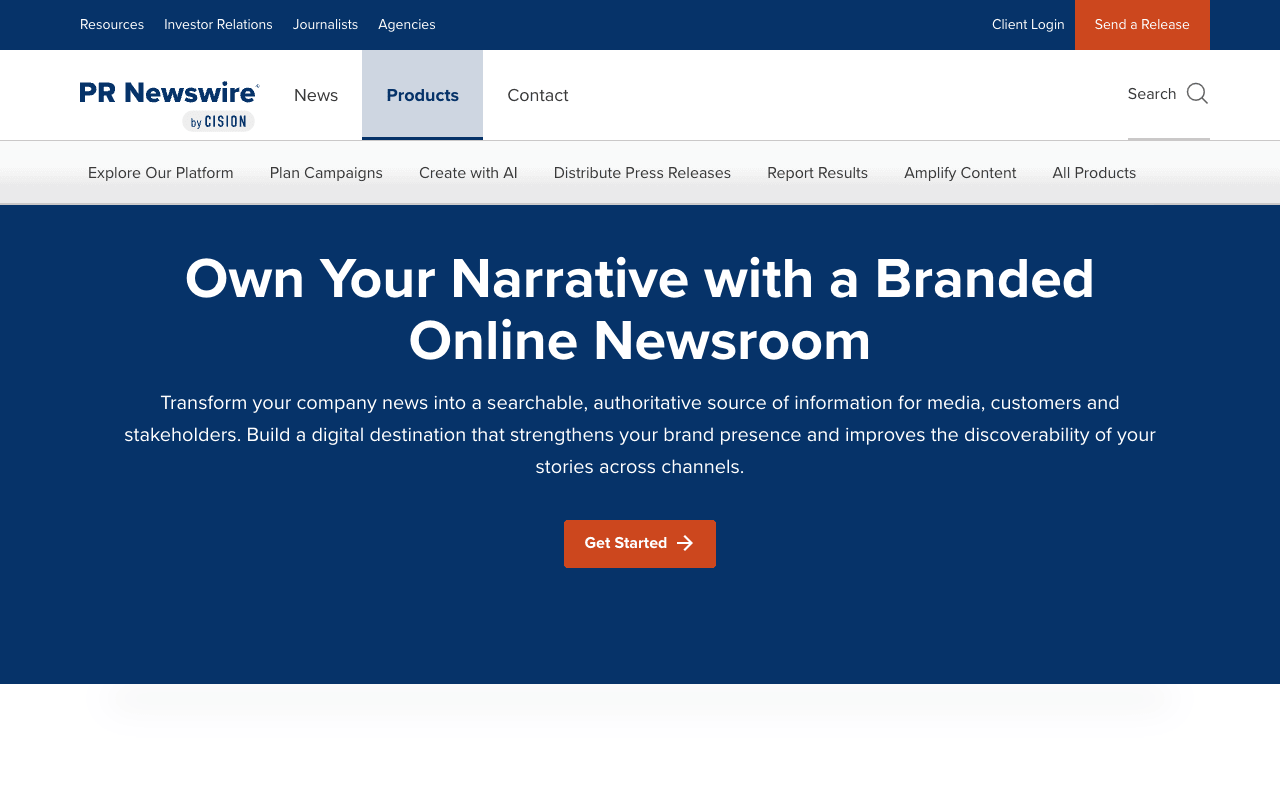
MediaRoom is Cision's hosted newsroom, sold through PR Newswire. It's a branded, fully hosted newsroom designed to mirror your main site with your domain displayed, and any release you send through PR Newswire posts to it automatically when it crosses the wire, so the archive stays current without a second publishing step. Images, videos and media coverage sit in one place, analytics show how content performs, and hosting is SOC 2 Type II compliant. There are two options: a core-essentials newsroom, or a custom MediaRoom with design services and 24/7 support. Cision also pitches it for campaign landing pages with multimedia, case studies and event recordings. The tradeoff is fit: it makes most sense if PR Newswire is already your wire, since the auto-posting depends on distributing there, and pricing is by quote.
For PR teamsA public company sends earnings and announcements on PR Newswire and lets each release land in its media newsroom without anyone republishing it.
Pros
- Auto-posts releases distributed through PR Newswire
- SOC 2 Type II compliant hosting
- Custom design option with 24/7 support
Cons
- Quote only, no published prices
- Main benefit depends on sending through PR Newswire