1
Bluedot
Bot-free AI note taker with a built-in consent message
Best for: PR teams recording reporter calls and client calls without a bot
Pricing: From $14/user/mo billed annually ($18 monthly)
Free option: Free plan: 5 meetings (lifetime)
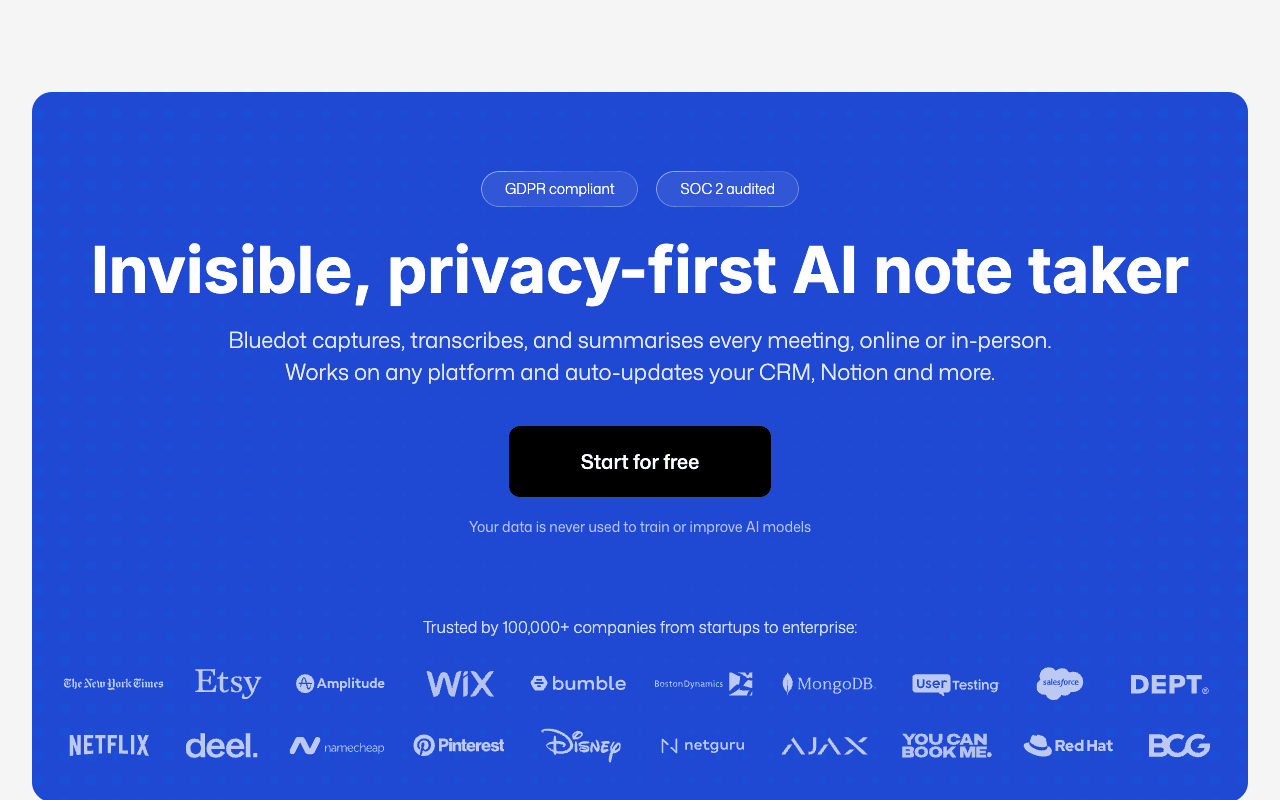
Bluedot records without sending a bot into your meeting. It captures through a Chrome extension or desktop app across Zoom, Google Meet and Microsoft Teams, and its mobile apps cover phone calls and in-person interviews, including from an Apple Watch. It answers the three questions that matter most in PR work. Consent: it can display a consent message before or during a recording, set in the workspace. Confidentiality: Bluedot says customer data is never used to train or improve AI models, and it lists a SOC 2 Type II framework, GDPR with a DPA, and EU data residency. Quotes: it keeps the recording, identifies speakers and transcribes in 100+ languages. The tradeoffs are the free plan, which is 5 meetings for life, and the Basic plan, which is audio only and caps each recording at one hour. Long interviews need Pro at $20/user/mo billed annually. Bluedot says it charges only for users who record meetings.
For PR teamsTurn on the workspace consent message, record reporter calls and client check-ins from the desktop app, and use the phone app for in-person interviews.
Pros
- No bot joins, on desktop, browser or mobile
- Says customer data is never used to train AI models
- Consent message before or during a recording
- Covers phone calls and in-person interviews
Cons
- Free plan is 5 meetings for life
- Basic is audio only with a one-hour cap per recording
2
Otter.ai
Transcription app with bot or bot-free capture
Best for: Searchable interview transcripts and checking quotes against the audio
Pricing: Pro $8.33/user/mo billed annually ($16.99 monthly)
Free option: Free plan: 300 min/mo, 30 min per conversation
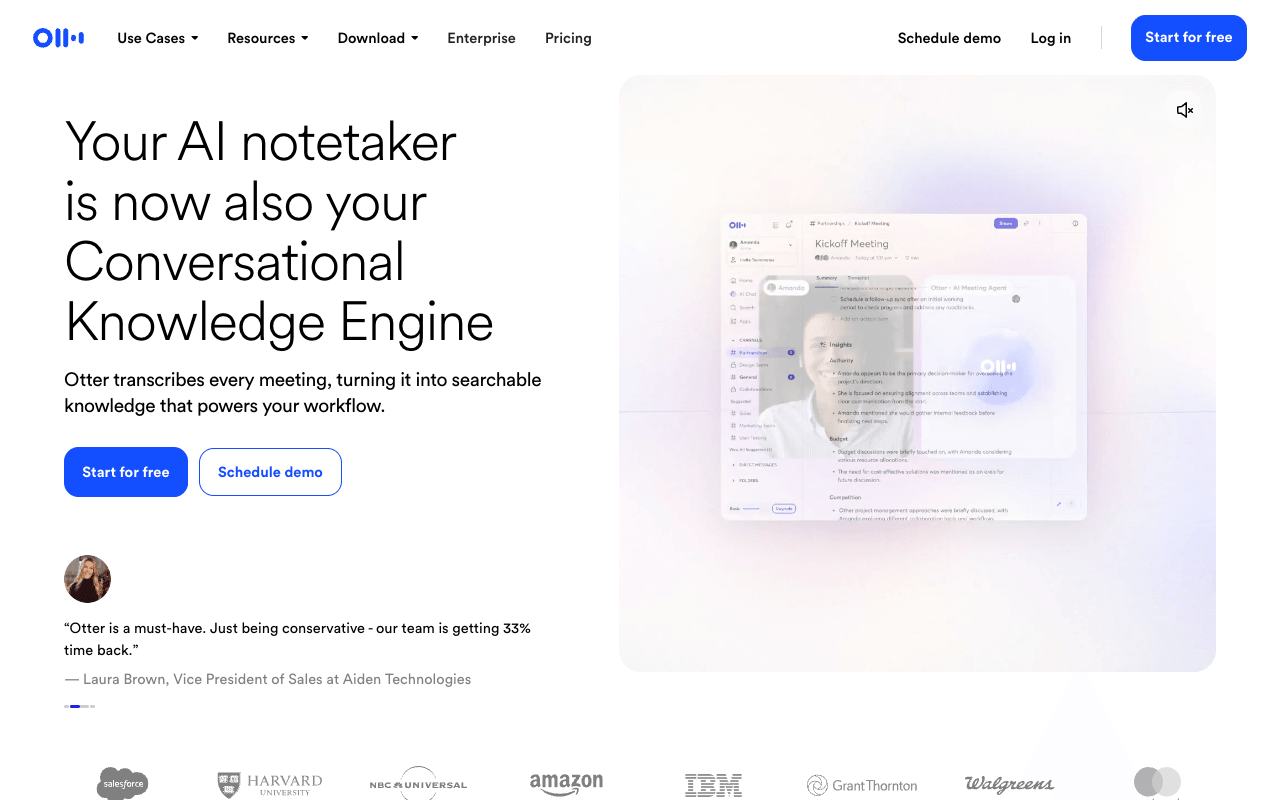
Otter gives you a choice on every call: send its notetaker to the meeting, or record bot-free from the Mac or Windows desktop app or Chrome, with a mobile app for conversations away from your desk. For quote work it is strong: live transcription with speaker recognition, searchable conversations, audio playback, and integrations with Slack, Notion, HubSpot, Salesforce and Claude. It transcribes English, Spanish, French, German, Japanese and Chinese. On data, Otter says it de-identifies user data before training its own models, and that customer data isn't used to train its AI service providers' models, so confidential client calls are a judgment call for your agency. It holds a SOC 2 Type 2 report, with HIPAA as an Enterprise add-on. The free plan caps conversations at 30 minutes, which cuts off most interviews; Pro allows 90 minutes per meeting and 1,200 minutes a month. Business is $19.99/user/mo billed annually for unlimited meeting transcription.
For PR teamsRecord the spokesperson's interview bot-free from the desktop app, then search the transcript and replay the audio to confirm exact wording before a quote goes into a recap.
Pros
- Bot or bot-free capture on desktop, Chrome or mobile
- Speaker recognition and searchable transcripts
- Keeps recordings so you can re-check quotes
- SOC 2 Type 2, HIPAA add-on on Enterprise
Cons
- Trains its own models on de-identified user data
- Per-conversation caps: 30 minutes free, 90 minutes on Pro
- Transcription in six languages
3
Granola
Bot-free AI notepad for back-to-back meetings
Best for: Teams that want bot-free notes on every call at a low seat price
Pricing: Business $14/user/mo billed monthly; Enterprise from $35/user/mo
Free option: Free plan: Basic, 30 days of meeting history
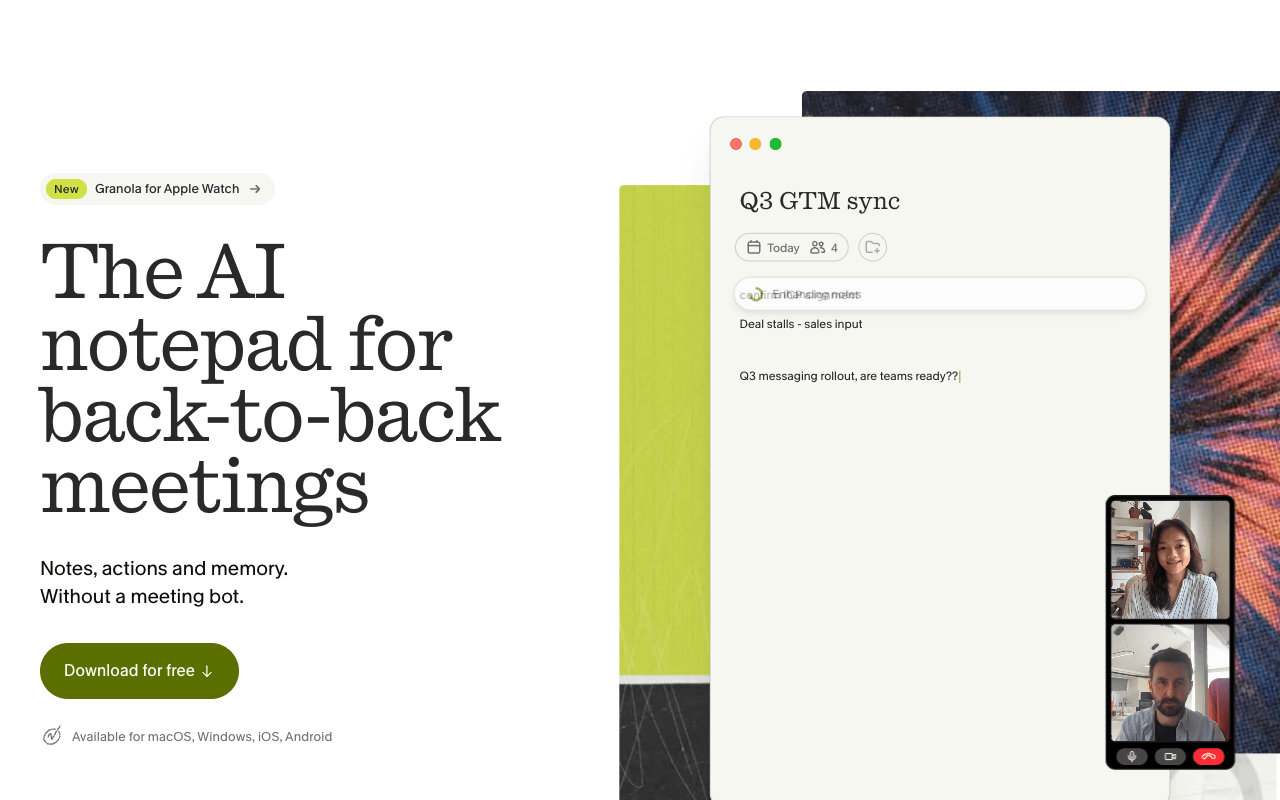
Granola never adds a bot to your call. It uses your computer's audio, you start it yourself, and it won't auto-join or auto-record anything, which suits reporter calls where a new participant would cause friction. It runs on macOS, Windows, iOS and Android, and the mobile app covers phone calls and in-person meetings. Speaker tagging, Slack on every plan, and Notion, HubSpot and Zapier on Business make it easy to get notes to the account team. Granola does not store meeting audio: audio is deleted after transcription. That protects confidential client calls, but it leaves no recording to replay before you print a quote. On training, Granola says it doesn't let third parties train on your data, but it trains on anonymized data by default; each user can opt out in Settings on Basic and Business, and Enterprise has training off by default. It meets SOC 2 Type 2, offers configurable transcript retention, and has a "let people know" notice that Enterprise admins can enforce.
For PR teamsStart Granola when a reporter call begins, tell the reporter you're taking AI notes, and send the summary to Slack or Notion for the account team.
Pros
- Never adds a bot or auto-records
- Mobile app for phone calls and in-person meetings
- Free Basic plan and a low per-seat Business price
- Configurable transcript retention and auto-deletion
Cons
- Deletes audio, so there's no recording to re-check quotes
- Trains on anonymized data unless each user opts out (off on Enterprise)
- Free plan keeps 30 days of history
4
Fireflies.ai
Meeting notetaker with a stated no-training policy
Best for: Agencies with strict client-data rules that need shareable recaps
Pricing: Pro $10/seat/mo billed annually ($18 monthly)
Free option: Free plan: unlimited transcription, 400 min storage
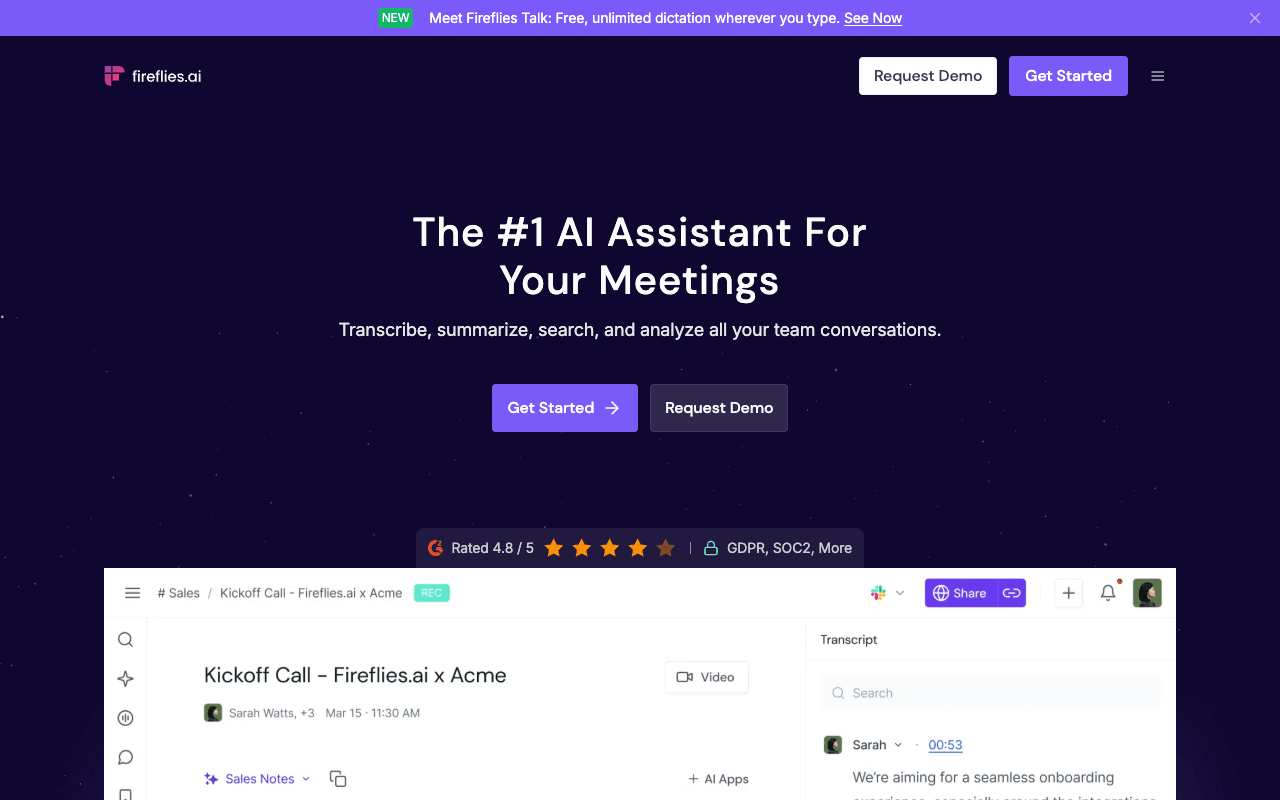
Fireflies is built around its notetaker: you invite it to a meeting or let it auto-join your calendar meetings to record, transcribe and summarize. For calls where a bot would be awkward, its Chrome extension records without the Fireflies bot, and the mobile apps handle in-person conversations. The PR case is data handling. Fireflies says your data is never used for AI training or any purpose outside your direct business needs, and its security page lists GDPR, SOC 2 Type II and HIPAA. That is a clear answer to give a client who asks. It identifies speakers, transcribes in 100+ languages and connects to Slack and CRMs. The Business plan ($19/seat/mo billed annually) adds public meeting access, useful for sending a client a recap they can open. The free plan is generous on transcription but stores only 400 minutes per team, so an agency outgrows it fast; Pro raises storage to 8,000 minutes per seat. Enterprise ($39/seat/mo) is billed annually only.
For PR teamsLet the notetaker join routine client status calls, switch to the Chrome extension for sensitive ones, and share a public meeting link with the client on Business.
Pros
- Says data is never used for AI training
- GDPR, SOC 2 Type II and HIPAA on its security page
- Chrome extension records without the bot
- Public meeting access on Business for client sharing
Cons
- Built around a meeting bot; bot-free needs the Chrome extension
- Free plan stores 400 minutes per team
- Enterprise is billed annually only
5
Fathom
AI notetaker with unlimited free recordings
Best for: Solo publicists and small teams who want a free note taker
Pricing: Premium $16/user/mo billed annually ($20 monthly)
Free option: Free plan: unlimited recordings and transcriptions
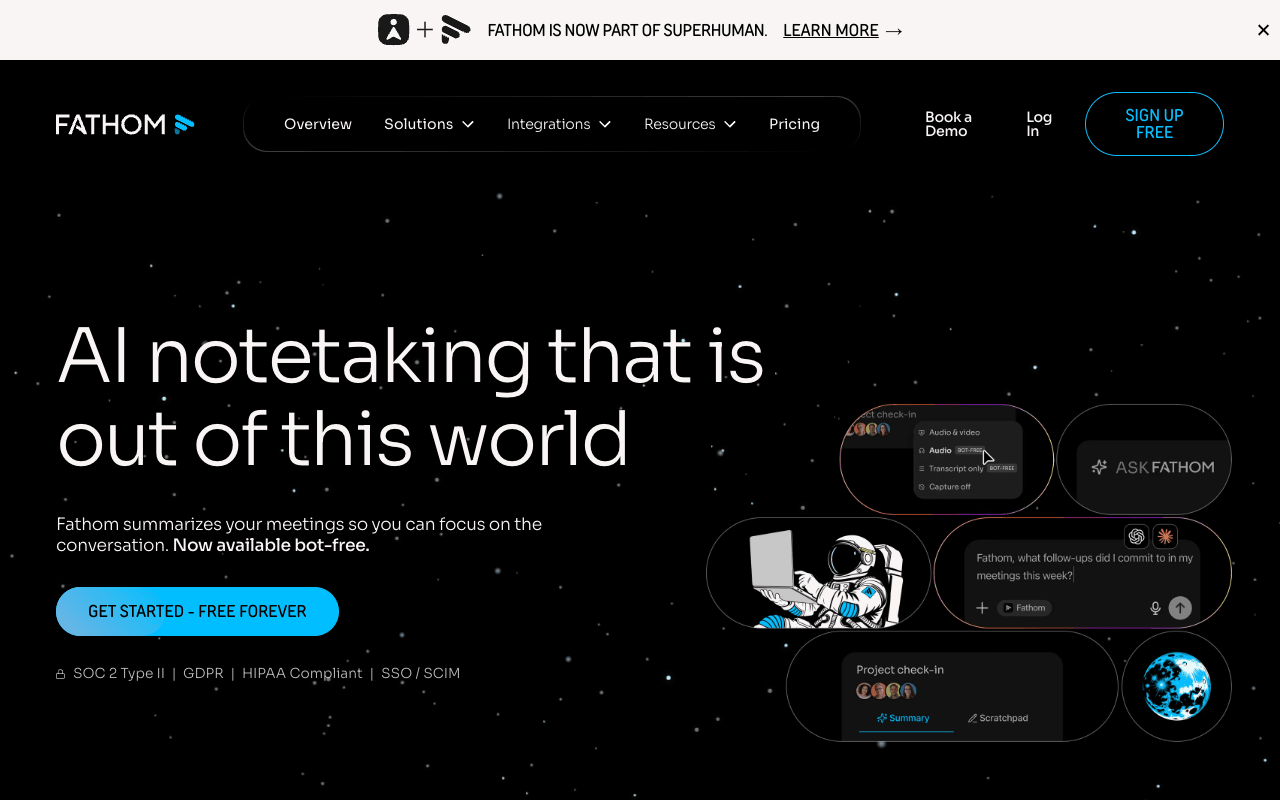
Fathom's free plan is the most generous on this list: unlimited recordings and transcriptions with instant AI call summaries, though some advanced features are marked limited use. That makes it the easiest start for a solo publicist or a founder doing their own PR. It records with a bot or, new and in beta on Mac only, bot-free. Call storage is unlimited, and you can search meetings by attendee or keyword and cut clips, which helps when you need a client's exact approval or a spokesperson's exact answer. It connects to Slack, Notion, HubSpot, Salesforce, Claude and ChatGPT. Fathom's privacy policy says it may train its in-house models on de-identified meeting data, that you can opt out in account settings, and that it doesn't authorize third parties to train on your content. It lists SOC 2 Type II, GDPR and HIPAA. Team ($15/user/mo billed annually) and Business plans need at least two users, and every paid plan carries a 90-day guarantee.
For PR teamsRecord client calls on the free plan, search by attendee to find what a client approved, and clip the moment to share with the account team.
Pros
- Unlimited recordings on the free plan
- Keyword and attendee search with clips
- Opt-out from training in account settings
- 90-day guarantee on paid plans
Cons
- Bot-free capture is in beta and Mac only
- Trains in-house models on de-identified data unless you opt out
- Team and Business plans have a 2-user minimum
6
Krisp
Bot-free note taker built on noise cancellation
Best for: Phone interviews, noisy rooms and client names transcription gets wrong
Pricing: Core $8/user/mo billed annually ($16 monthly)
Free option: 7-day free trial, no credit card
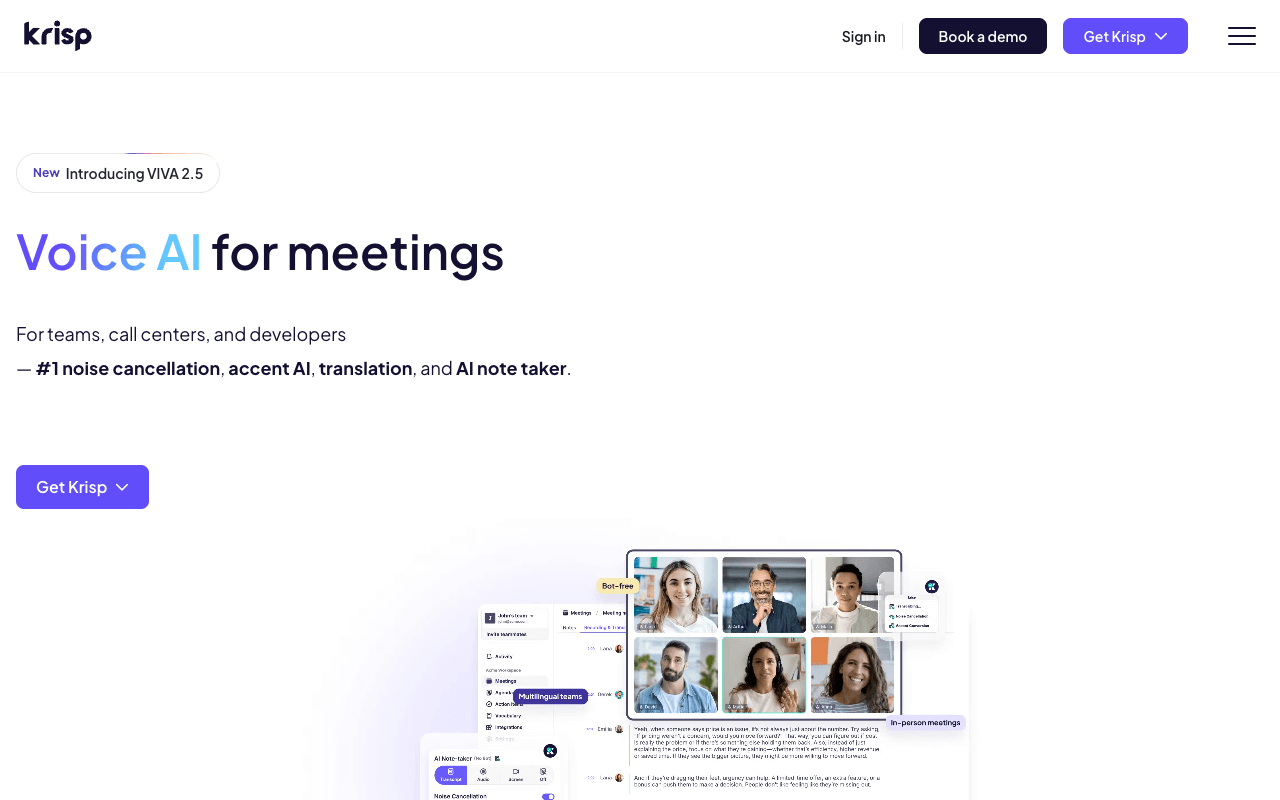
Krisp combines its noise cancellation with what it describes as a bot-free AI note taker for Zoom, Microsoft Teams, Google Meet, Slack Huddles and more. Noise cancellation runs before transcription, which helps when a call comes from a trade-show floor or a busy newsroom. The Core plan includes an outbound phone call recorder and in-person recording from the desktop app, and the mobile app covers on-the-go and offline conversations. Custom vocabulary holds up to 750 words, room for client, product and executive names. English transcription runs on-device, with server-based transcription in 15 more languages. Krisp lists SOC 2, GDPR and HIPAA on its homepage, with a BAA available for teams of 100+ seats. Read its privacy policy before client work: it says it stores recordings and notes only to provide the service and doesn't monitor, sell or use them for any purpose, but also lists improving its own AI models as a consent-based purpose. The pricing page offers a 7-day trial rather than a free plan.
For PR teamsLoad client and product names into custom vocabulary, then record outbound phone interviews and remote calls without a bot joining.
Pros
- Bot-free by default, with an optional bot
- Outbound phone call recorder on Core
- Custom vocabulary up to 750 words
- Noise cancellation before transcription
Cons
- Pricing page offers a 7-day trial, not a free plan
- Privacy policy lists consent-based AI model improvement
- BAA only for teams with 100+ seats
7
Plaud NotePin S and Note Pro
Wearable and card-sized AI voice recorders
Best for: In-person interviews, press events and handheld phone calls
Pricing: NotePin S $179, Note Pro $189; Pro plan $99.99/yr ($17.99 monthly)
Free option: Free Starter plan with a device: 300 min/mo
When the conversation isn't on a meeting platform, hardware is the cleanest option, and Google's own answer for this search lists recorders as a separate category. Plaud sells the clip-on NotePin S and the card-sized Note Pro, plus a free Plaud Desktop app for online meetings. The Note Pro switches between in-person and phone-call recording on its own and has four microphones with pickup up to 16.4 feet, useful at a junket or around a press-event table. Transcripts cover 112 languages with speaker labels. Plaud says conversation data is not used to train models unless the user explicitly opts in, and the Note Pro page lists ISO 27001, ISO 27701, SOC 2, HIPAA and GDPR. Its product page also reminds users to get consent from all participants where the law requires it. The costs stack: the device first, then a plan beyond the free 300 minutes a month. Pro adds 1,200 minutes a month; Unlimited is $239.99 a year.
For PR teamsClip a NotePin S on before a press event or desk-side, tell the reporter it's recording, and review the transcript afterward.
Pros
- No bot and no laptop needed
- Note Pro switches between in-person and phone calls
- Says data trains models only if you opt in
- 112 languages with speaker labels
Cons
- You buy a device ($179 or $189) before any plan
- Free plan caps transcription at 300 minutes a month
8
Read AI
Meeting notes from a bot that asks the host first
Best for: Client calls where you want consent to be visible to all
Pricing: Pro $15/user/mo billed annually ($19.75 monthly)
Free option: Free plan: 5 meeting transcripts/mo
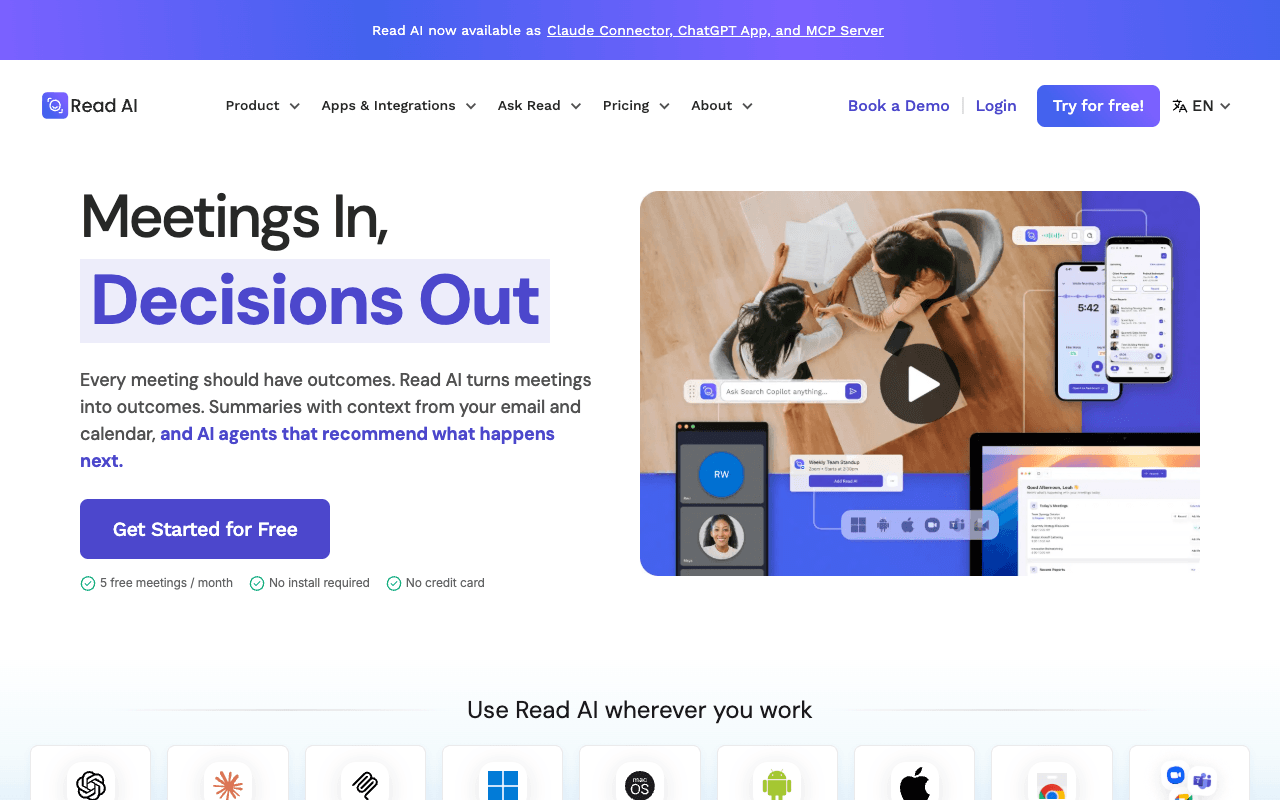
Read AI takes the opposite approach to the bot-free tools. Its bot announces itself at the start of every meeting and needs host approval before joining, and participants can opt out at any time, at which point Read says the meeting data is immediately and permanently deleted. On a client call, that makes consent something everyone can see. It also captures in-person meetings and live events through its apps, and a desktop app records from your computer. AI training is opt-in and off by default, and Read is audited against SOC 2 Type II every year. Search runs across meetings, email and messages, and Pro adds integrations with Notion, Salesforce, HubSpot and Zapier. The PR catch: audio and video playback starts at the Enterprise tier ($22.50/user/mo billed annually), so on Pro you check quotes against the transcript only. A visible bot is also a weaker fit for a reporter's call than a quiet recorder.
For PR teamsLet Read join client status calls so everyone sees the request, then send the summary and action items to the client afterward.
Pros
- Announces itself and requires host approval
- AI training is opt-in, off by default
- Search across meetings, email and messages
- Apps for in-person meetings and live events
Cons
- Audio and video playback starts at Enterprise
- Free plan is 5 transcripts a month
- Enterprise+ requires 5+ licenses
9
Jamie
Bot-free meeting notes with data kept in the EU
Best for: EU-based agencies and clients with strict data-residency terms
Pricing: Plus €21/mo billed annually; Pro €39/mo billed annually
Free option: Free plan: 10 AI notes/mo, 30-min limit
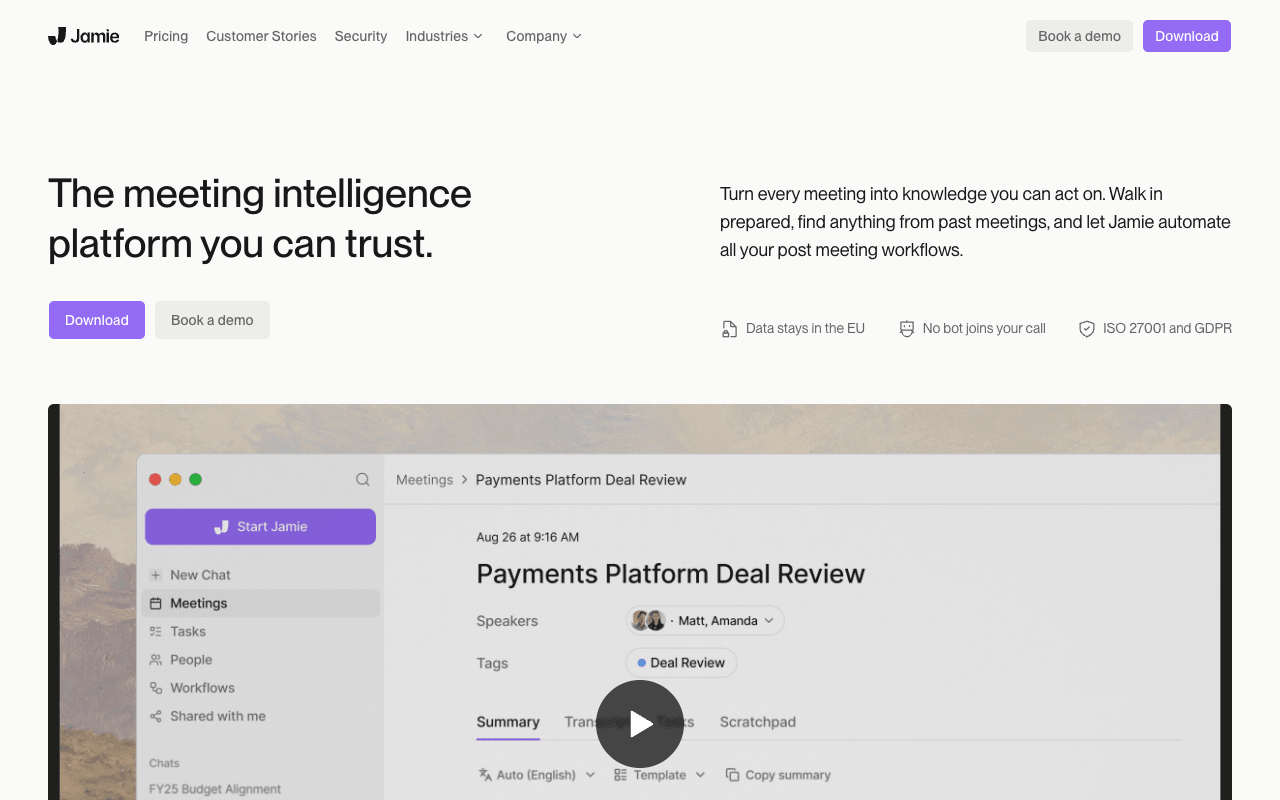
Jamie runs on your own device and doesn't need a bot to join, across Zoom, Teams, Google Meet or any other online platform, and it captures in-person meetings from a laptop or phone. Its privacy position is the strictest on this list: Jamie says it keeps your data in the EU, never stores audio and never trains models on it, under ISO 27001, GDPR and DORA, with storage and processing in the EEA, Switzerland and the UK. That suits agencies whose clients write data residency into their contracts. It offers a consent email (customized consent notifications are on the top tier), speaker recognition, notes in 99+ languages, and MCP access for Claude and ChatGPT on Pro and above. Two tradeoffs for PR work: audio is deleted after transcription, so there's no recording to re-check a quote, and SOC 2 Type II is listed as pending. Pricing is published in euros, and the free plan limits meetings to 30 minutes.
For PR teamsRun Jamie on client calls covered by EU data terms, send the consent email beforehand, and file the notes to Notion or Google Docs.
Pros
- No bot; runs on your device
- Says data stays in the EU and never trains models
- Consent email built in
- Notes and transcripts in 99+ languages
Cons
- Deletes audio, so there's no replay to check quotes
- SOC 2 Type II listed as pending
- Priced in euros; free plan limited to 30-minute meetings