1
Hunter
Name-plus-domain email finder with sources and confidence
Best for: One-off lookups when you know the reporter and the outlet
Pricing: Free; paid from $34/mo billed annually ($49 monthly)
Free option: Free plan: 50 credits/mo, no time limit
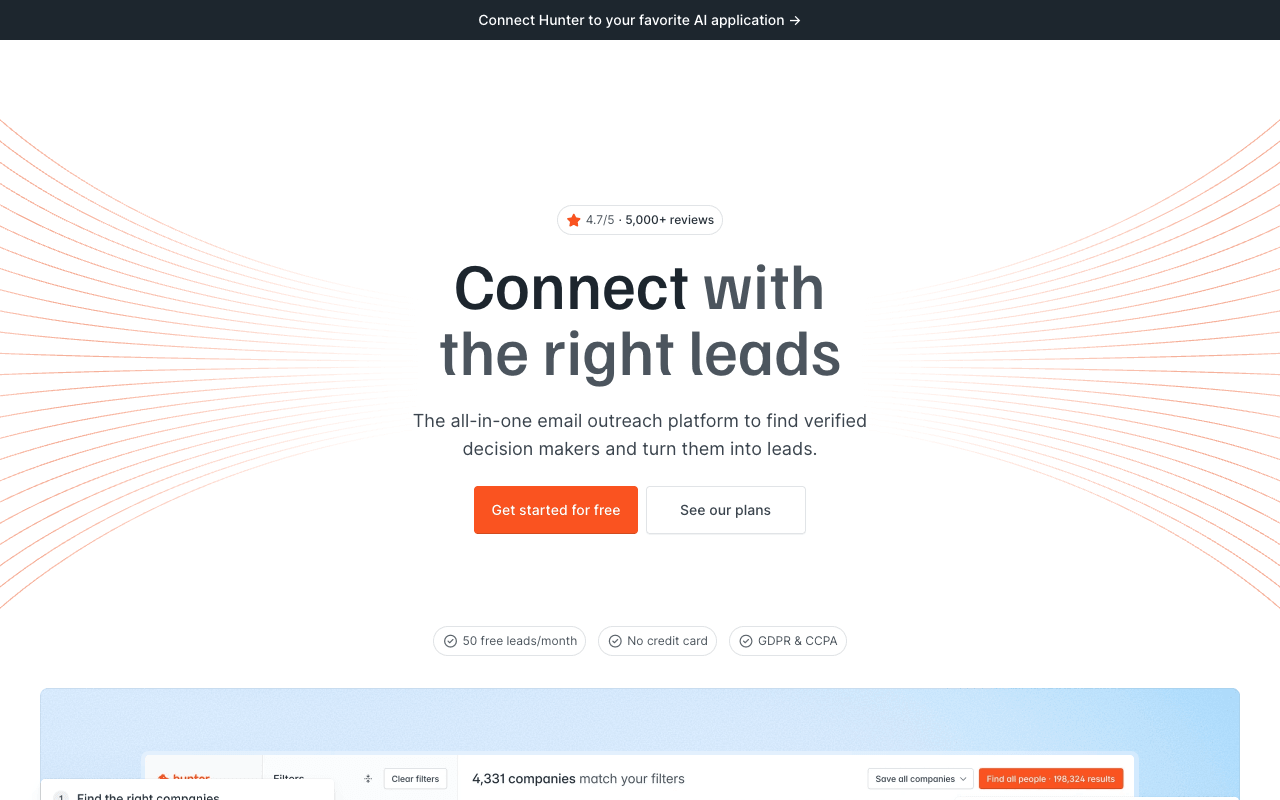
Hunter is the general-purpose finder that holds up best for journalist lookups, because it's open about how sure it is. Enter a reporter's full name and the outlet's domain or name, and the result comes back with a 0-100 confidence score or a Verified icon. Domain Search on an outlet shows the addresses Hunter has indexed there, with public sources and discovery dates, which helps you work out a newsroom's email format. Statuses separate valid from accept_all, webmail and unknown, so a catch-all newsroom result doesn't pass for a confirmed one. If an address can't be found, the search is free. The free plan gives 50 credits a month with no time limit. Starter is $49/mo for 2,000 credits a month, or $34/mo billed annually for 24,000 credits a year, with unlimited team members. The tradeoff: Hunter works from company domains, not beats, so it can't tell you whether the reporter still covers your story, and its help center says it can't integrate with LinkedIn because of LinkedIn's terms.
For PR teamsPaste a reporter's name and the outlet's domain from the byline, check the confidence and status, and confirm anything marked accept_all against their author page.
Pros
- Confidence scores, status labels and public sources
- Searches with no result are free
- 50 free credits a month with no time limit
- Unlimited team members on every plan
Cons
- Needs a company domain or name, which freelancers often lack
- No LinkedIn integration, per its help center
- Monthly-plan credits don't roll over
2
MedialystWe make this
Finds the journalists who cover your story, with verified emails
Best for: Knowing who to pitch, not just how to reach a name you have
Pricing: From $97/mo billed annually ($149/mo monthly)
Free option: Free first list (100 credits); journalist finder 3 lookups/day

Medialyst handles the step before the email: knowing which journalists to pitch. Paste a press release, URL or one-line description, and it reads articles relevant to that story, surfaces the journalists who actually cover it, and scores each one 0-100 by fit, with reasoning grounded in their recent work. Every email it delivers was validated in the last 14 days or is re-checked when you build the list, and you pay 1 credit only when a verified email is delivered; misses are free. For a single reporter, the free journalist finder confirms their current outlet and role, summarizes recent coverage and labels contact details by confidence, with three free lookups a day and no account. A public API and hosted MCP server work inside Claude, ChatGPT and Cursor on the same credits. The tradeoff is price: paid plans start at $97/mo billed annually ($149/mo monthly), well above Hunter's entry plan, so if you already know the reporter and only need the address, a general finder costs less.
For PR teamsPaste the release to get the reporters who cover it with verified emails, and use the free journalist finder to check a single name before a reactive pitch.
Pros
- Finds who covers your story, scored 0-100 by fit
- Pay only when a verified email is delivered
- Free journalist finder: 3 lookups a day, no account
- No per-seat fees, no contract, 14-day money-back guarantee
Cons
- Paid plans start at $97/mo billed annually
- Built for journalists and media lists, not general business contacts
3
Anymail Finder
B2B email finder that charges only for verified emails
Best for: Byline lookups by name and publication domain
Pricing: From $29/mo (400 credits); yearly from $228/yr
Free option: 100 free credits (card verified, not charged)
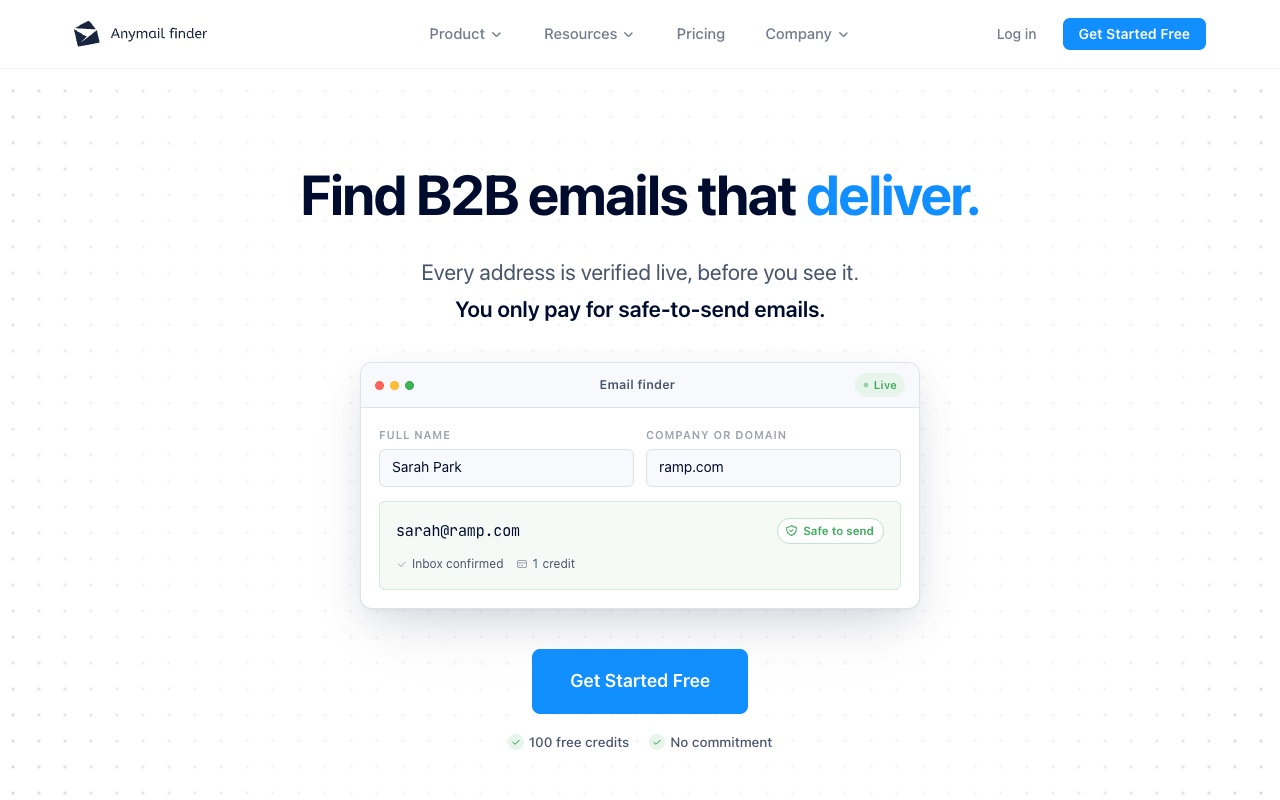
Anymail Finder is a B2B email finder with a dedicated Digital PR page, and its billing suits uncertain journalist lookups. Search by a reporter's name and the publication's domain, or paste a LinkedIn URL, and you pay 1 credit only if a verified email is found. Its pricing page says anything risky or unverified isn't charged, and repeat lookups within 30 days are free. Catch-all verification is included, and the Chrome extension marks results valid, risky or invalid wherever you find a name, from company sites to profile pages and directories. Bulk files of up to 100,000 rows, Google Sheets, Zapier and an MCP server cover list-scale work. Plans start at $29/mo for 400 credits, credits roll over while you're subscribed, and there are no per-seat fees. The tradeoff is scope: its own Digital PR page says results don't come from a media database and that its decision-maker search won't pick out the reporter covering a topic, so you bring the names.
For PR teamsUpload the byline list you researched, with each reporter's name and publication domain, and pay only for the verified emails that come back.
Pros
- Digital PR page and name-plus-publication lookups
- 1 credit only when a verified email is found
- Repeat lookups within 30 days are free
- No per-seat fees; credits roll over while subscribed
Cons
- Free credits require a card verification
- Won't pick the reporter covering a topic, by its own description
4
Snov.io
Low-cost finder and outreach suite with a renewing trial
Best for: Occasional lookups on a small budget
Pricing: From $29.25/mo billed annually ($39 monthly)
Free option: Trial plan: 50 credits, renews monthly
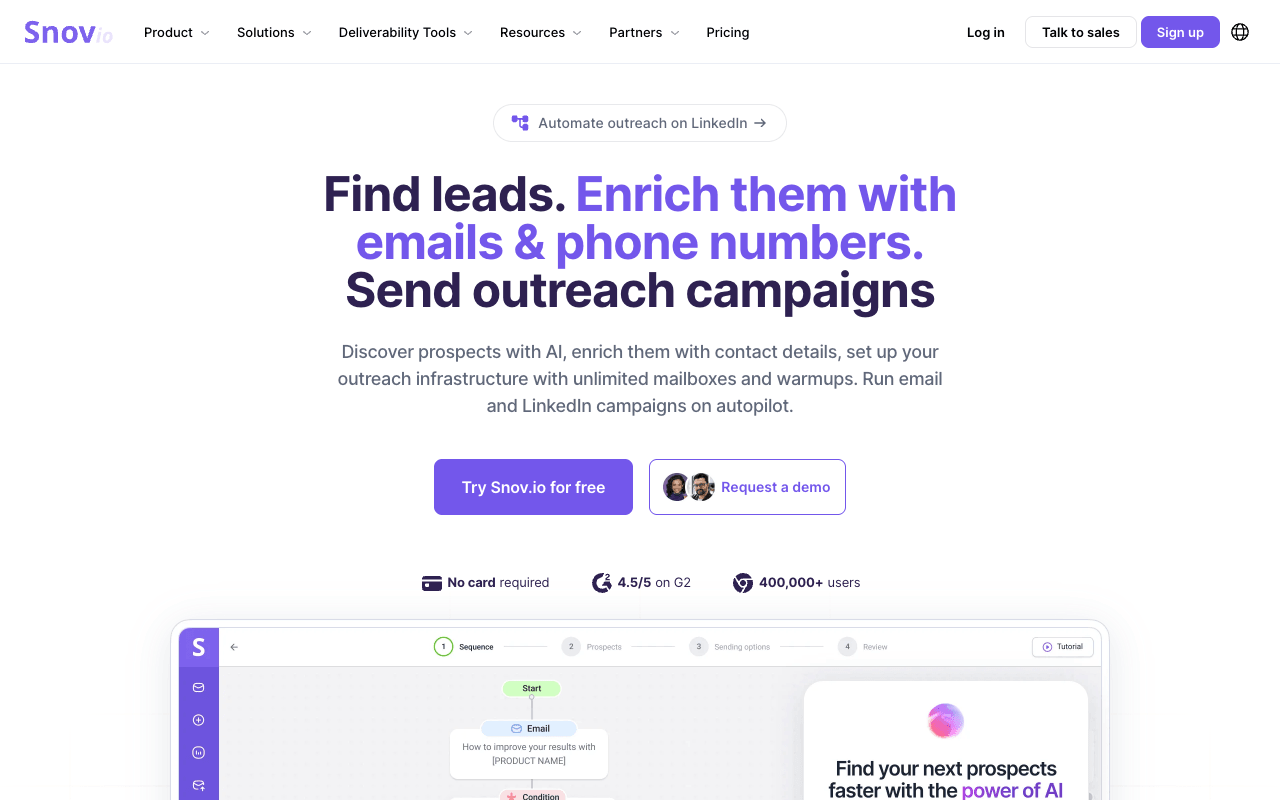
Snov.io is a sales prospecting and outreach platform, but its Email Finder page lists outreach and PR teams searching for journalists, bloggers and influencers as a use case, and its pricing works at low volume. Search by name and domain, or run Domain Search on an outlet to see its addresses. The Email Finder extension works on any website and on Google results, and a separate extension covers LinkedIn. Verification results come back as valid, invalid or unverifiable, with detail tags such as catch-all. The free Trial plan renews every month with 50 credits, and Starter is $39/mo or $29.25/mo billed annually for 1,000 credits, with unlimited seats. Drip campaigns, a built-in CRM, HubSpot and Pipedrive sync and an MCP server are there if you want them. The tradeoffs: valid and unknown finder results both cost a credit, and the Trial excludes bulk search, export, the API and integrations.
For PR teamsUse the renewing free credits for the few reporter lookups a month most campaigns need, and upgrade to Starter for a launch with a longer list.
Pros
- Free Trial renews 50 credits every month
- 1,000 credits for $29.25/mo billed annually
- Extension works on any website and on Google results
- Unlimited seats
Cons
- Unknown finder results still cost a credit
- Trial excludes bulk search, export and the API
5
RocketReach
Contact data with personal and work emails, graded
Best for: Freelancers and reporters without an outlet address
Pricing: From $27/mo billed annually ($329/yr) or $49/mo monthly
Free option: 5 free lookups, no credit card (not a monthly allowance)
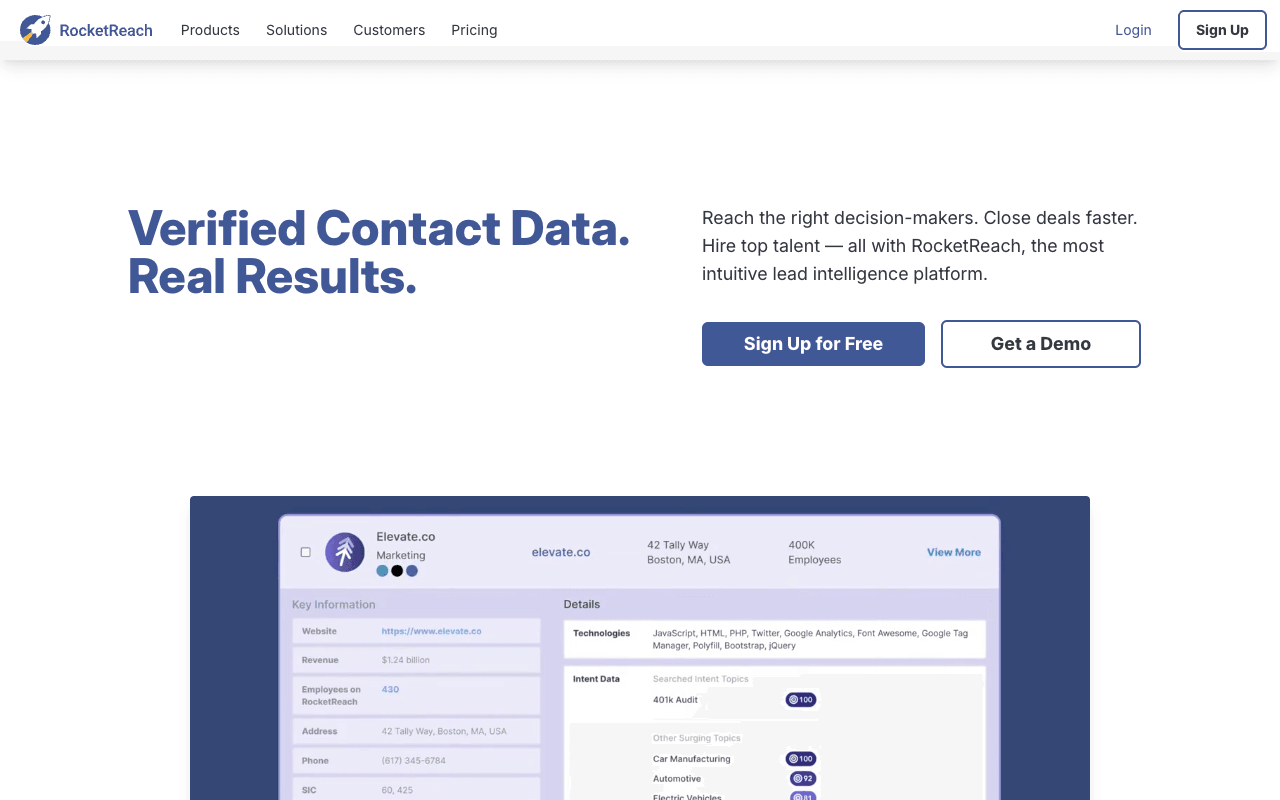
RocketReach is a verified contact-data platform, and the most useful general tool here for freelancers. It returns personal as well as work emails, with a setting for which type you prefer, which helps with writers who have bylines at several outlets but no address at any of them. Emails carry a letter grade (A, A- or B) for the estimated likelihood of delivery, and a lookup is refunded if RocketReach can't find and verify an email or phone. Its outlet email-format pages show how a publication structures its addresses. A Chrome extension, bulk CSV, sequences, the API and MCP come on all plans. Essentials (email only) is $49/mo for 100 lookups a month, or $27/mo billed annually ($329/yr) with unlimited lookups and 1,200 exports a year. The tradeoffs: free accounts get three sets of lookup credits in total, not a monthly allowance, and annual Essentials caps exports at 1,200 a year. For staff reporters, pitch the work address when there is one.
For PR teamsLook up a freelancer from their byline, choose the address type they use for work, and check the grade before it goes on the list.
Pros
- Personal and work emails, with a type preference
- A, A- or B delivery grade on emails
- Lookup refunded if nothing is verified
- Outlet email-format pages
Cons
- Free lookup credits don't renew monthly
- Monthly Essentials covers 100 lookups a month
- Annual Essentials caps exports at 1,200 a year
6
JournoFinder
Media database with an AI agent built for PR
Best for: Small teams that need a media database, not just emails
Pricing: From $119/mo billed annually ($189/mo monthly), 1 user
Free option: 7-day free trial (no contact details); free plan for journalist requests
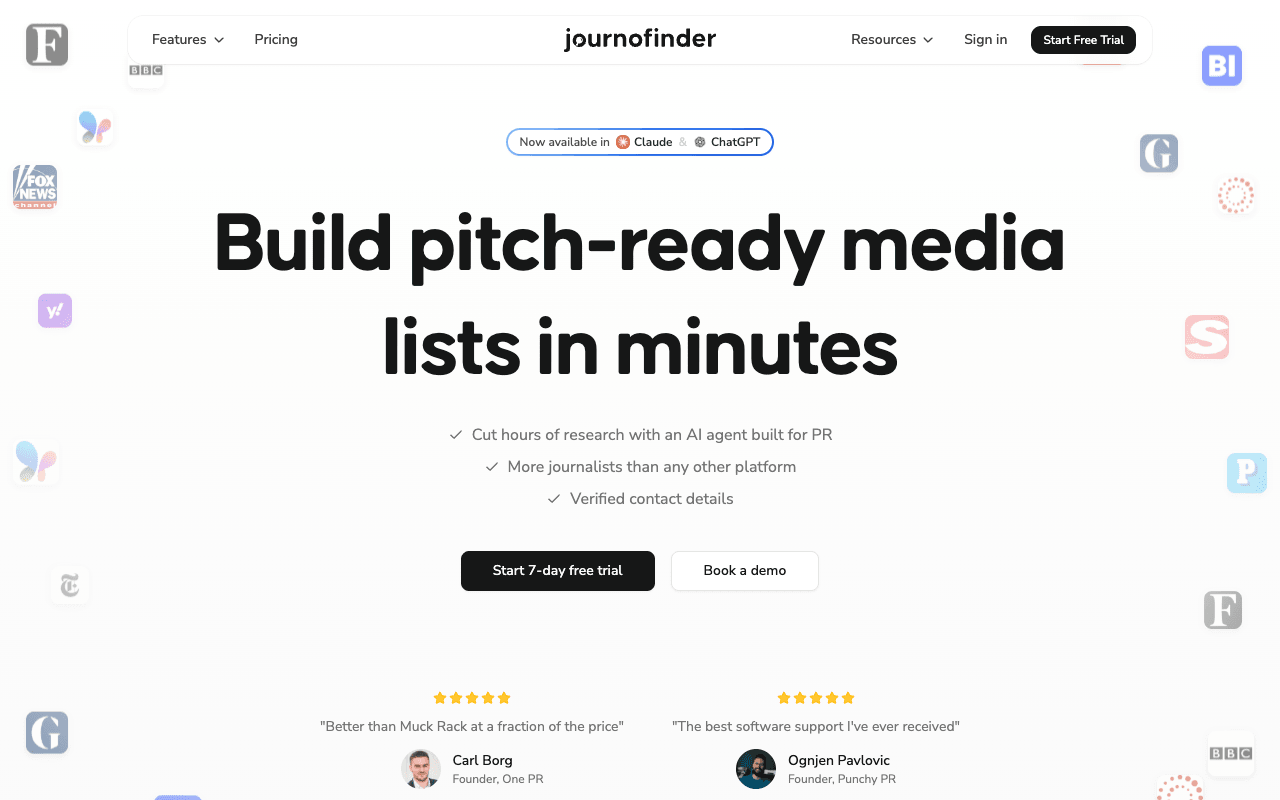
JournoFinder is a media database with an AI agent for building PR media lists. Search journalists by topic, outlet, job title and location, or search any story to find every journalist who covered it. Paste article URLs and it returns the journalists' contact details, which its site says works even if the journalist isn't in its database: useful when you have bylines but no addresses. Its paid plans list human verified emails, and its FAQ says contacts you add to a media list are automatically verified, with the results shown in your export. It says it has over 1,000,000 contacts in its database. The JournoFinder plan is $119/mo billed annually or $189/mo monthly for one user, and Team is $229/mo billed annually or $349/mo monthly for three users. The AI connector for Claude and ChatGPT comes with the annual plans. The tradeoffs: its FAQ says the 7-day free trial doesn't give access to contact information, and the free plan covers searching journalist requests and daily email alerts.
For PR teamsSearch a story to see who covered it, or paste the article URLs from your coverage research, and add the journalists to a media list.
Pros
- Search by topic, outlet, job title and location
- Paste article URLs to get journalists' contacts
- Contacts added to a list are automatically verified
- Claude and ChatGPT connector on annual plans
Cons
- Free trial doesn't give access to contact information
- Monthly plan allows 10 active media lists (100 on annual)
- Free plan covers journalist requests, not the database
7
ContactOut
Personal and work emails with a daily free allowance
Best for: A reporter or two a day without paying
Pricing: From $39/mo billed annually ($49 monthly)
Free option: Free plan: 5 emails, 5 phones, 5 exports/day

ContactOut is a contact-data tool that its own site describes as used by recruiters and sales teams. It's on this list for two reasons: a daily free allowance and personal emails. The free plan gives 5 emails, 5 phone numbers and 5 exports a day, which covers a reporter or two most days without paying. It returns personal as well as work emails, and its Chrome extension works on LinkedIn and on any company website. The Email plan is $49/mo, or $39/mo billed annually, for unlimited emails and 300 exports a month, under a fair-use cap of 2,000 email credits per account a month. Bulk tools, email campaigns, an API and native ATS and CRM integrations are available. The tradeoffs: plans have a one-user-per-company limit, which makes it awkward for agency teams, and its positioning is recruiting and sales, not media. When a staff reporter has a work address, pitch that rather than a personal one.
For PR teamsUse the daily free emails for the reporters a general finder couldn't place, and keep personal addresses for freelancers who use them for work.
Pros
- 5 free emails a day, every day
- Personal and work emails
- Extension on LinkedIn and any company website
Cons
- One user per company
- Unlimited plans capped at 2,000 email credits a month
- Positioned for recruiters and sales teams
8
Voila Norbert
Simple pay-per-correct-email finder with a PR page
Best for: Teams that want one plain finder with no per-seat fees
Pricing: From $39/mo billed annually ($49 monthly)
Free option: 50 free credits when you create an account
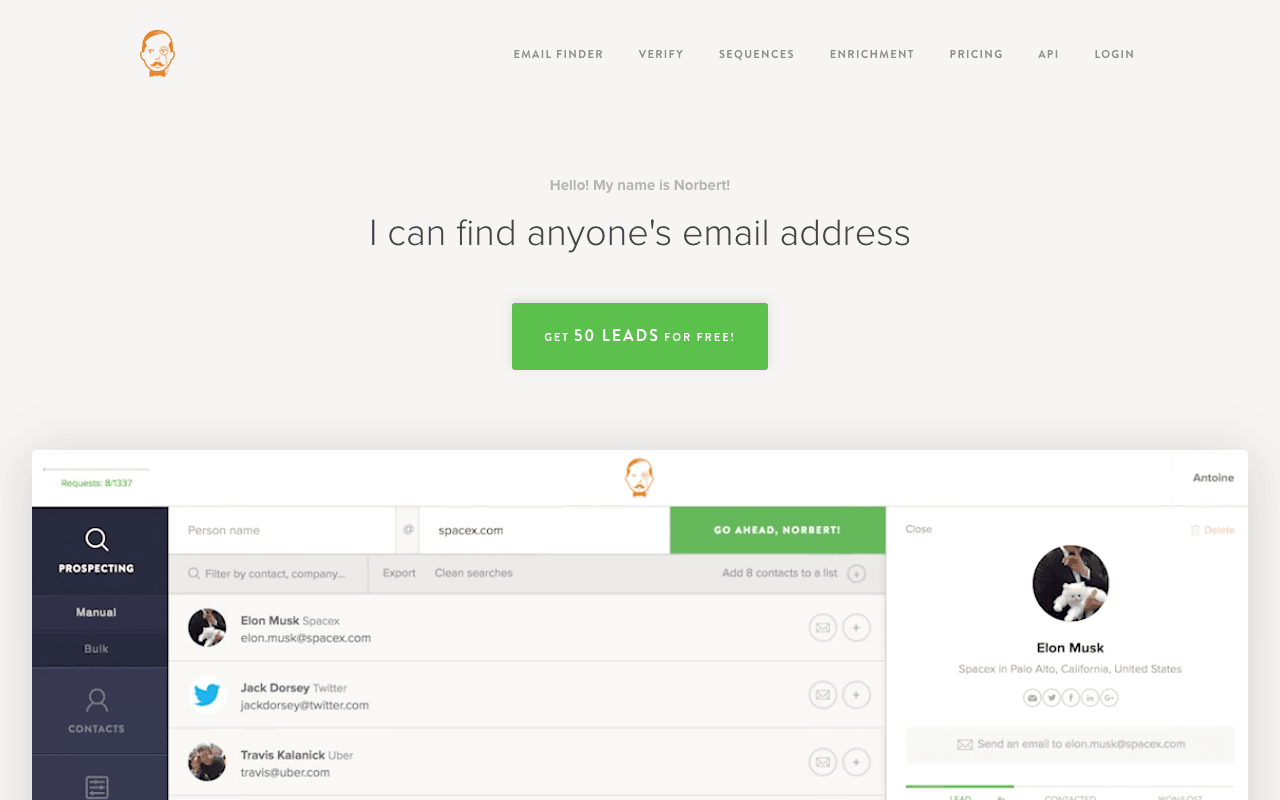
Voila Norbert is a simple pay-per-correct-email finder, and one of the few general finders with a dedicated PR page. Enter a full name plus a domain or company name, one at a time or as a bulk CSV, and you're charged one credit only for a correct address; if Norbert can't find one, you aren't charged. Each result carries a certainty score showing how sure Norbert is that it found the right address. A Chrome extension works on prospects' websites and on LinkedIn, and its site lists Zapier, HubSpot, Salesforce and Pipedrive integrations plus an API. Every plan includes unlimited team members, bulk and API use. Valet is $49/mo, or $39/mo billed annually, for up to 1,000 leads a month, and 50 free credits come with a new account. The tradeoffs: every lookup needs the person's full name and a domain or company, and it doesn't advertise a way to browse an outlet's addresses.
For PR teamsRun the names and outlet domains from a researched list as a bulk CSV, and check low-certainty results by hand before they go on the list.
Pros
- Dedicated PR page
- Charged only for correct addresses
- Bulk, API and unlimited team members on all plans
- Extension on company websites and LinkedIn
Cons
- Every lookup needs a full name plus domain or company
- Free allowance is 50 credits at signup
9
Semrush AI PR Toolkit
Prowly's PR suite, now part of Semrush
Best for: Teams that want a journalist database with pitching built in
Pricing: From $149/mo, billed monthly or annually (250 contacts/mo)
Free option: 7-day free trial (contact info limited)
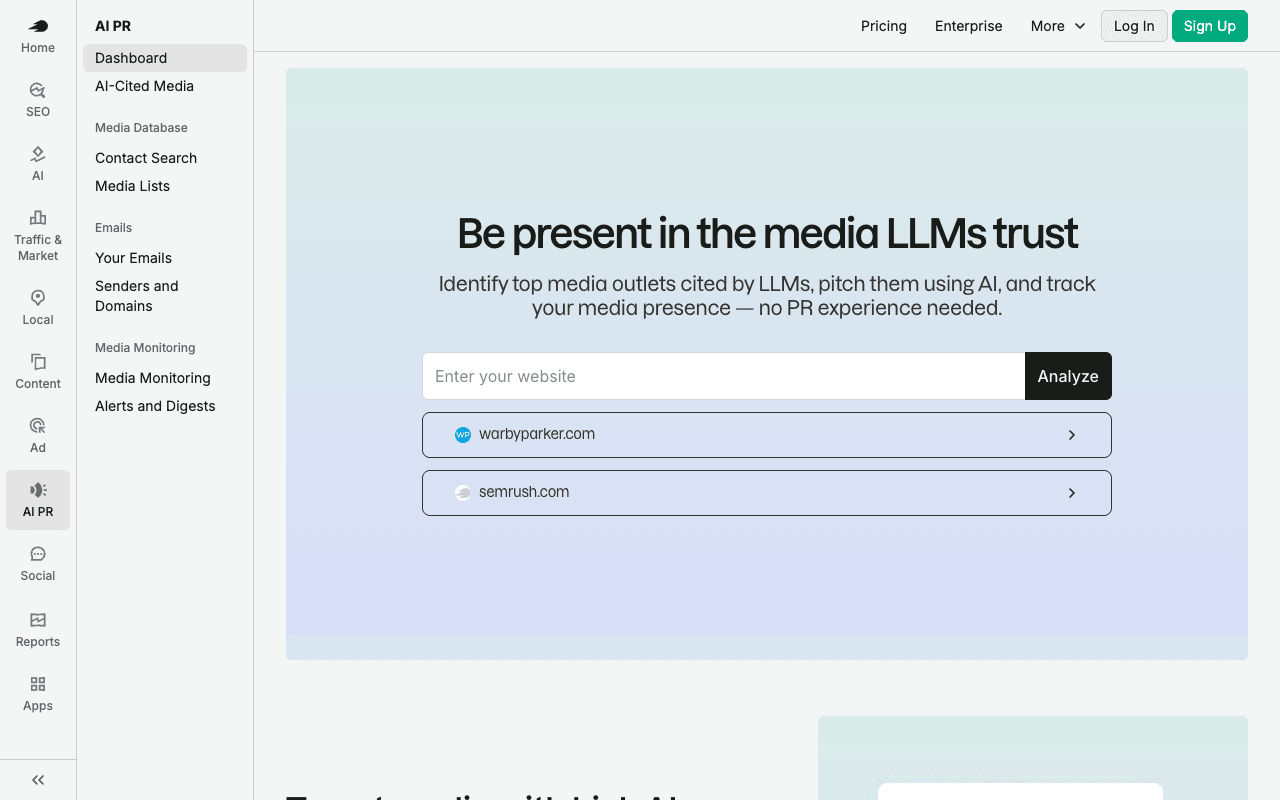
Prowly is now the Semrush AI PR Toolkit, and Prowly isn't taking new subscriptions, so new customers buy through Semrush. It's a media database rather than an email finder: search journalists by name, outlet, topic, region, role and media type, or describe your story in plain language and it finds matches from recent articles. Journalist profiles include recent articles and audience insights, so you can check a reporter's coverage before you take the email. A pitching tool with AI email writing and email analytics sits on top, with follow-up scheduling, contact exports and media monitoring from Pro. Prowly's site says the database has contact info and detailed profiles for over 600,000 journalists and outlets. Base is $149/mo with 250 database contacts a month, Pro is $279/mo with 500, and Business is $499/mo with 1,000; the price is the same on monthly or annual billing. The tradeoffs: the monthly contact caps limit how many new reporters you can add, and the 7-day trial limits viewing and exporting contact information.
For PR teamsSearch the database for who covers a story, check each profile's recent articles, and pitch from the toolkit with email analytics.
Pros
- Journalist profiles with recent articles and audience insights
- Plain-language search matched to recent articles
- Pitching tool with AI email writing and analytics
- Media monitoring on Pro and Business
Cons
- Base allows 250 database contacts a month; exports start on Pro
- Trial limits viewing and exporting contact information